3.25 Scheduling facility disbursement
- Click Schedule from the left menu to add the details of the payment to
be made on schedule basis.
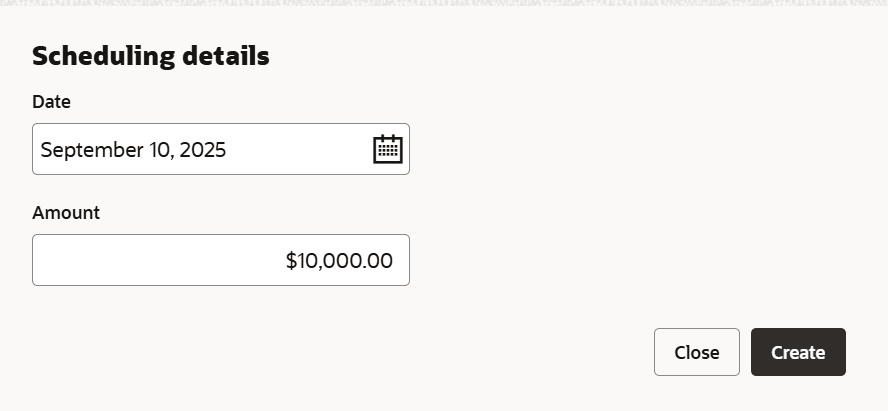
- Click Add.The Scheduling Details window is displayed.
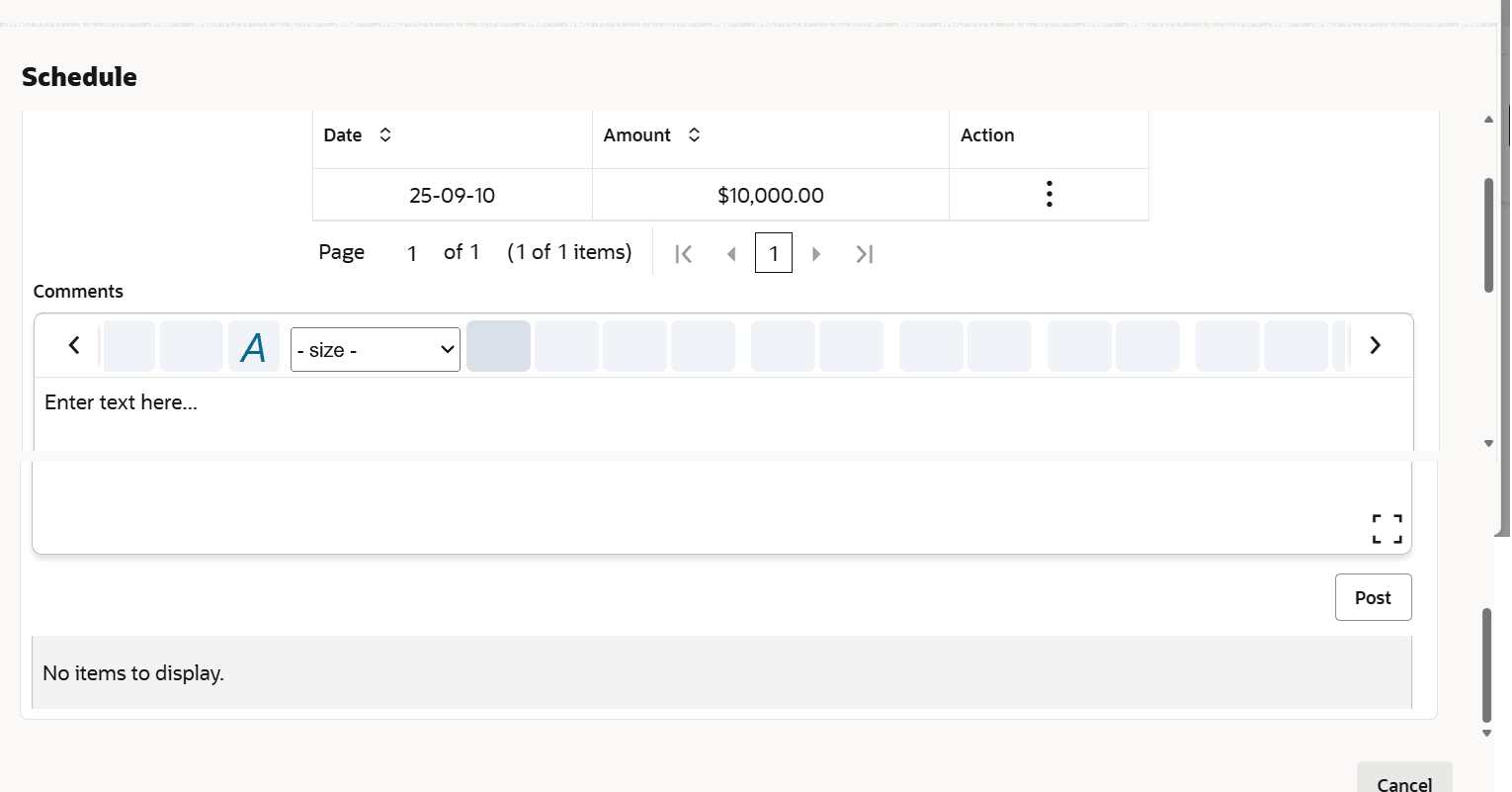
- Click Save. Scheduling details are added and listed as shown
below:
For field level information refer the below table.
Fields Description Add To add another scheduling detail, click the Add button again. Edit To edit the scheduling detail, click the Edit button. Delete To delete the scheduling detail, click the Delete button. Post Click Post. Comment is posted below the Comments text box.
Parent topic: Proposal Initiation