3.22 Basic Info

In this data segment, the user can view and manage the Facilities, Collaterals, Covenants, and Terms and Conditions of the customer.
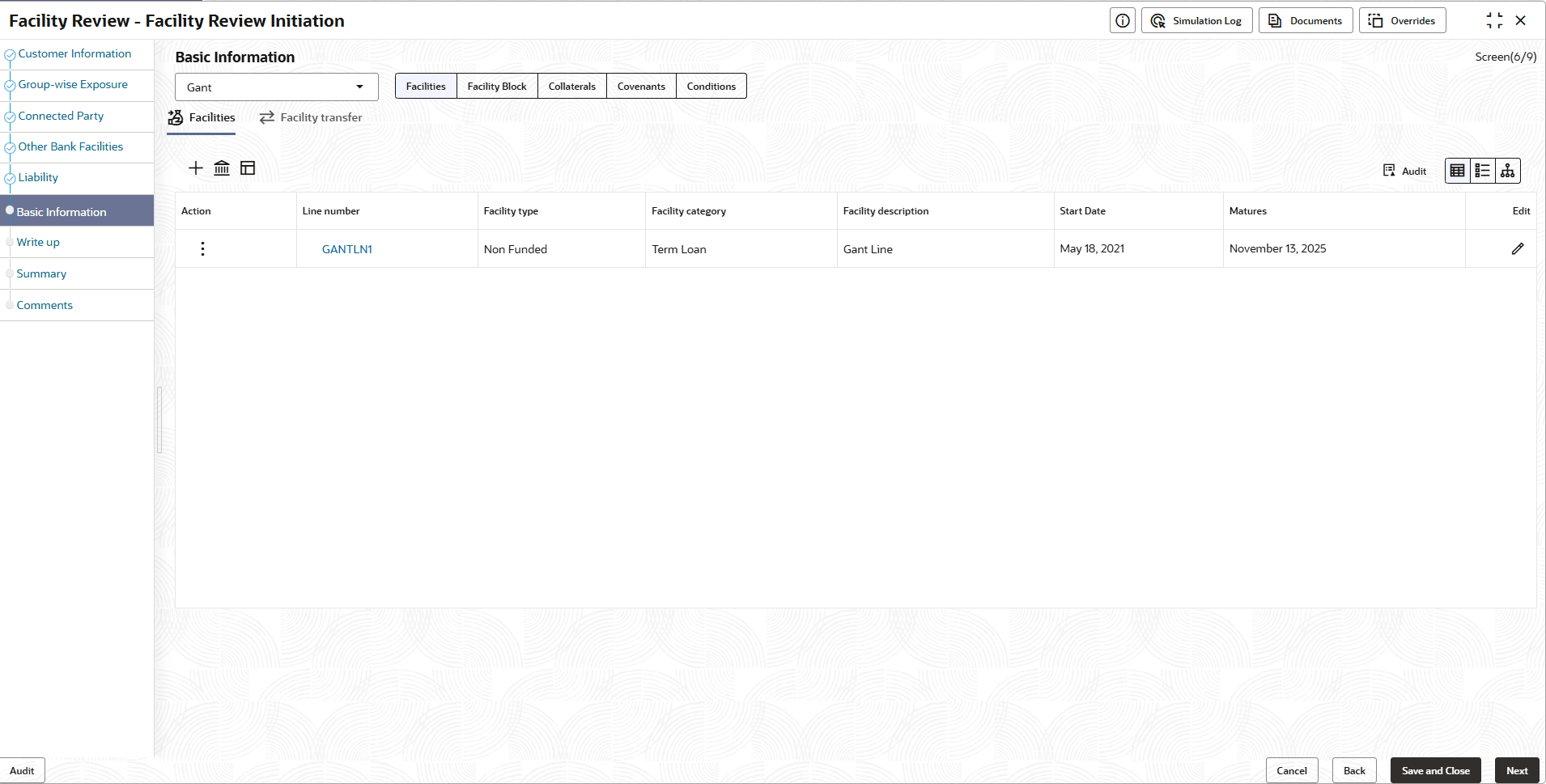
In the Facilities tab, the count of facilities that need to be reviewed are listed in the following widgets:
  • Amount
  • Overdue
  • Facility Covenants
  • Facility T&C
  • No Anomaly
  1. Click the count on required widget to view the facilities under a particular category.
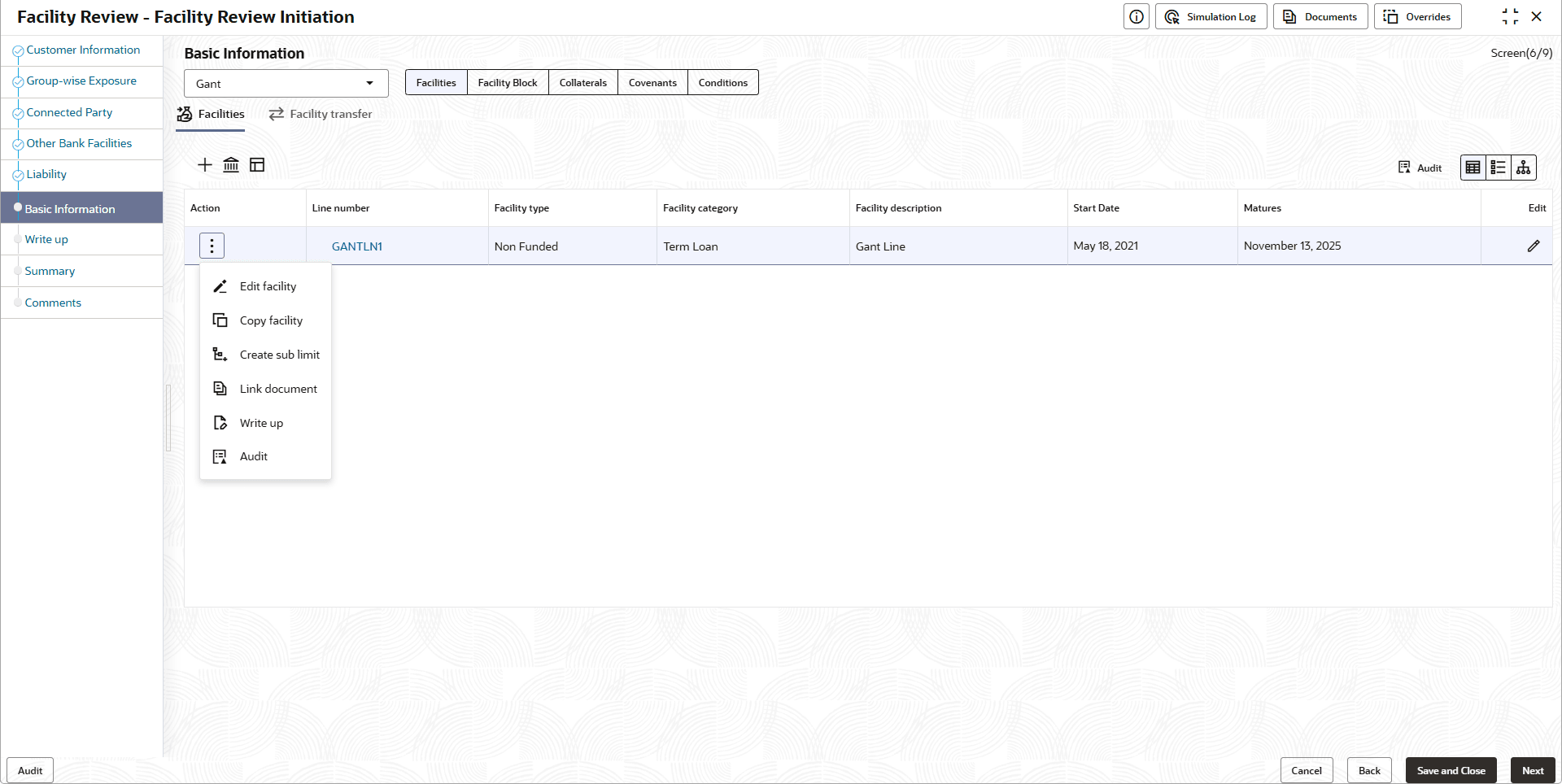
  2. To take necessary action for the facility, select the facility and click Actions.

    The following table describes the result of each action available in the Actions list of values:

    Table 3-25 Basic Info

    Actions Result
    Mark as no change required The system will mark that no change is required for the facility
    Change to new review date The user can enter a new review date for the facility
    Close Facility The facility will be closed
    Hold Facility The system will hold the facility
  3. Click on the required action.

    You can directly create new facility or create facility using the Facility Template maintained at the Maintenance module in this data segment.