3.45 Comments
The Comments data segment allows to capture overall remarks for this stage. Posting comments help the user of next stage to make better decision.
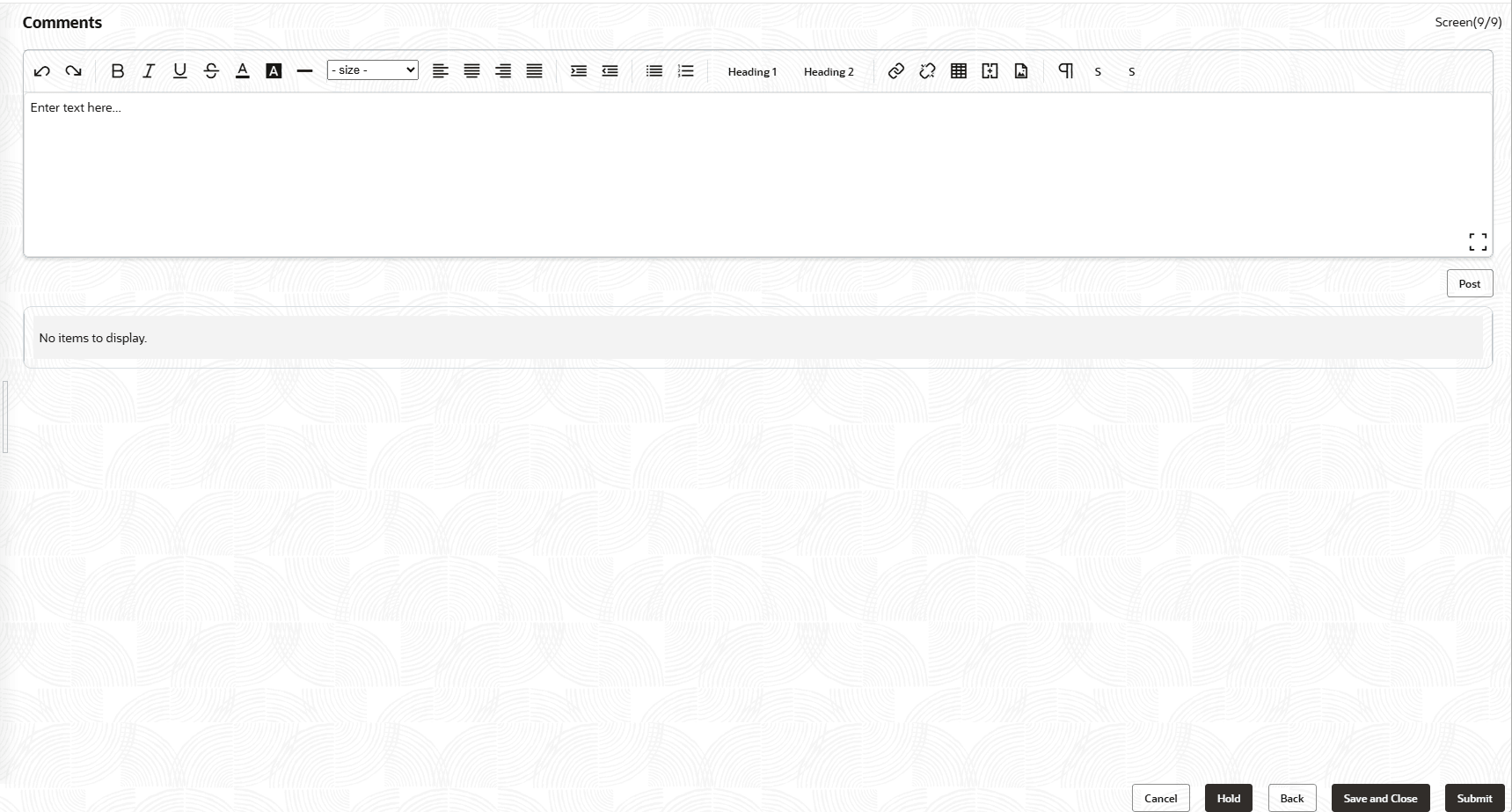
For field level information refer the below table.
Table 3-44 Comments
| Fields | Description |
|---|---|
| Post | Enter the necessary comments in the text box and click Post. Comment is posted. |
| Hold | To hold the Facility Review process, click Hold. |
| Back | To go back to the previous page, click Back. |
| Save & Close | To save and exit the process, click Save & Close. |
| Submit | To submit the task for enrichment, click Submit. |
| Cancel | To exit the process without saving the information, click Cancel. |
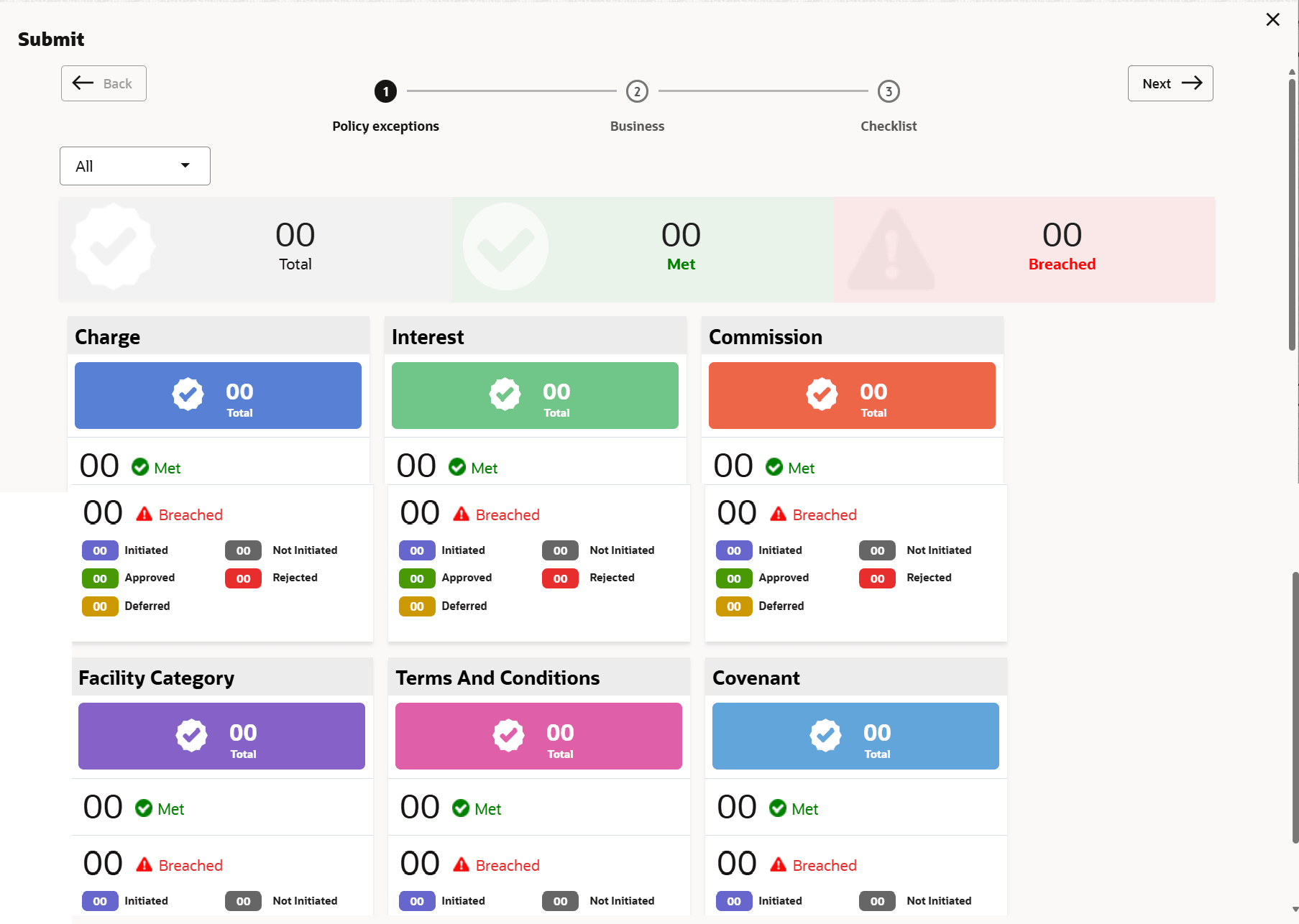
- Click Submit.The Policy Exception window is displayed
By default, policy exceptions are displayed for both the party and its child party.
- Click the Checklist data segment.
Note:
In the Enrichment stage, the Is KYC Required check box appears in the Checklist window. The user can enable that check box to perform KYC evaluation for the party / child party.
Parent topic: Proposal Initiation