3.44 Summary
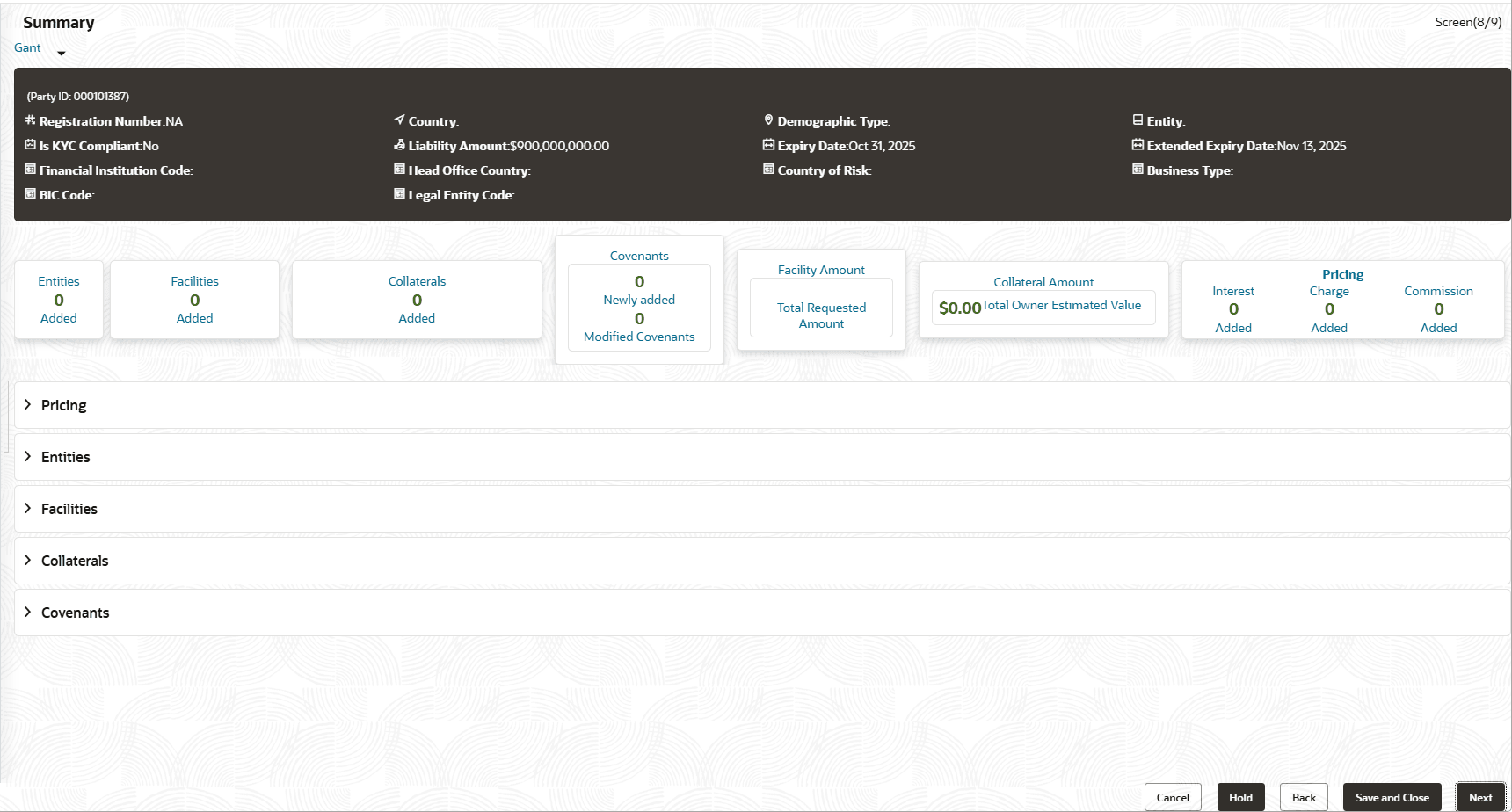
The Summary page displays all the information added in the previous data segments for verification.
Parent topic: Proposal Initiation
The Summary page displays all the information added in the previous data segments for verification.
Parent topic: Proposal Initiation