3.35 Creating Sub Limit
You can create any number of sub-limits for the facility. The sum of Requested Amount specified in each sub-limit should not exceed the Requested Amount in the parent facility.
While creating sub-limit, the Tenor and Line Expiry Date for the facility cannot be more than that of the parent facility.
- Click the Hamburger icon at the corresponding facility record and select
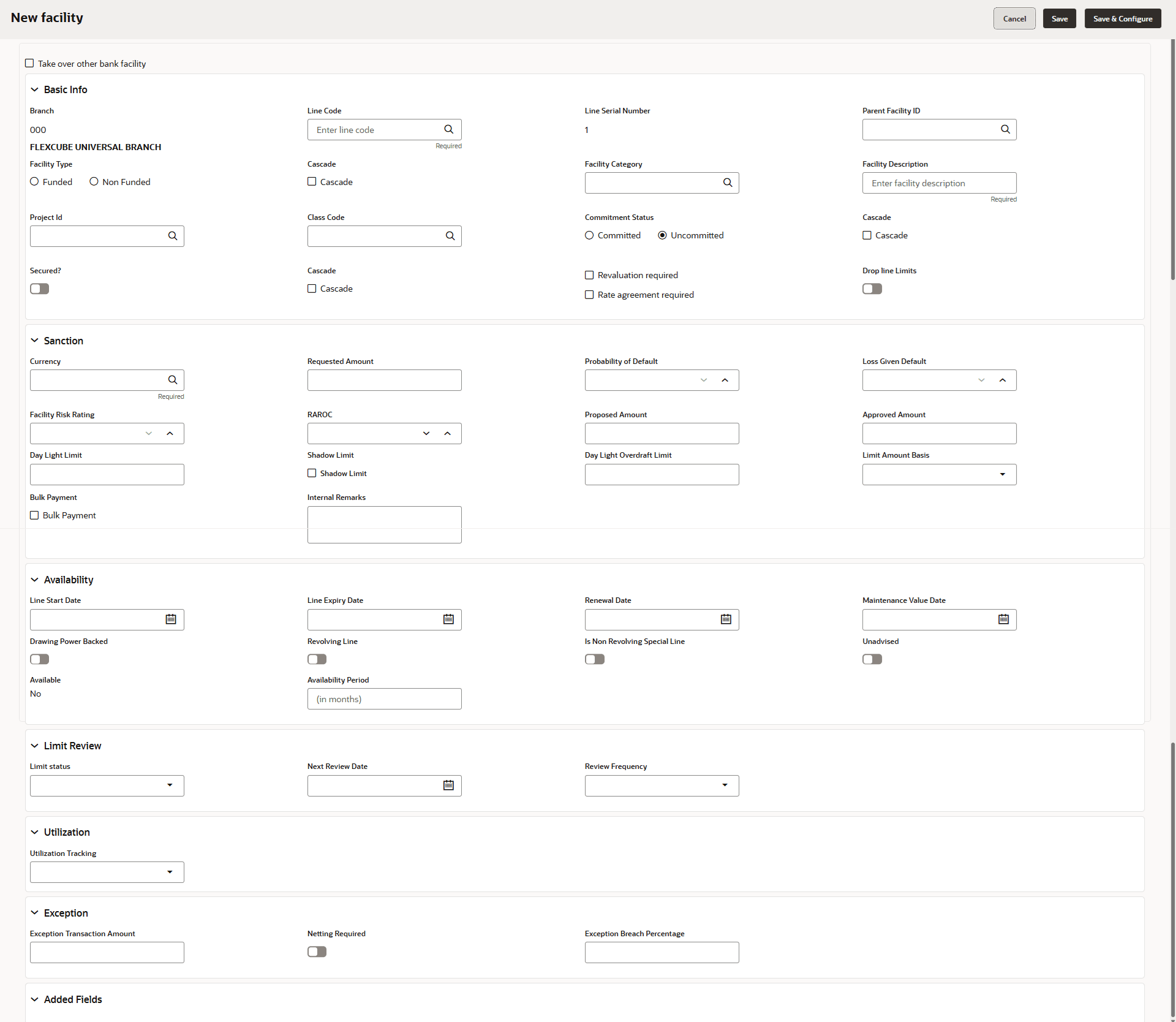
Create Sub Limit.The Facility Details window is displayed.
- Provide the necessary details to create sub-limit and click Save.
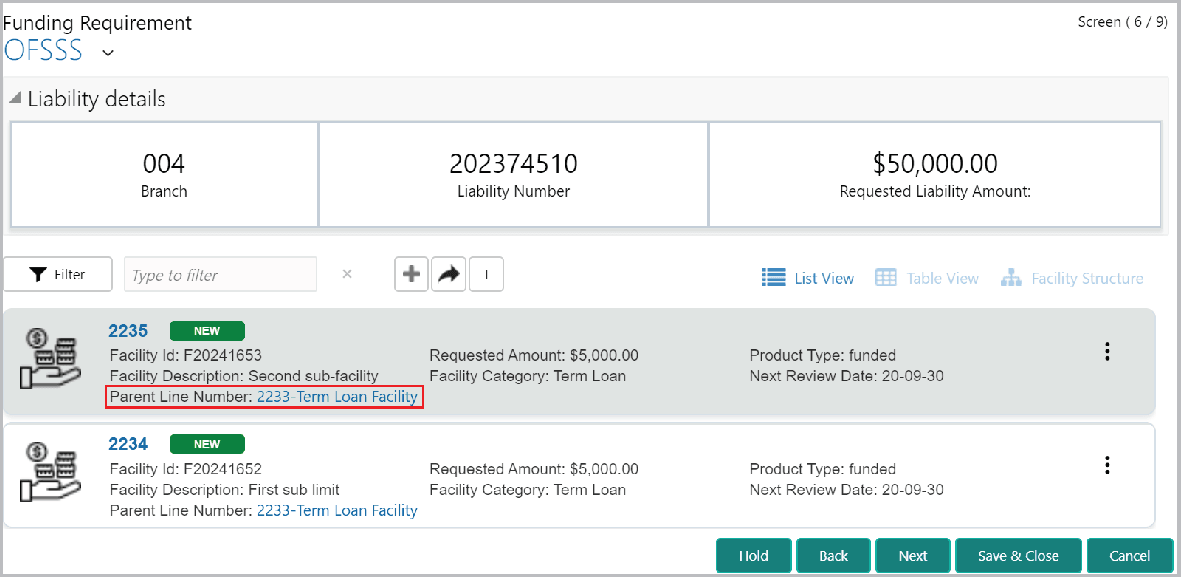
Sub-limit is created.The Funding Requirement page is displayed.
Parent topic: Proposal Initiation