3.41 Groupwise Exposure
In this data segment, the user can add details of the party or the connected party’s exposure with your bank.
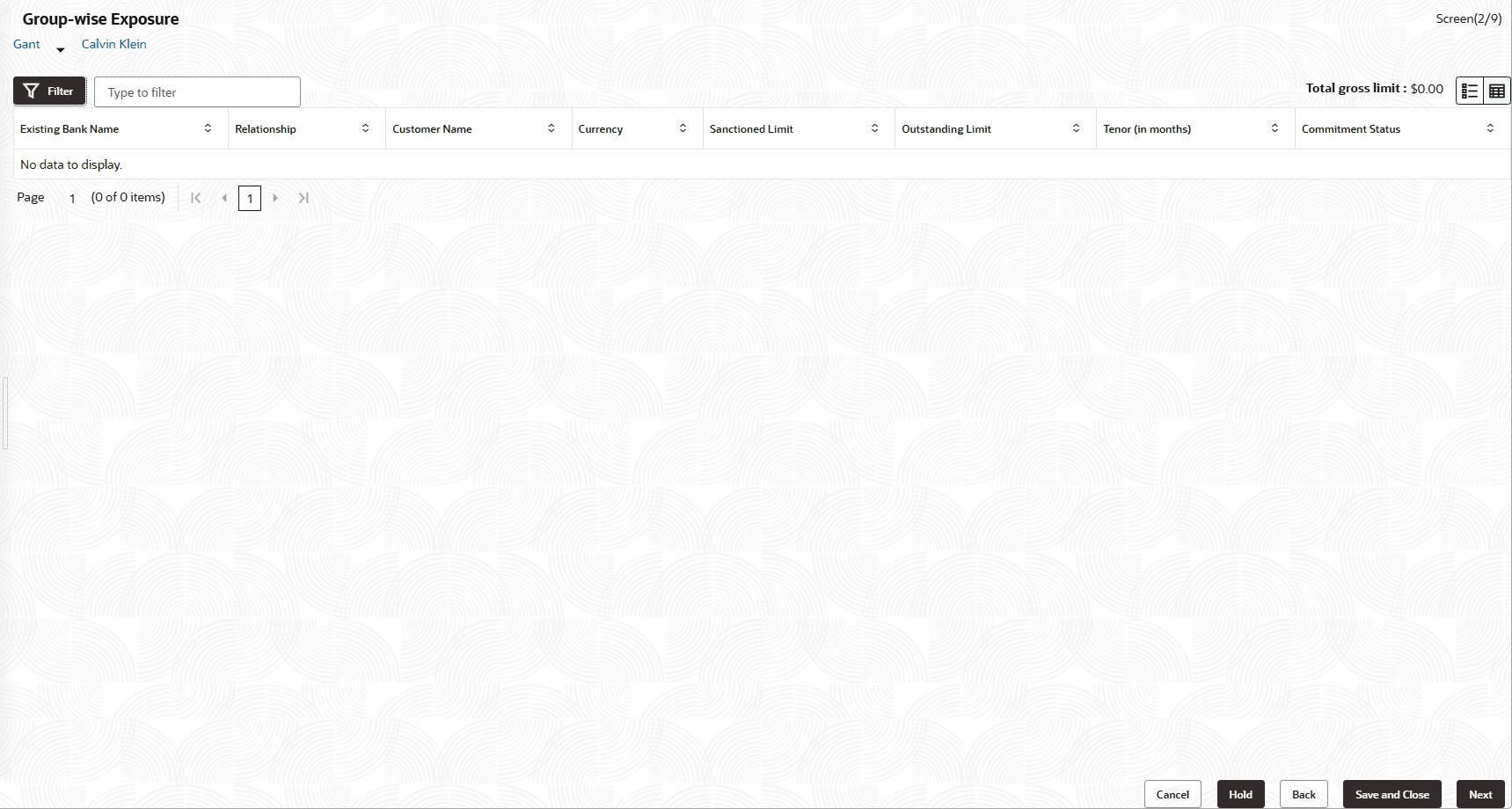
- Click the Add icon.The Groupwise Exposure Details window is displayed.
Figure 3-94 Groupwise Exposure Details
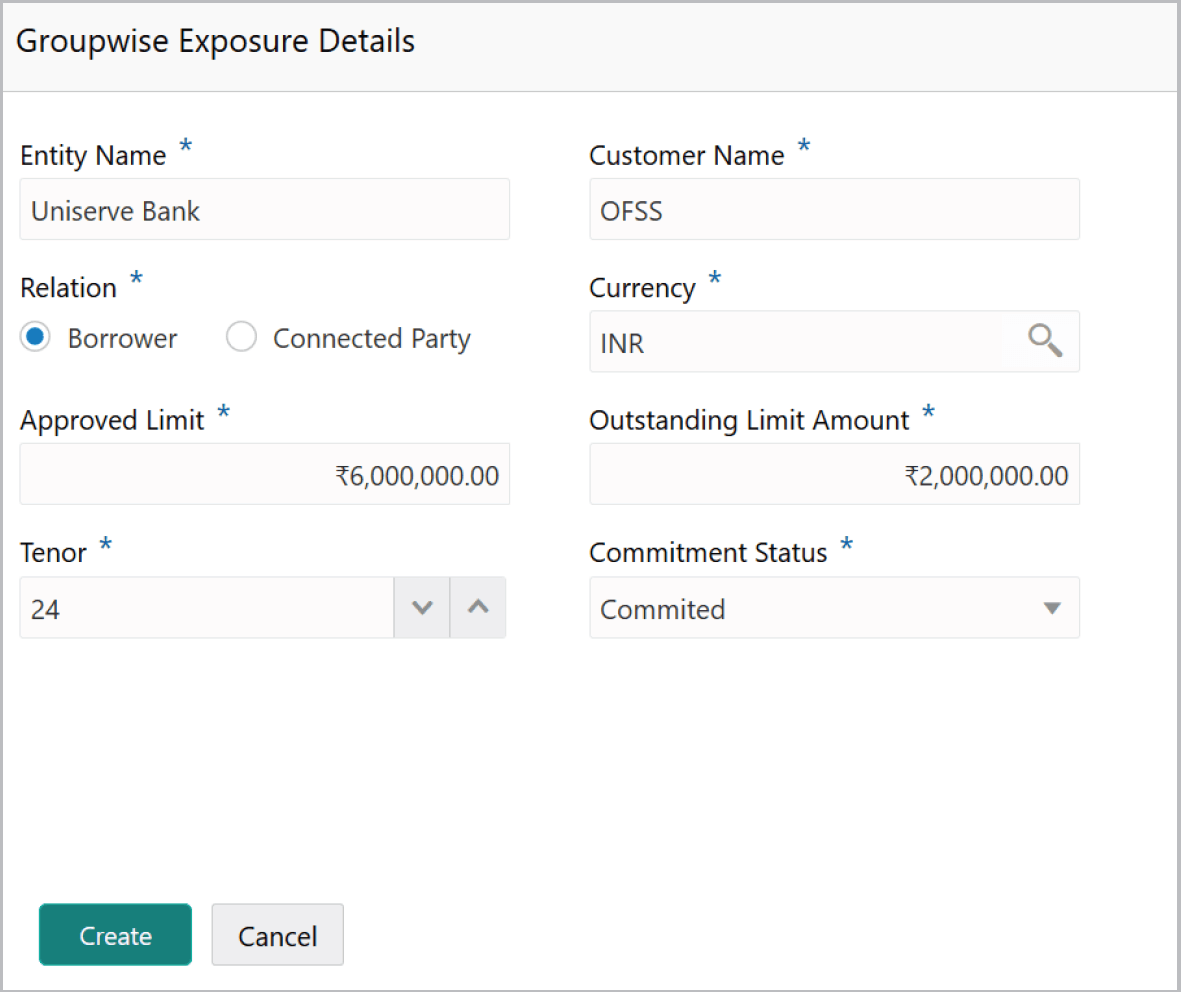
For field level information refer the below table.
Table 3-40 Groupwise Exposure Details
Fields Description Entity Name In Entity Name field, enter your bank name. Customer Name In Customer Name field, enter the name of the party or the child party. Relation as Borrower Select the Relation as Borrower, if party name is provided in the Customer Name field. If child party name is provided in the Customer Name field, select the Relation as Connected Party. Currency Search and select the Currency in which the facility is offered by the bank. Commitment Status Select the Commitment Status from the drop don list. The options available are Committed and Uncommitted. - Click Create. Groupwise exposure details are added and displayed as
shown below:
For field level information refer the below table.
Table 3-41 Groupwise Exposure
Fields Description List view To change the table view to list view, click the List view icon at the right corner. Note: If the party or child party has availed more than one facility from your bank, add all the groupwise exposure details by clicking Add icon again.
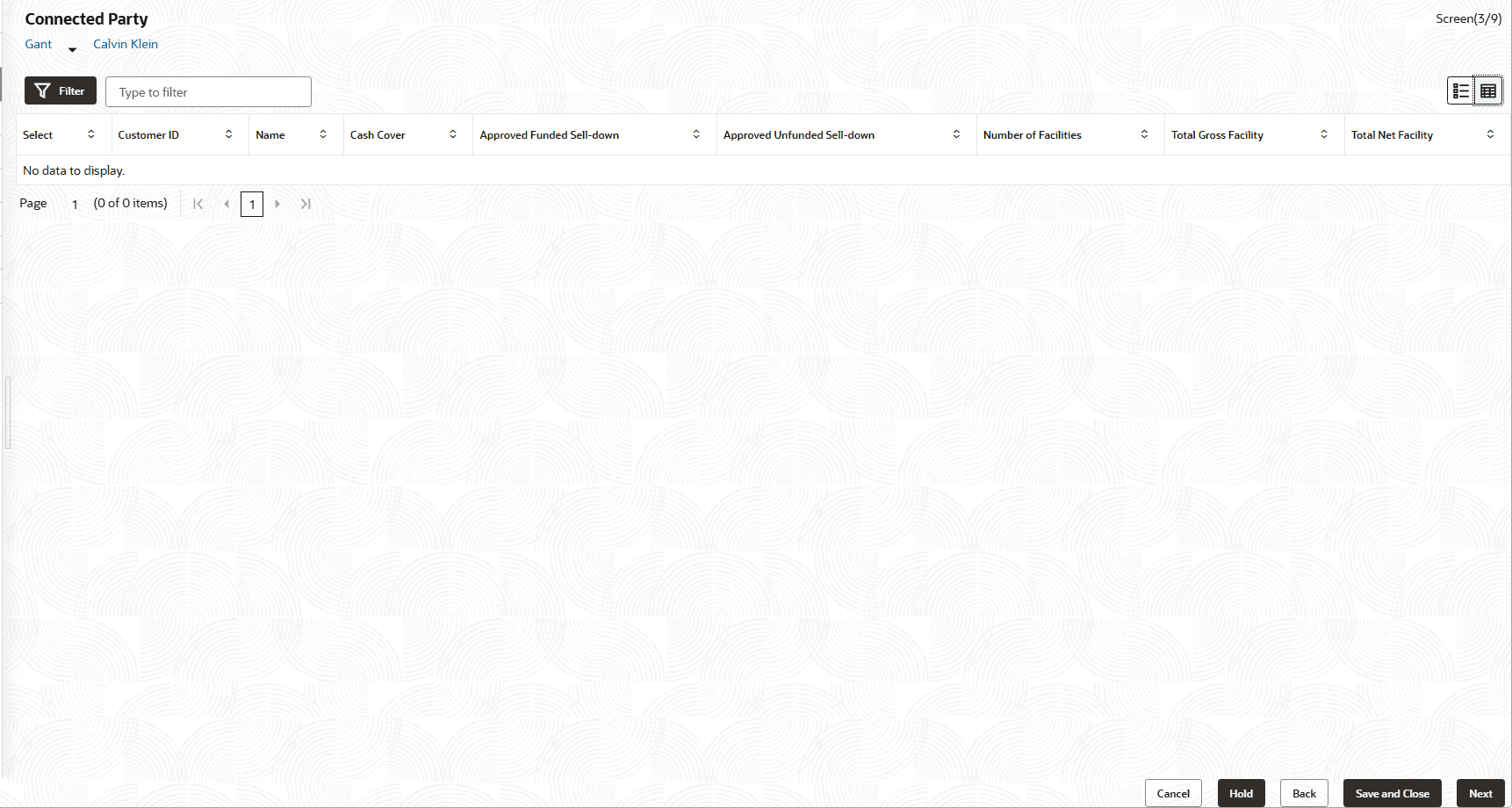
Filter To filter the required groupwise exposure, click the Filter icon and specify the filter parameters or directly provide the exposure detail in the Type to filter text box. Edit To edit the groupwise exposure information, Select the required exposure from the list and click the Edit icon. Delete To delete the groupwise exposure information, Select the exposure and click the Delete icon. Next To add groupwise exposure detail of the child party, click the arrow Next to the party name in the top left corner. Customer list appears.
Parent topic: Proposal Initiation