PreviousNext
JavaScript must be enabled to correctly display this content
3.37 Link Document
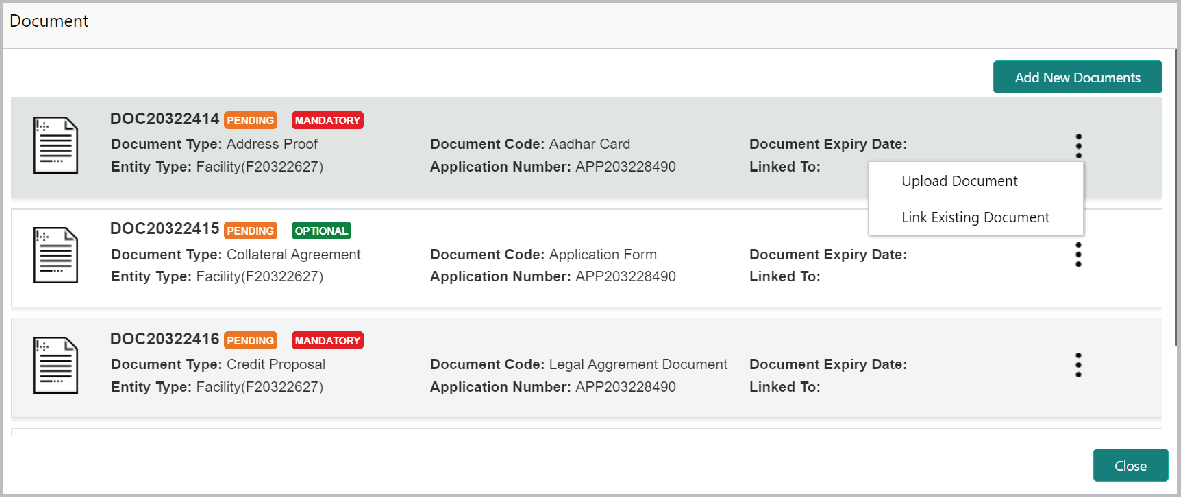
To link documents with the facility, click the Hamburger icon at the
corresponding facility record and select Link Document. The
Document window listing the mandatory and optional documents
maintained for the facility appears.
To upload the listed documents, click the Hamburger icon in the required item
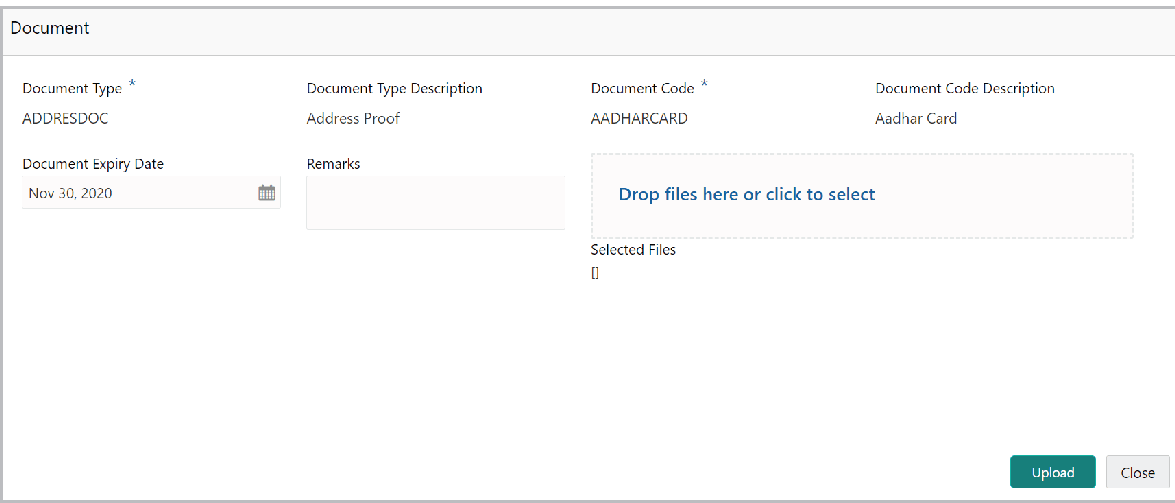
and select Upload Document. The Document window with pre-populated
document details appears:
In the Drop files here or click to select section, drag and drop or
click and upload the necessary document.
Click Upload.
If you want to link the documents that are already uploaded with
the facility, you can use the Link Existing Document option available
under the Hamburger icon to link the existing documents.
If you want to upload any new document that is not listed in the Documents
window, click Add New Documents and upload the document.