7.6 Proposal Structuring - Proposal Structuring
This data segment allows the user to propose a facility amount for the customer based on the customer evaluation.
Note:
In this chapter, only the procedure to propose facility amount is provided.
For information on Actions that can be performed for the facility (such as Create Sub Limit, Remove Facility, and Link Document) and for information on viewing and managing Facility, Collateral, Covenants, and Terms & Conditions, refer Basic Info.
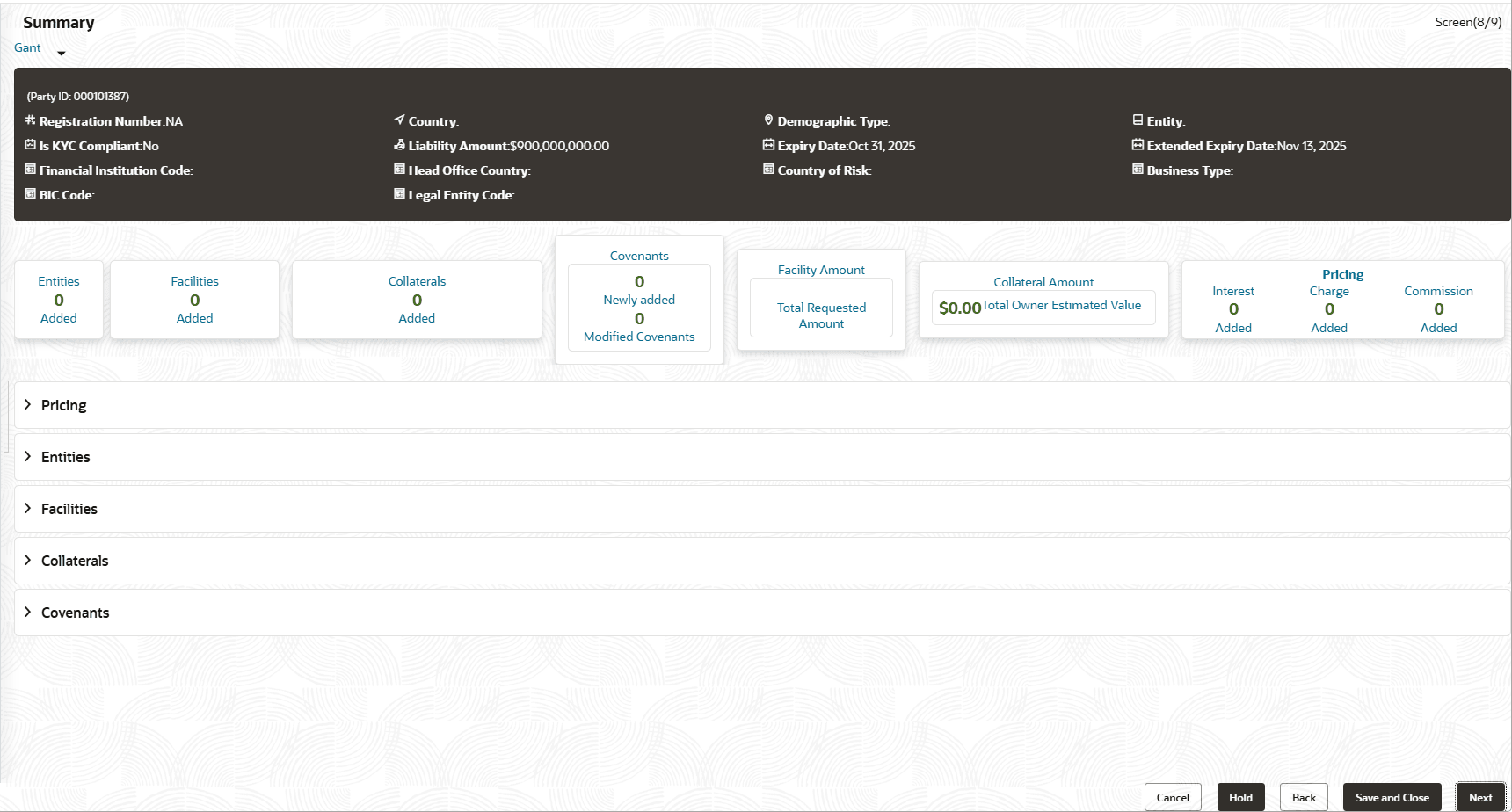
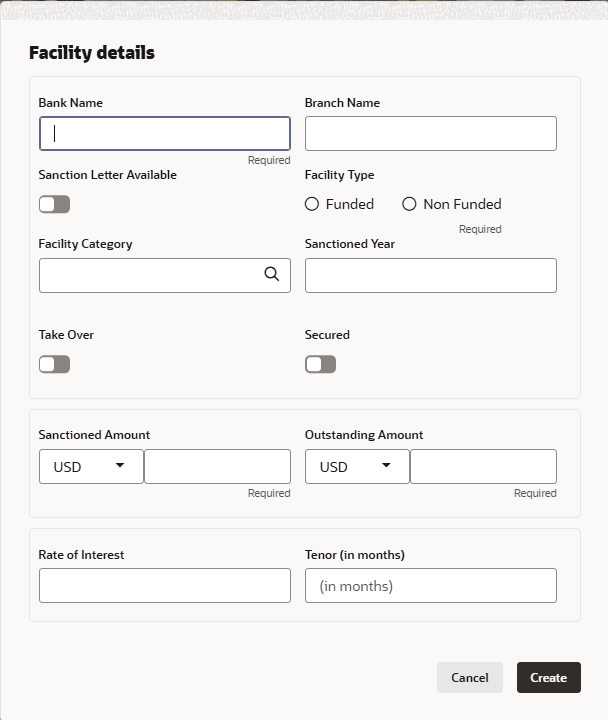
- Click the Hamburger icon in the corresponding record and select Edit
Facility.The Facility Details window is displayed.
Note:
For information about Schedule, Exposure, Fee, Pool Linkage, Pricing, Facility Collateral Linkage, Credit Rating, FX Rate Revaluation, and Utilization History menus, refer Basic Info.
Parent topic: Proposal Structuring