3.5 Rating
This topic provides systematic intsructions about Rating.
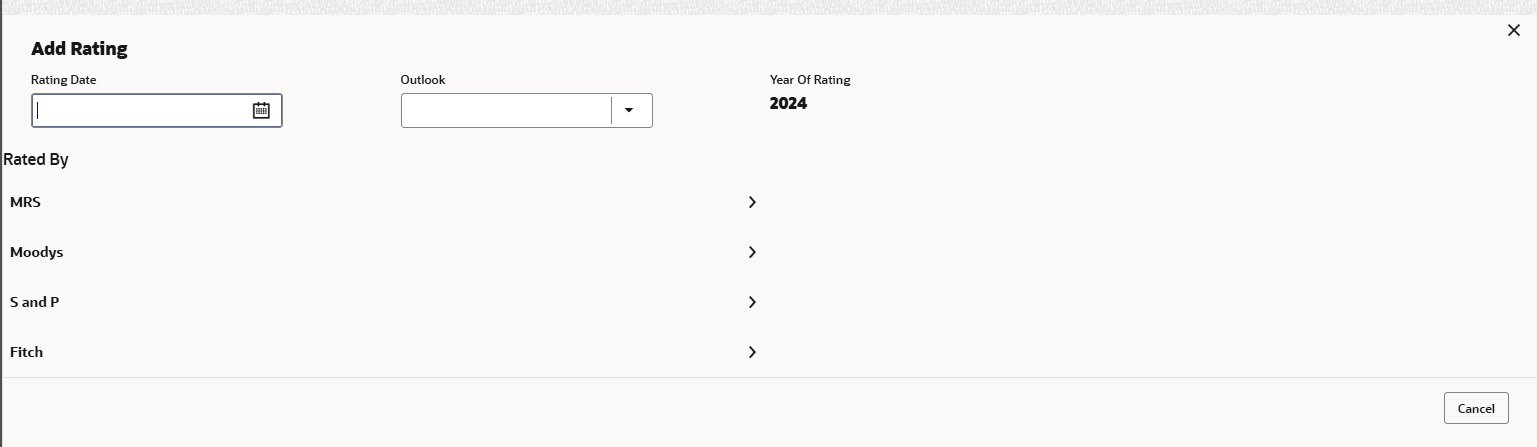
- Click Stakeholders in the left menu and click + Add Ratings to
configure stakeholders information.The Add Ratings window is displayed.
- Select the following details of the rating:
- Rating Date
- Outlook
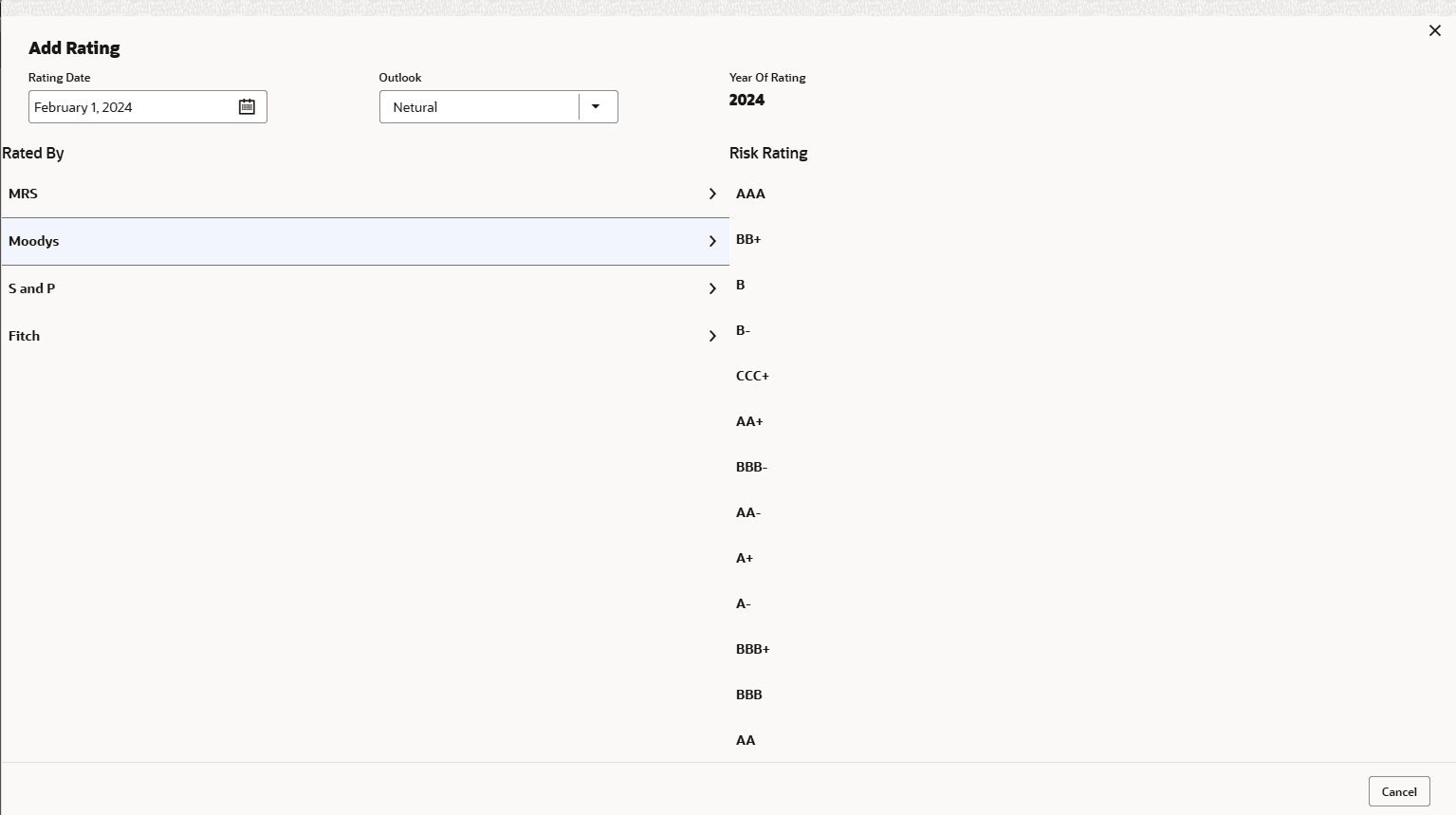
- Risk Ratings
- Rated By
The Year Of Rating is automatically populated based on the selected Rating Date.
Select Rated By, the rating is added and displayed as shown below:
Note:
If the party is rated by different rating firms, all the rating information must be captured while initiating credit proposal. To add another rating information, click + Add ratings again.Parent topic: Proposal Initiation