3.4 Customer Sector
This topic provides systematic instructions about Customer Sector.
- Click + Add sector, to capture industry details of the child party. The
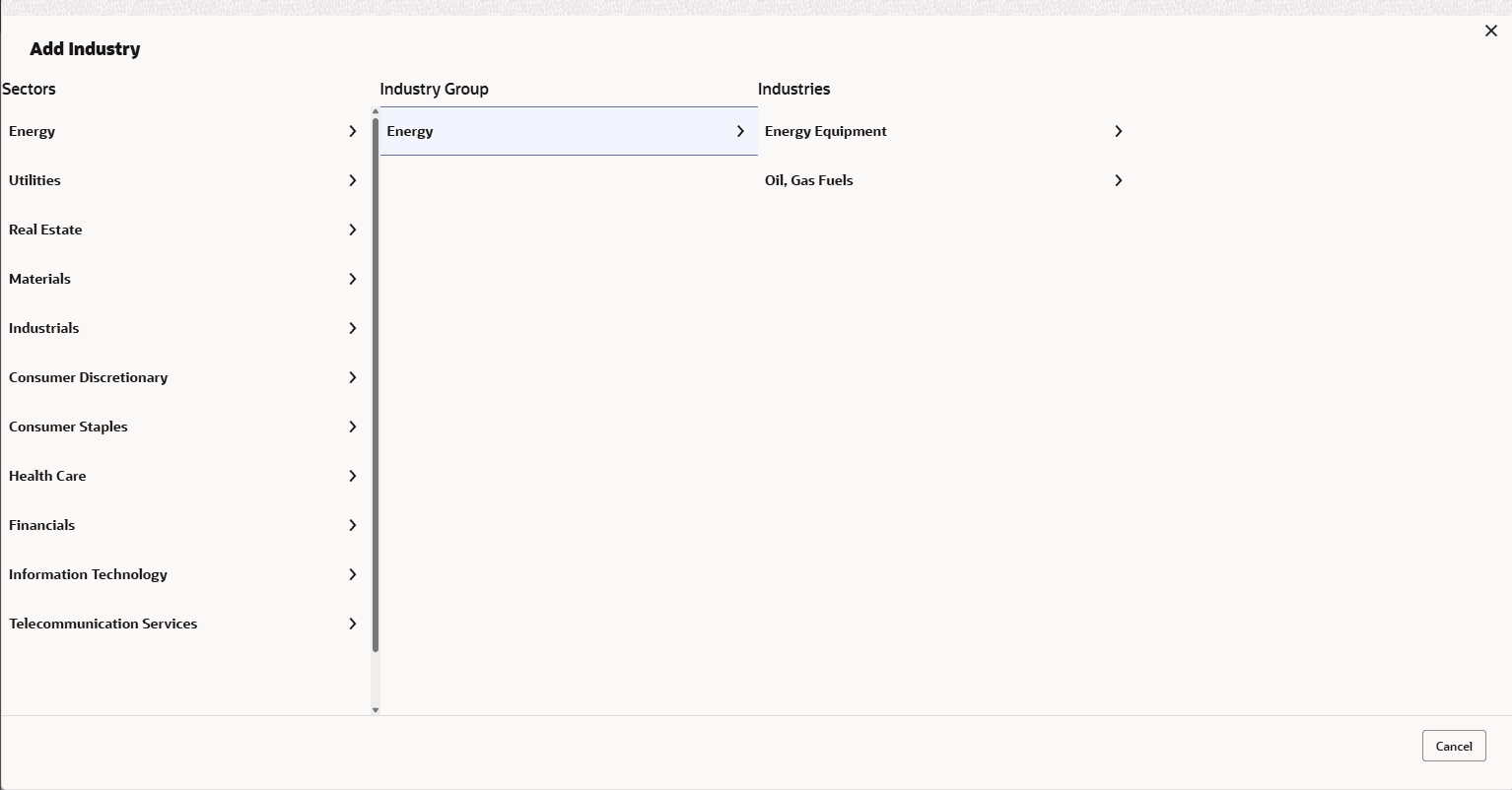
Add Industry window appears.
- Select a sector of the child party. The available Industry Groups is displayed.
- Select the Industry Group of the child party. The available Industries is displayed.
- Select the Industry of the child party. The available Sub-Industries is displayed.
- Select the sub-industry of the child party. The Industry details are added and
displayed as shown below:
- To delete the added industry, click Delete icon.
Note:
If the child party is into different sectors, the user has to capture all the sector details while adding the child party. To add another sector information, click +Add sector again.The industry added first will be considered as the default industry.

Parent topic: Proposal Initiation