3.19 Sales Breakup
In this section, the user must add details of all the entity’s customers in the selected country.
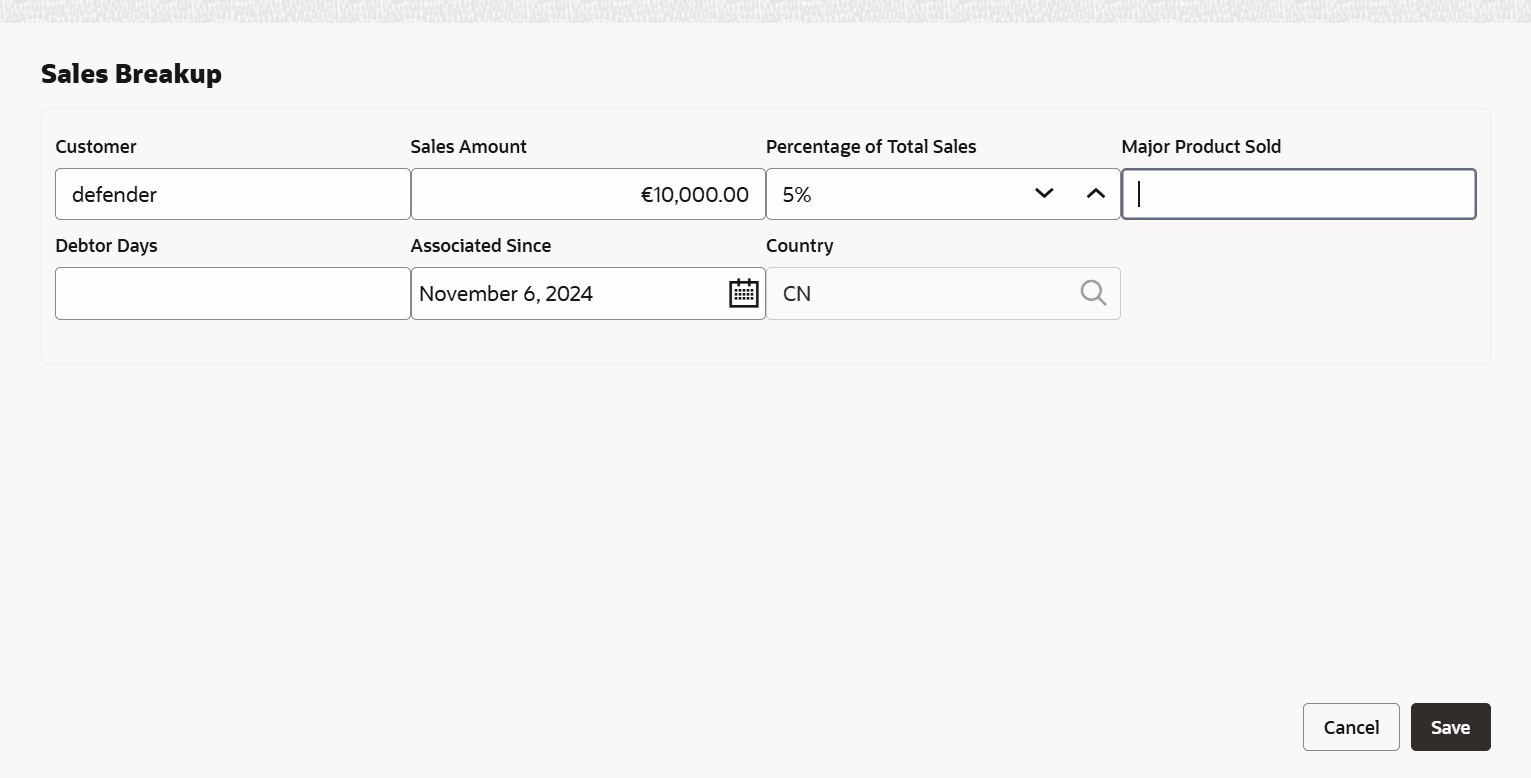
- Click the Add icon.The Sales Breakup window is displayed.
Figure 3-36 Sales Breakup

For field level information refer the below table.
Table 3-16 Sales Breakup
Fields Description Customer Specify the Customer of the entity. Sales Amount Specify the Sales Amount recorded for the specified customer. Percentage of Total Sales Specify the Percentage of Total Sales recorded for the specified customer. Major Product Sold Specify the Major Product Sold to the specified customer. Debtor Days Specify the Debtor Days for the specified customer. Associated Since In the Associated Since field, search and select the date on which association between the entity and its customer is established. Save Click Save. Sales breakup is added and displayed in the Sales Breakup section.
Parent topic: Proposal Initiation