11.1 Steps to capture customer acceptance status
This topic provides systematic instructions about the steps to capture customer acceptance status.
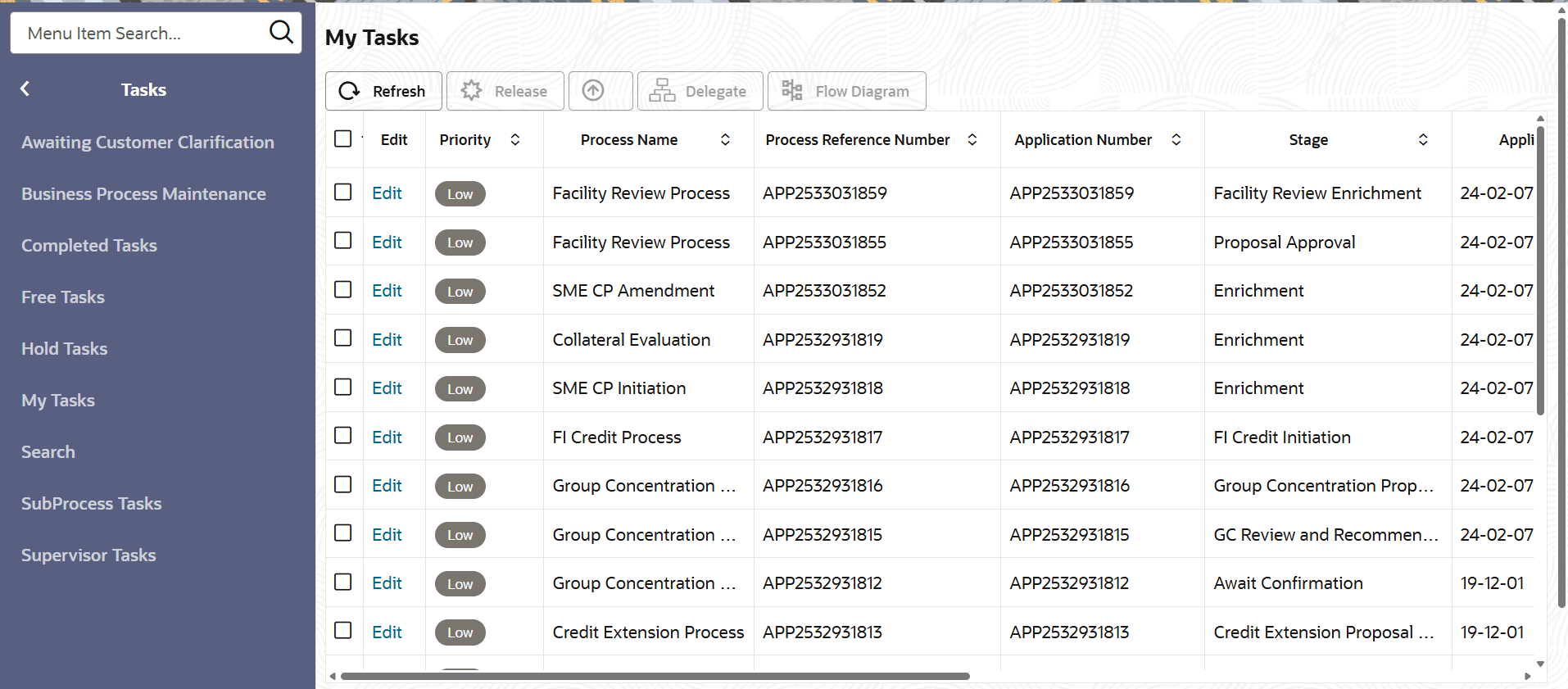
- From Home screen, click Tasks.
Under Tasks, click Free Tasks.The Free Task page is displayed.
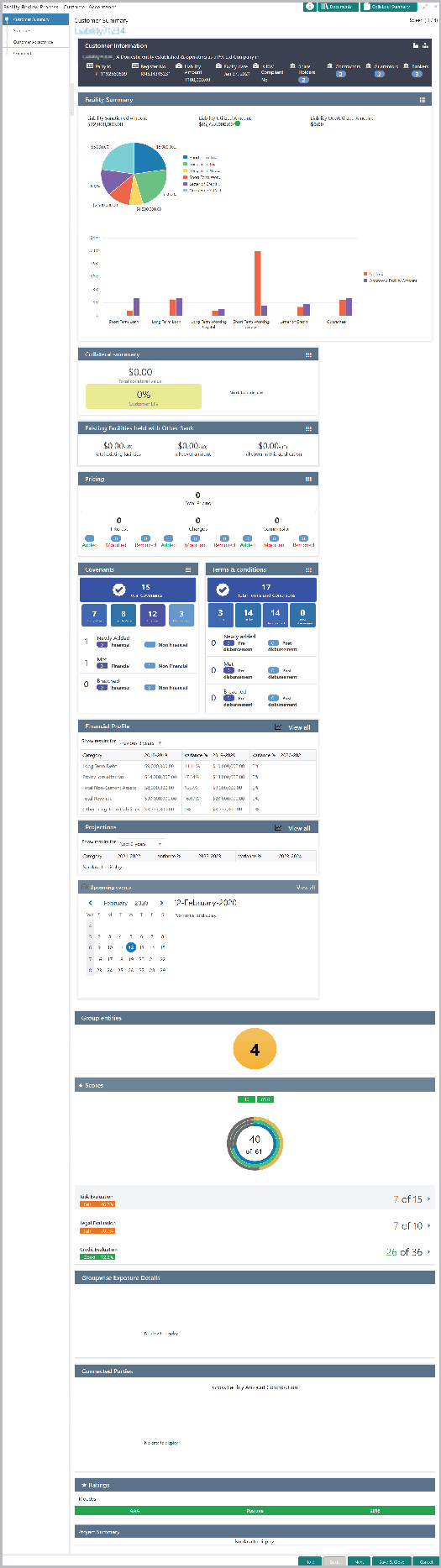
- Acquire & Edit the required Customer Acceptance task.The Customer Acceptance - Customer Summary page is displayed.
Figure 11-2 Customer Acceptance - Customer Summary
Note:
For information on actions that can be performed in the Customer Summary page, refer Credit 360 User Guide. - Click Next in the Summary page.The Customer Acceptance page is displayed.
Figure 11-3 Customer Acceptance
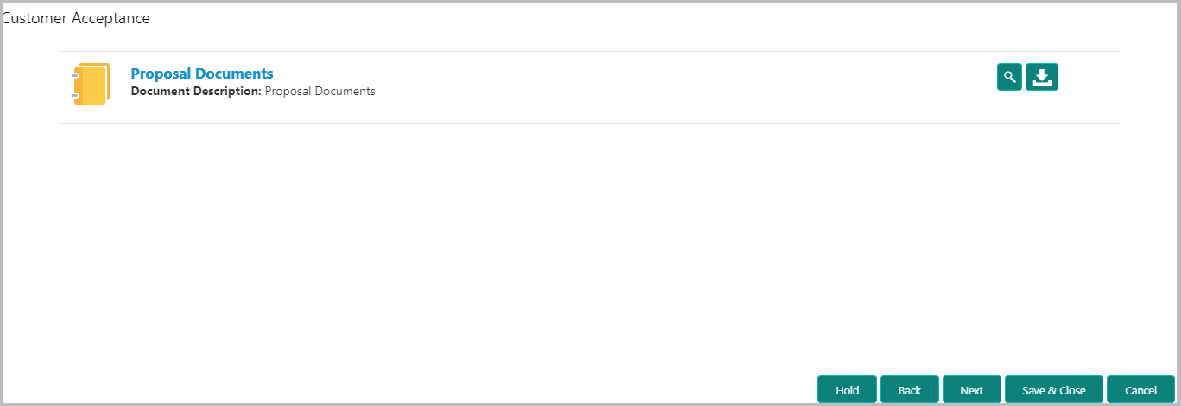
In the Customer Acceptance page, the Proposal Draft accepted by the customer is displayed.
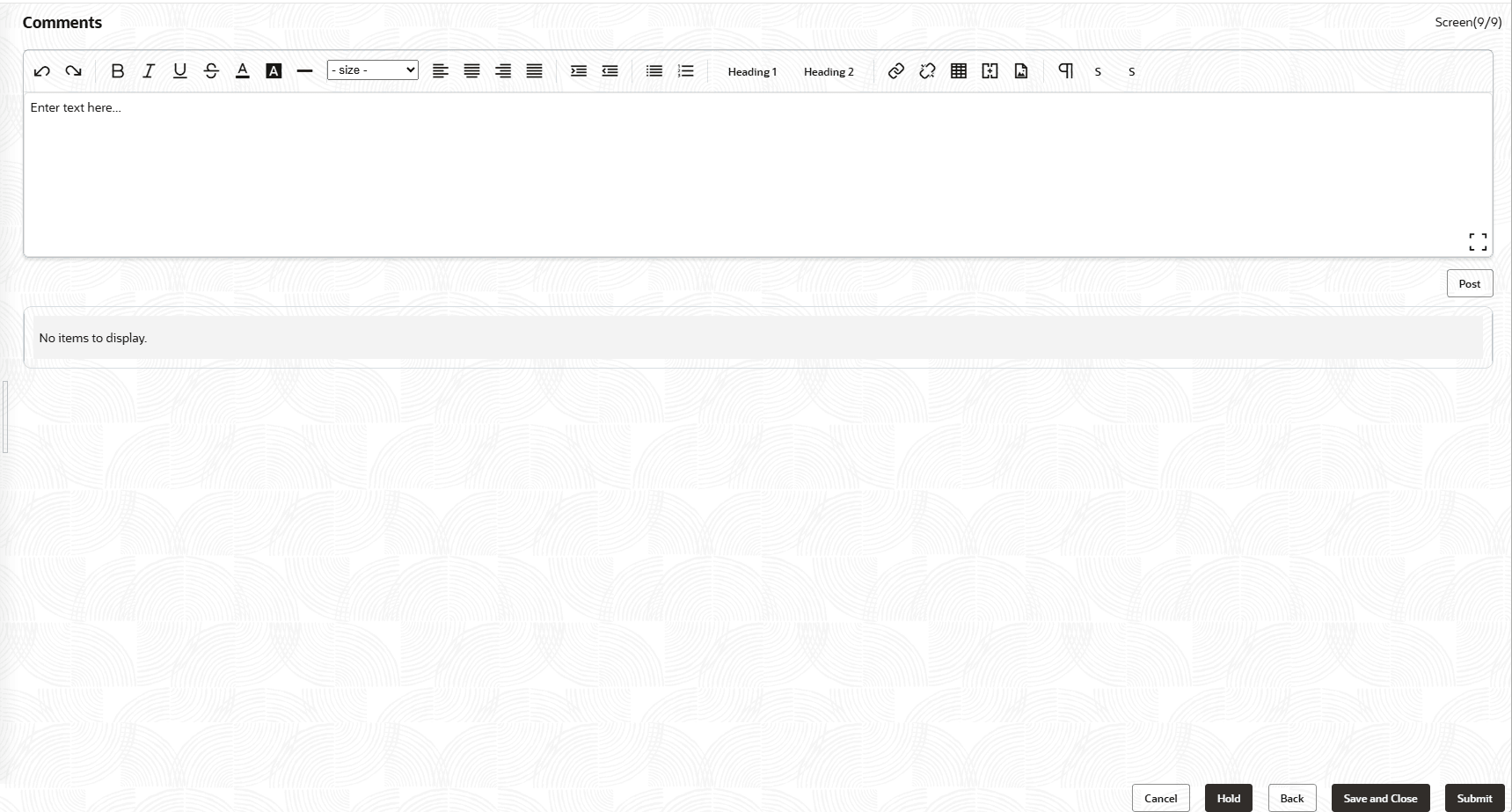
- Click Next.The Comments page is displayed.
For field level information on Comments screen refer the below table.
Table 11-1 Comments
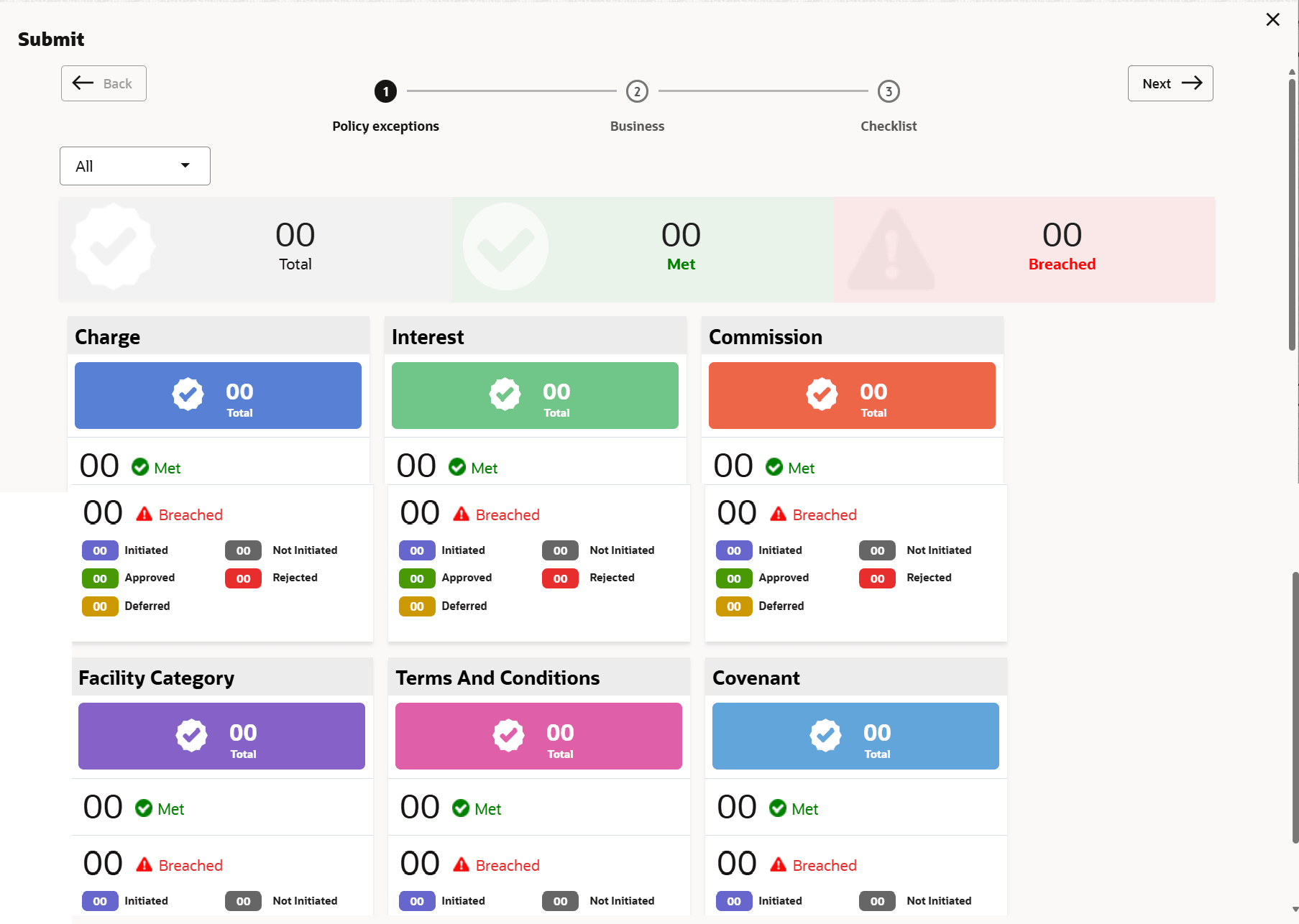
Fields Description Comments Enter the customer acceptance status in the Comments box. Post Click Post. Comments are posted below the Comments box. - Click Submit.The Policy exceptions window is displayed.
By default, policy exceptions are displayed for both the party and the child parties.
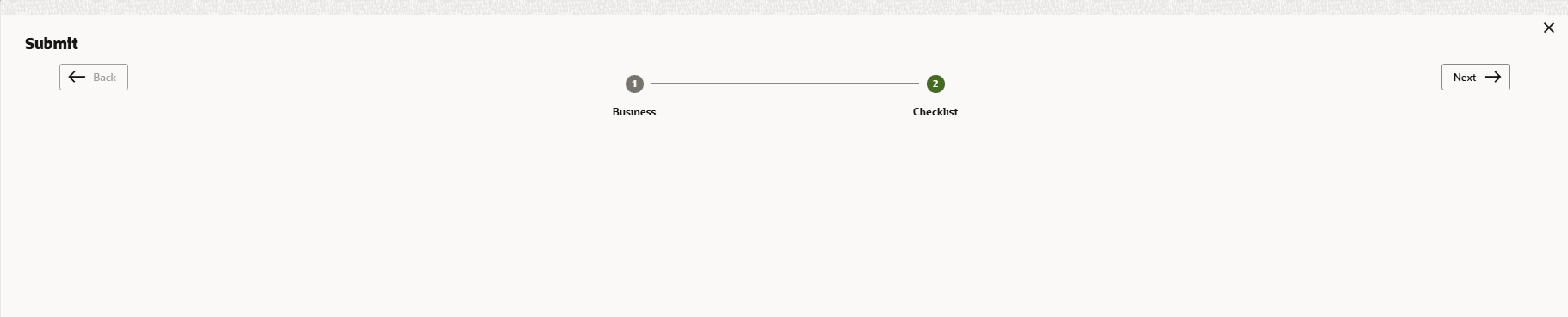
- Click the Checklist data segment.
For field level information on Checklist screen refer the below table.
Table 11-2 Checklist
Fields Description Outcome Select the Outcome as Proceed, if additional information is not required. Otherwise select the Outcome as Additional Info. Submit Click Submit. The proposal is moved to the next stage based on the selected Outcome. Note:
For information on Write up data segment, refer Proposal Initiation Chapter.
Parent topic: Customer Acceptance