3.1 Customer Info
This topic provides systematic instructions about the Customer Info data segment in Group Concentration Extension Process.
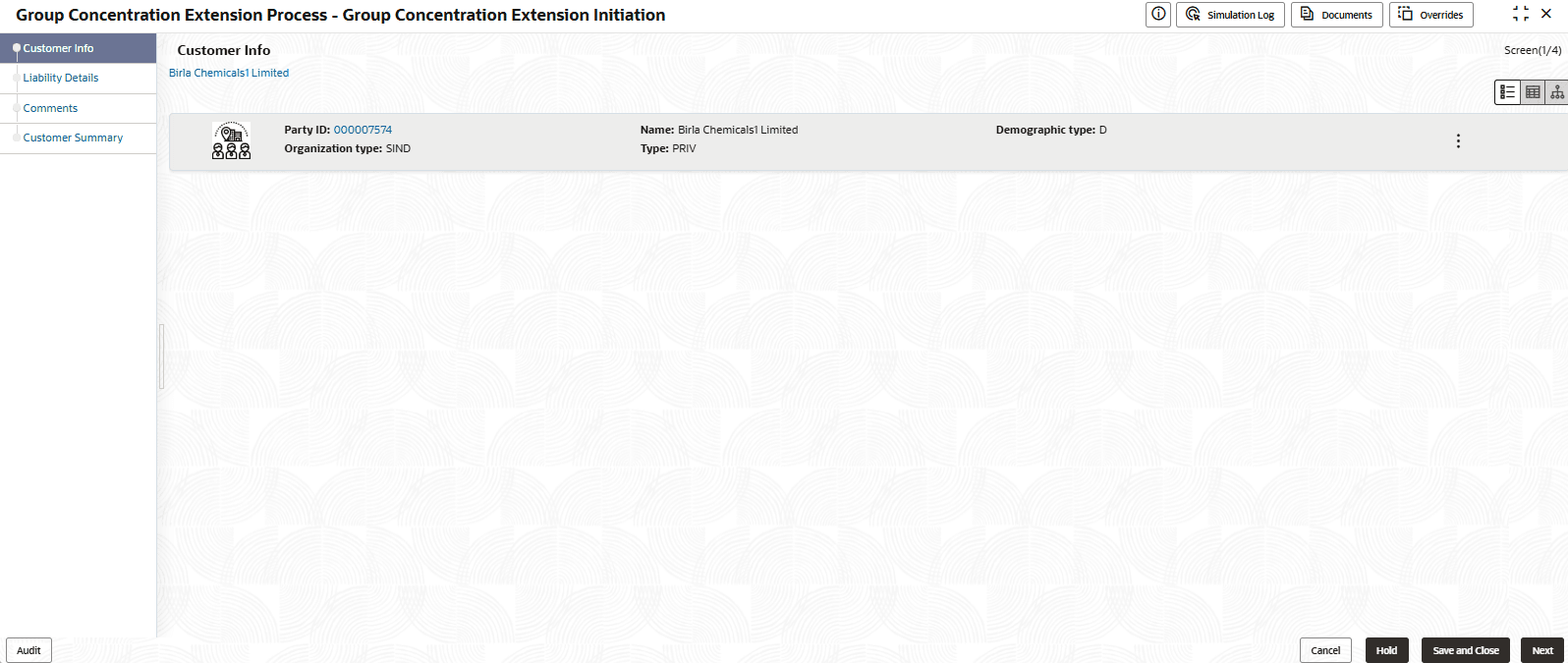
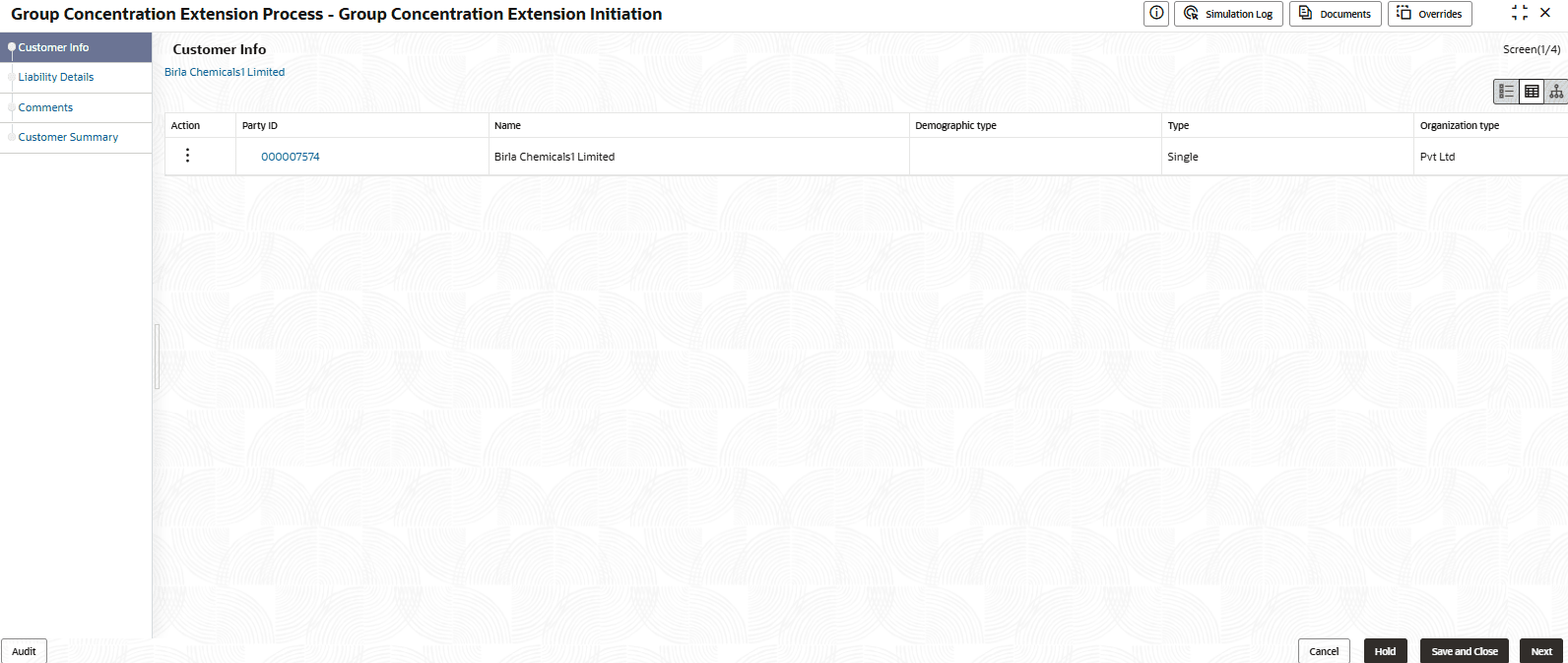
This data segments allows you to view all the information about the group entity added in Group Concentration Limit process.
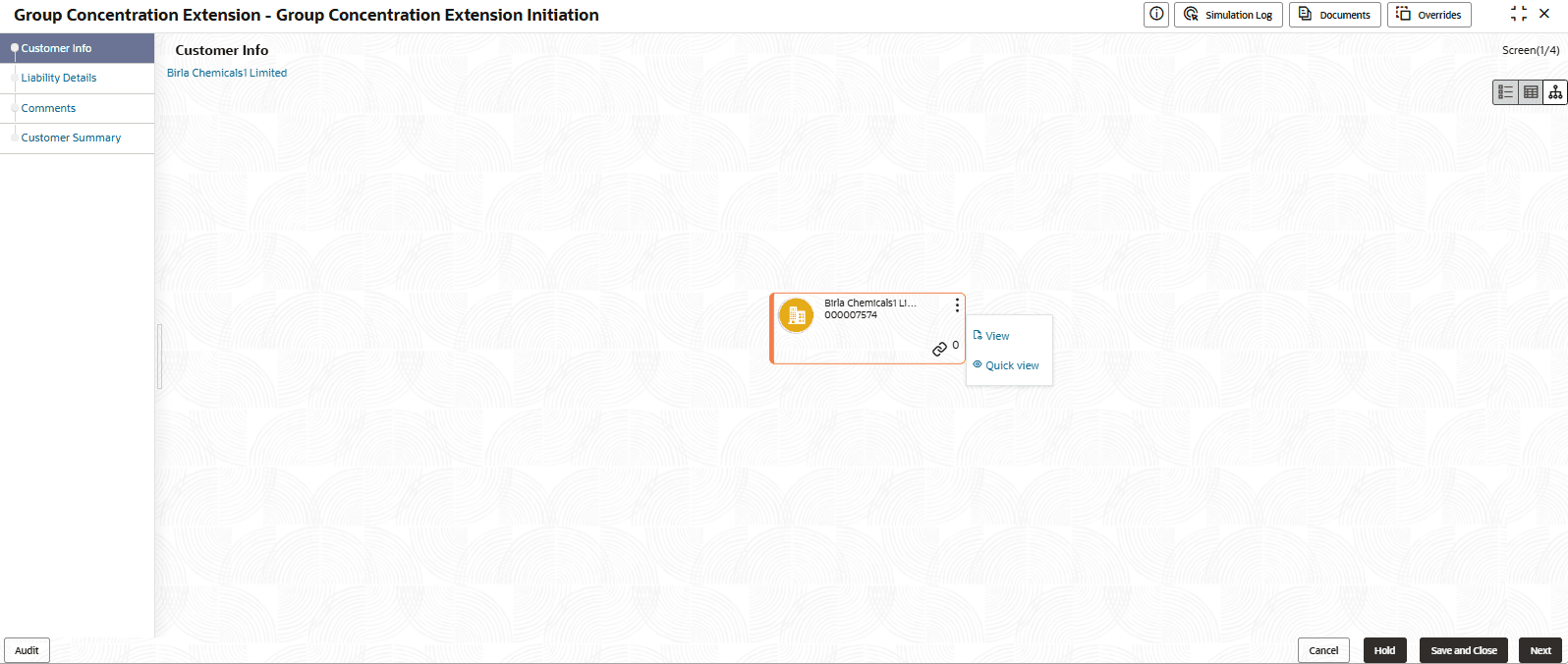
- To change the layout of Customer Info page to list view, click the List
View icon.
- To change the layout of Customer Info page to table view, click the Table
View icon.
Parent topic: Extension Initiation