3 Extension Initiation
This topic provides systematic instructions about the Extension Initiation stage in Group Concentration Extension Process.
In this stage, the user can initiate the Group Concentration Extension Process for the requested group entity.
To initiate Group Concentration Extension Process, perform the following steps:
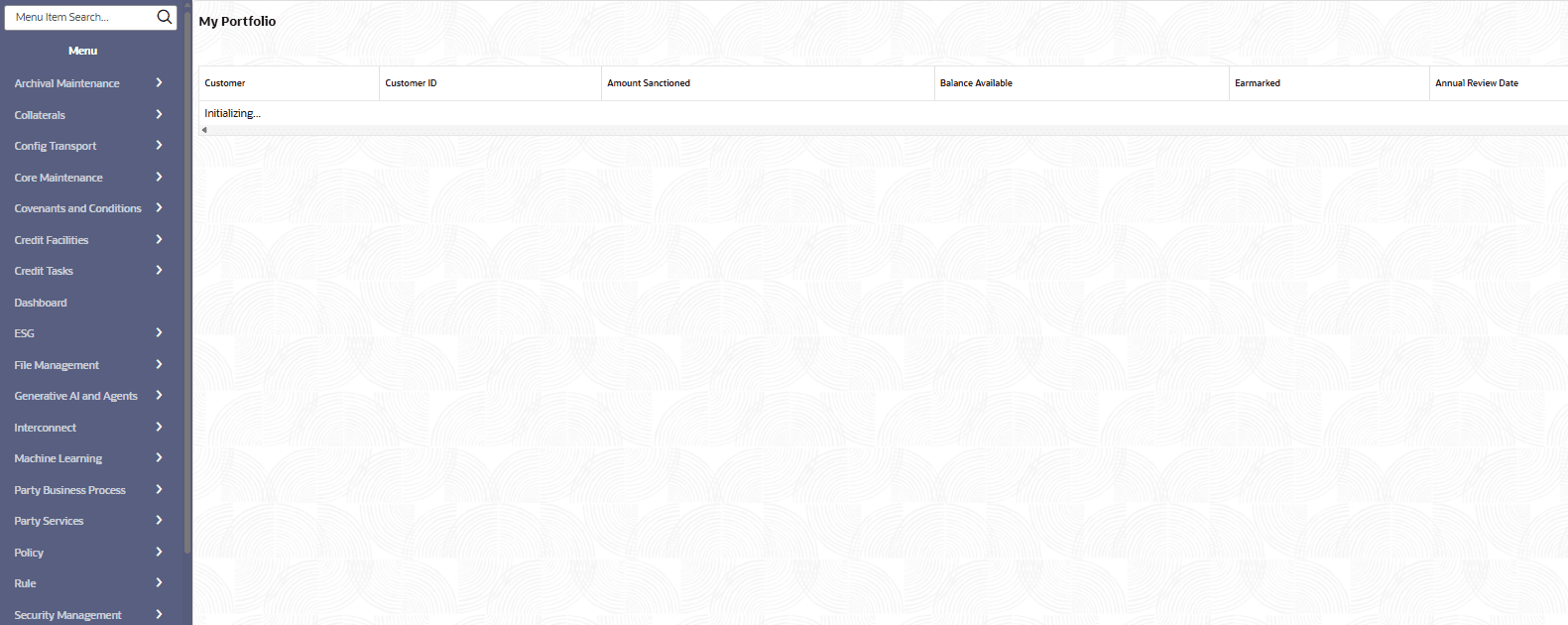
- From Home screen, select Credit
Facilities. Under Credit Facilities, select My
Portfolio.The My Portfolio page is displayed.
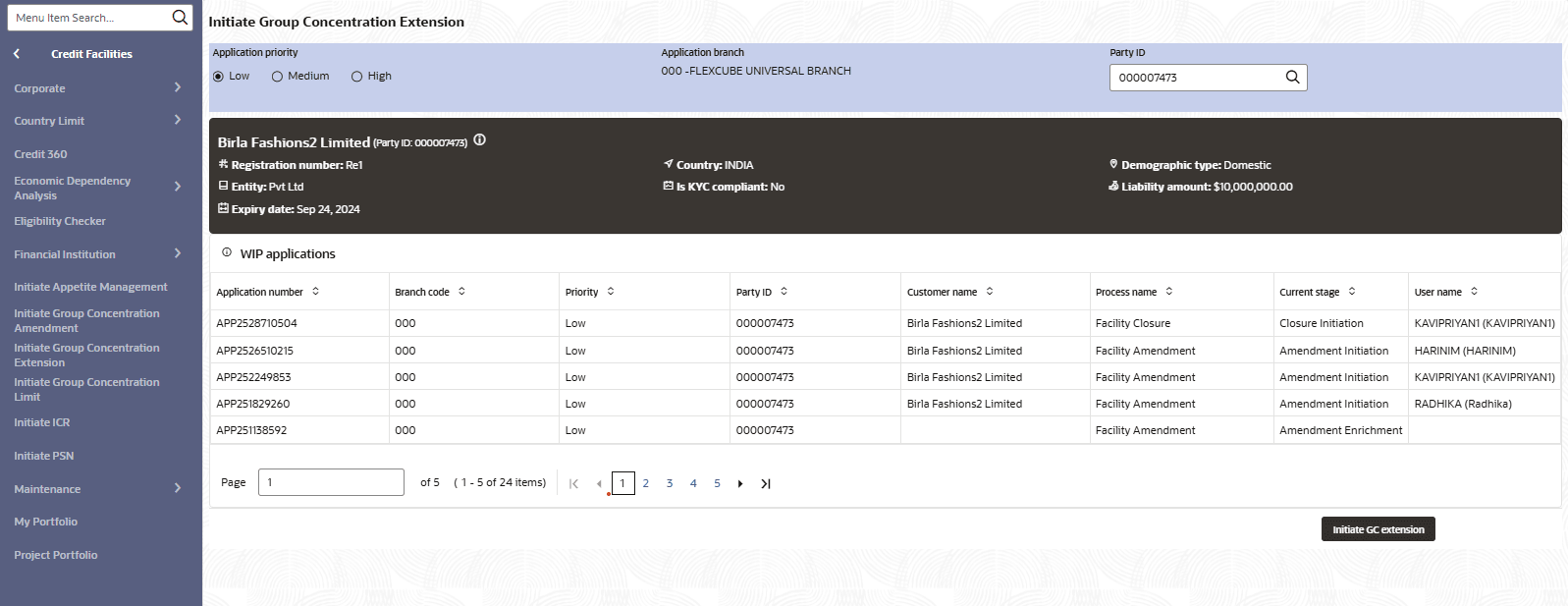
- From Home screen, select Credit
Fcailities. Under Credit Facilities, select
Corporate. Under Corporate, select Group
Concentration. Under Group Concentration, select GC
Extension. The GC Initiation page is displayed.
For information on fields in the GC Extension page, refer the below table.
Table 3-1 GC Extension
Field Description Application Priority Select the GC Extension Application Priority. The options available are: Low, Medium, and High. Application Branch Select the Application Branch. Bank branches maintained in the system are displayed in LOV. Party Id Search and select the required Party Idfor which GC Extension Process has to be initiated. The system displays all the WIP Applications for the selected party and enables the Initiate Initiate GC Extension button.
- Customer Info
This topic provides systematic instructions about the Customer Info data segment in Group Concentration Extension Process. - Liability Details
This topic provides systematic instructions about the Liability Details data segment in Group Concentration Extension Process. - Comments
The topic provides systematic instructions about the Comments data segment in Group Concentration Extension Process. - Summary
This topic provides systematic instructions about the Summary data segment in Group Concentration Extension Process.