3.4 Summary
This topic provides systematic instructions about the Summary data segment in Group Concentration Extension Process.
This data segment is the graphical representation of customer
information such as Liability Summary, Facility Summary, Collateral Summary, Other Bank
Facilities, Covenants, Terms & Conditions, Financial Profile, Projections, Upcoming
Events, Group Entities, Scores, Groupwise Exposure Details, Connected Parties, and
Ratings.
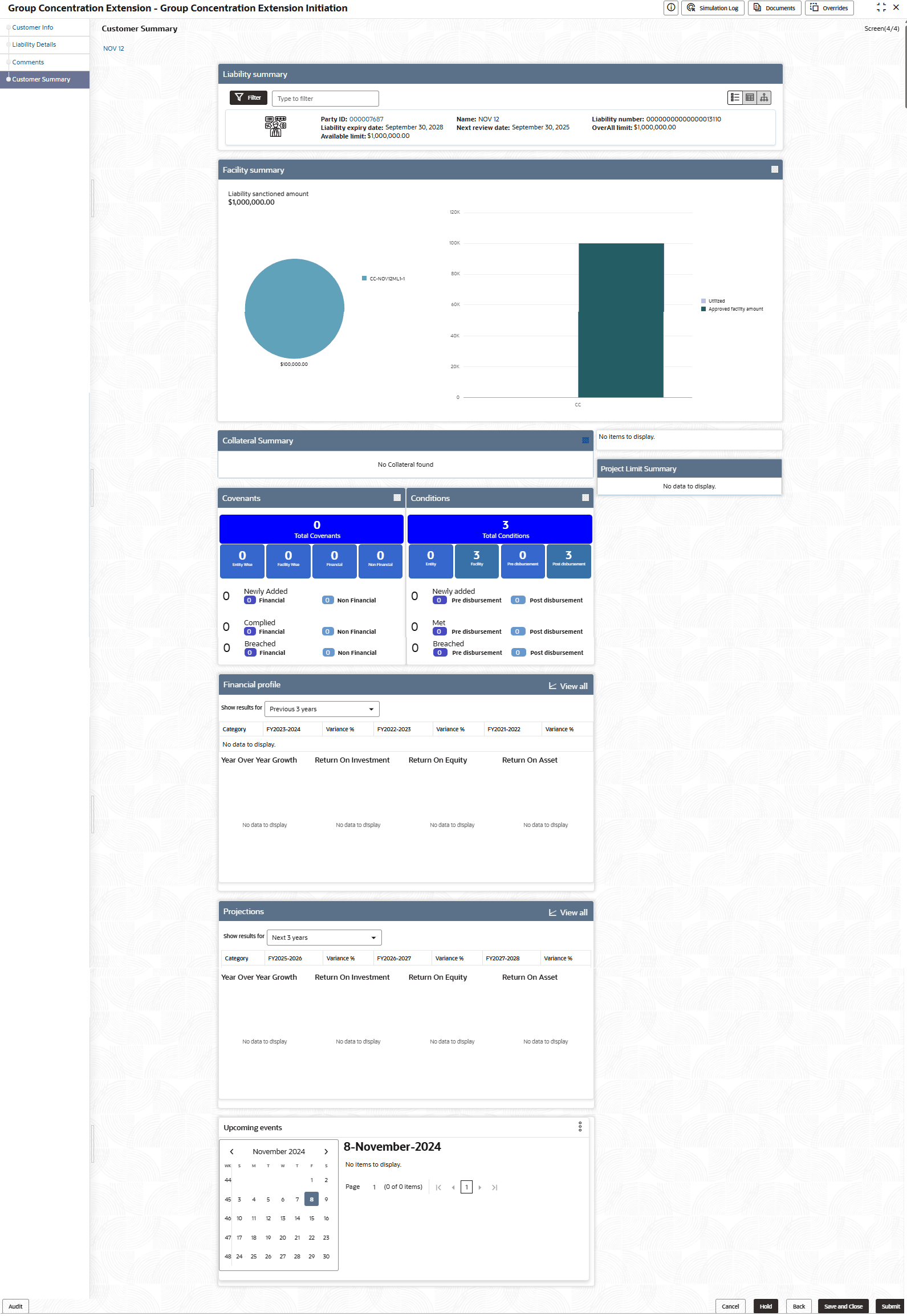
In the Liability Summary widget, you can perform the following actions:
- Filter the liabilities using the Filter icon or Type to filter text box
- Click the Party Id to view the party details
- Use the Table View, List View, and Tree View icons to change the
layout of Liability Summary widget
Note:
For information on actions that can be performed in the other widgets in this Summary page, refer Credit 360 User Manual.
Table 3-3 Customer Summary
| Fields | Description |
|---|---|
| Hold | To hold the Amendment Initiation, click Hold. |
| Back | To go back to the previous page, click Back. |
| Save & Close | To save and exit the window, click Save & Close. |
| Submit | To submit the Extension Initiation task, click Submit. |
| Cancel | To cancel the operation, click Cancel. |
Click Submit, the Policy Exception window is
displayed.
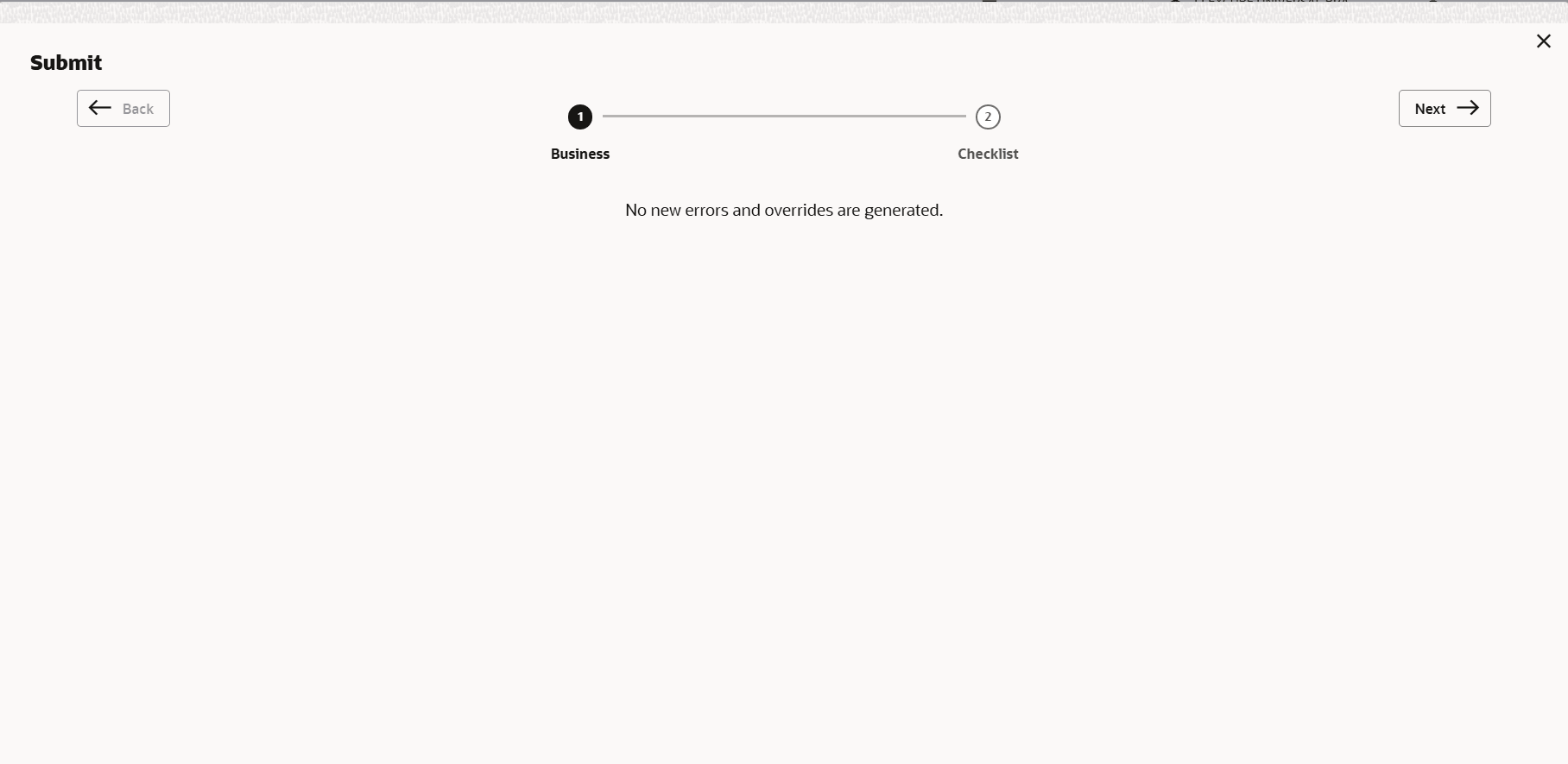
By default, policy exceptions are displayed for both the party and child parties. To view the policy exceptions for particular party / child party, select the required party / child party from the drop down list at top left corner.
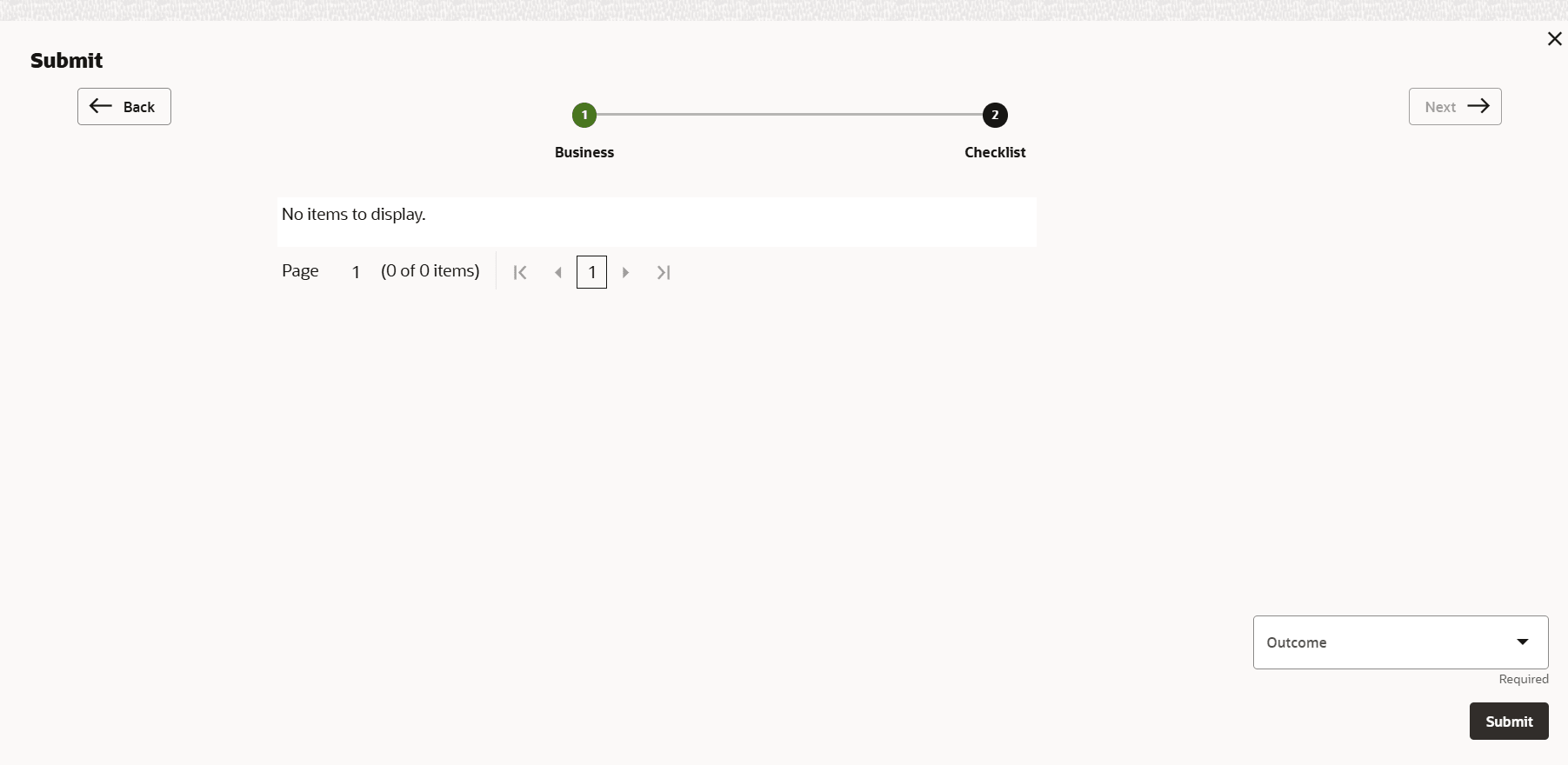
- Click the Checklist data segment.
Parent topic: Extension Initiation