7 Extension Documentation
This topic provides systematic instructions about the Extension Documentation in the Group Concentration Extension Process.
In this stage, the Group Concentration Extension document can be generated and
downloaded.
Note:
In this chapter, only the procedure to generate and download the extension document is explained. For field level explanation, refer the Initiation chapter.- From Home screen, click Tasks.
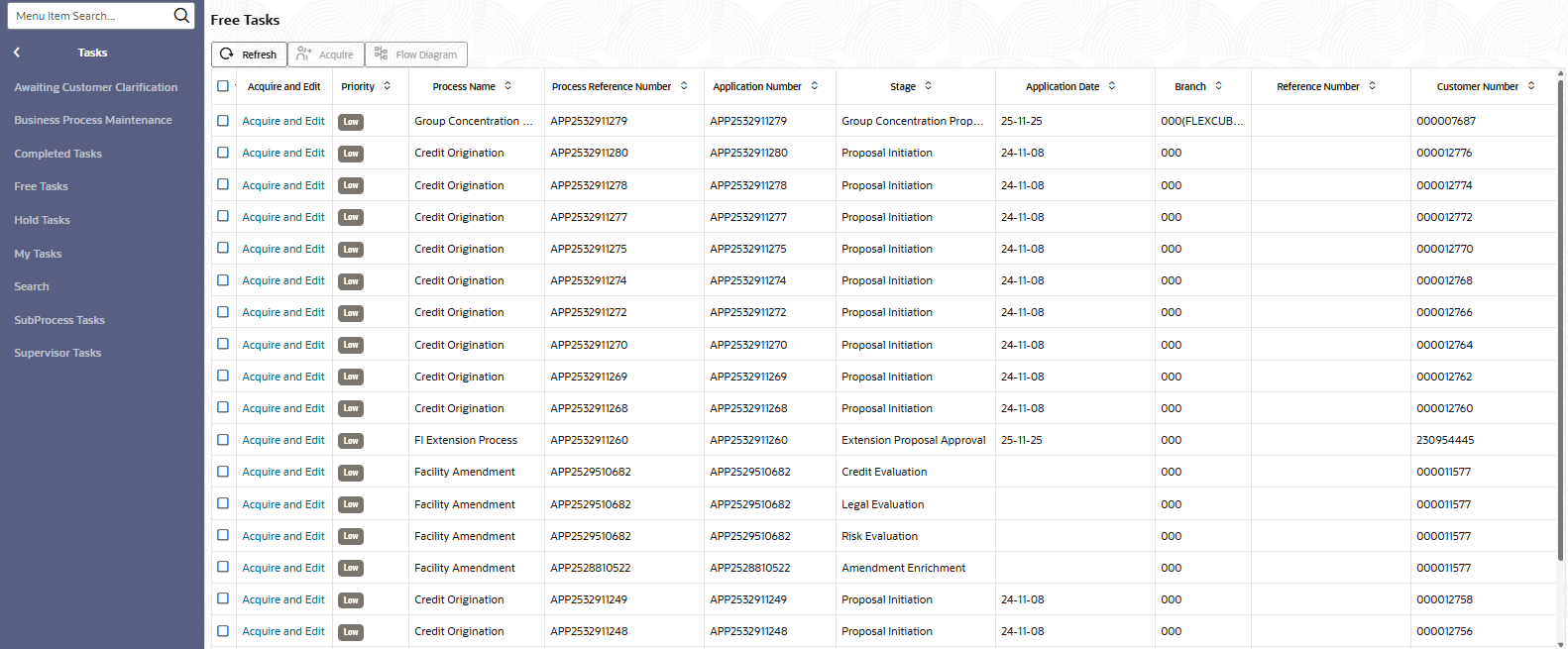
Under Tasks, click Free Tasks.The Free Task page is displayed.
-
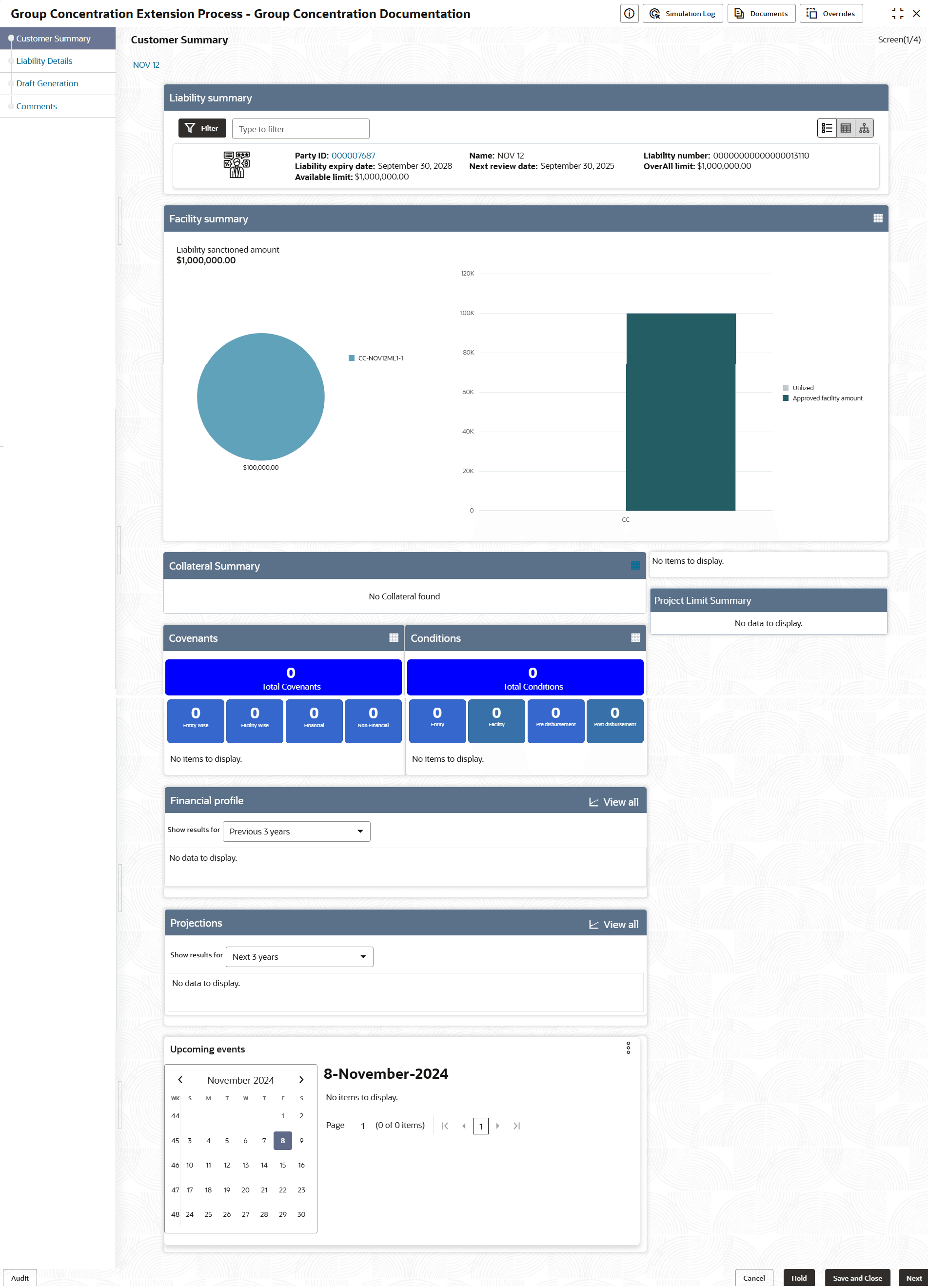
Acquire & Edit the required documentation task. The Group Concentration Documentation - Customer Summary screen is displayed.
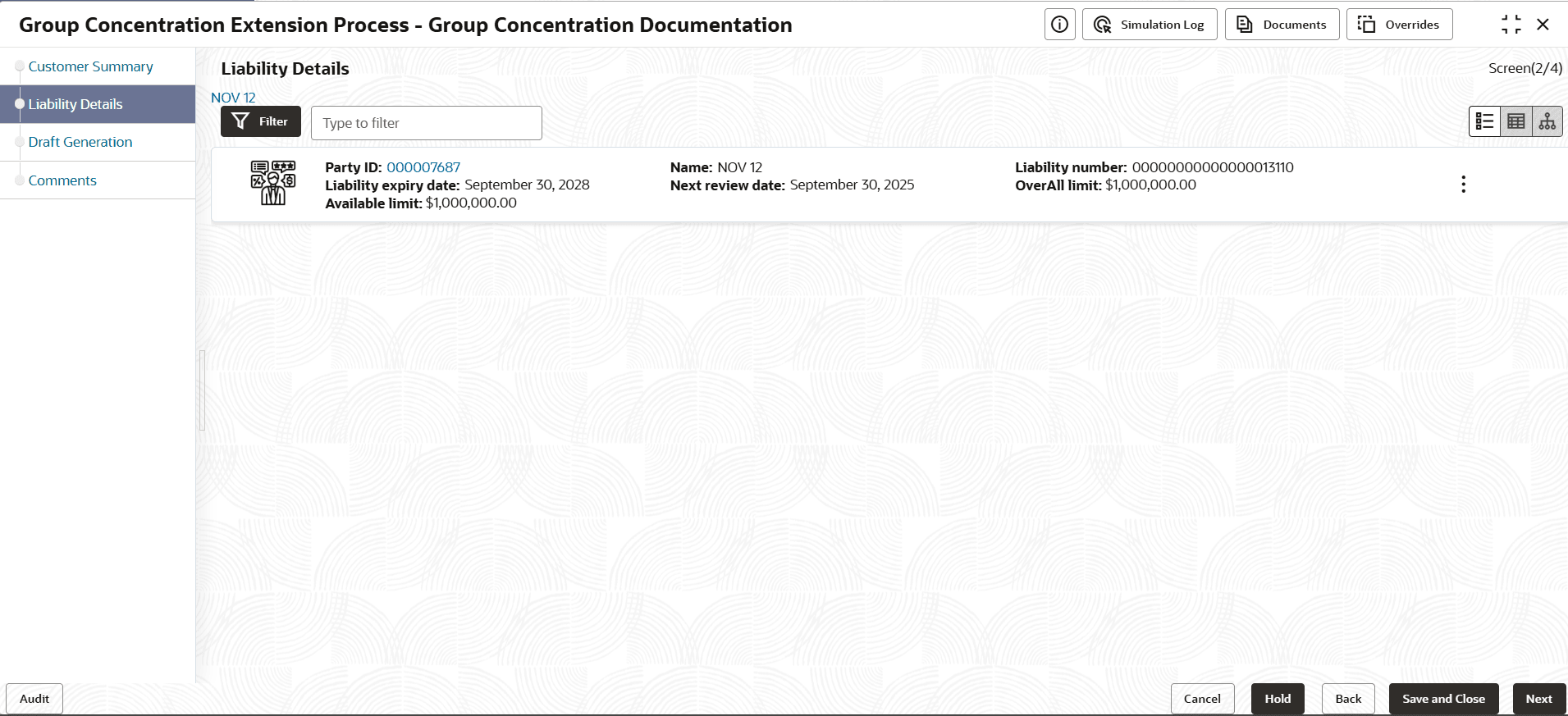
- View the Customer Summary and click Next. The Liability Details page is displayed.
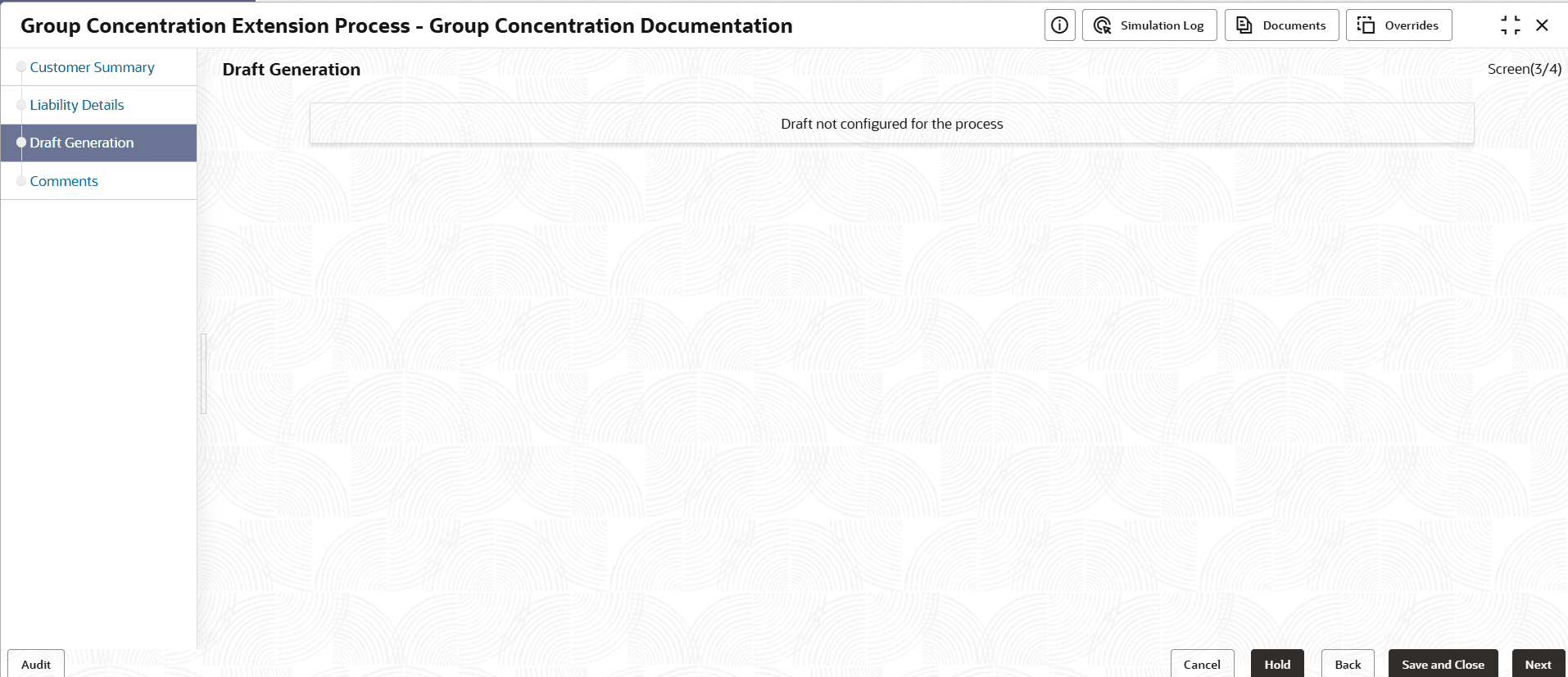
- To go to the next page, Click Next. The Draft Generation page is displayed.
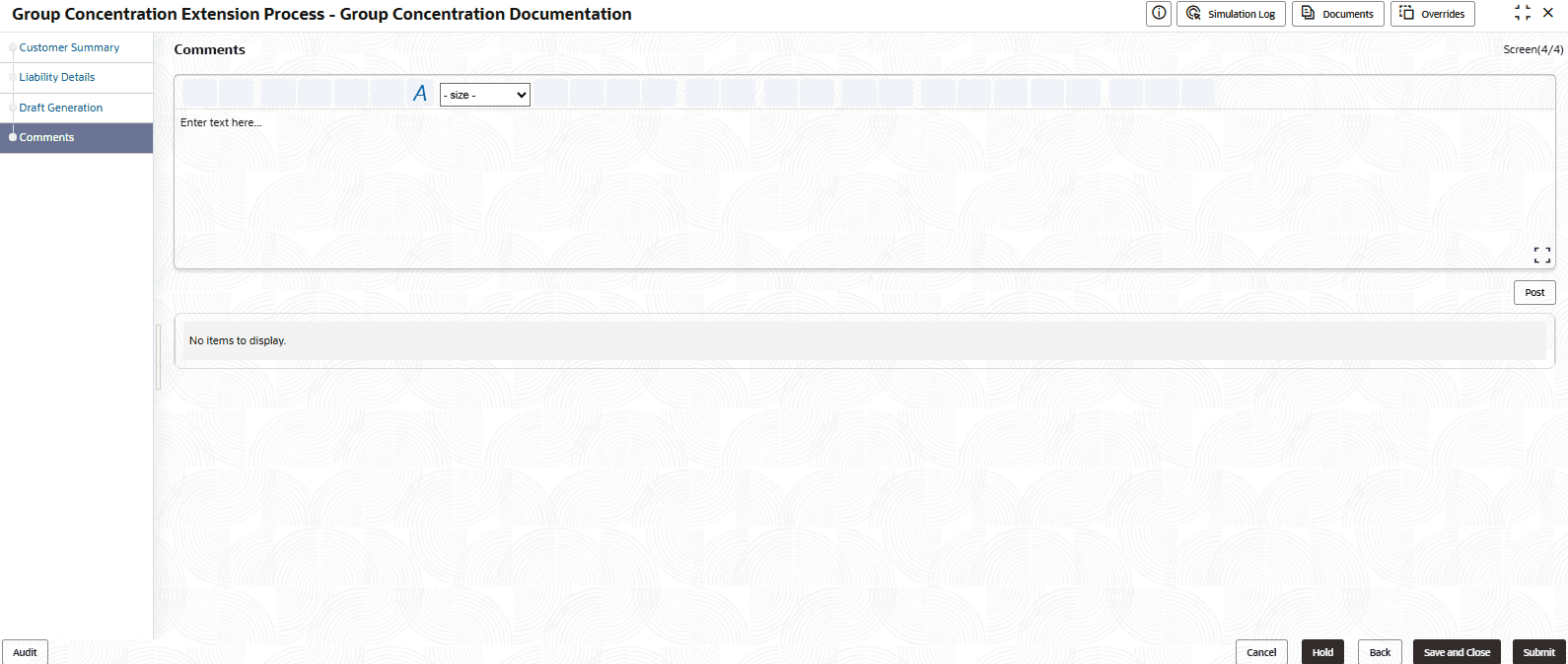
- To go to the next page, click Next. The Comments page is
displayed.
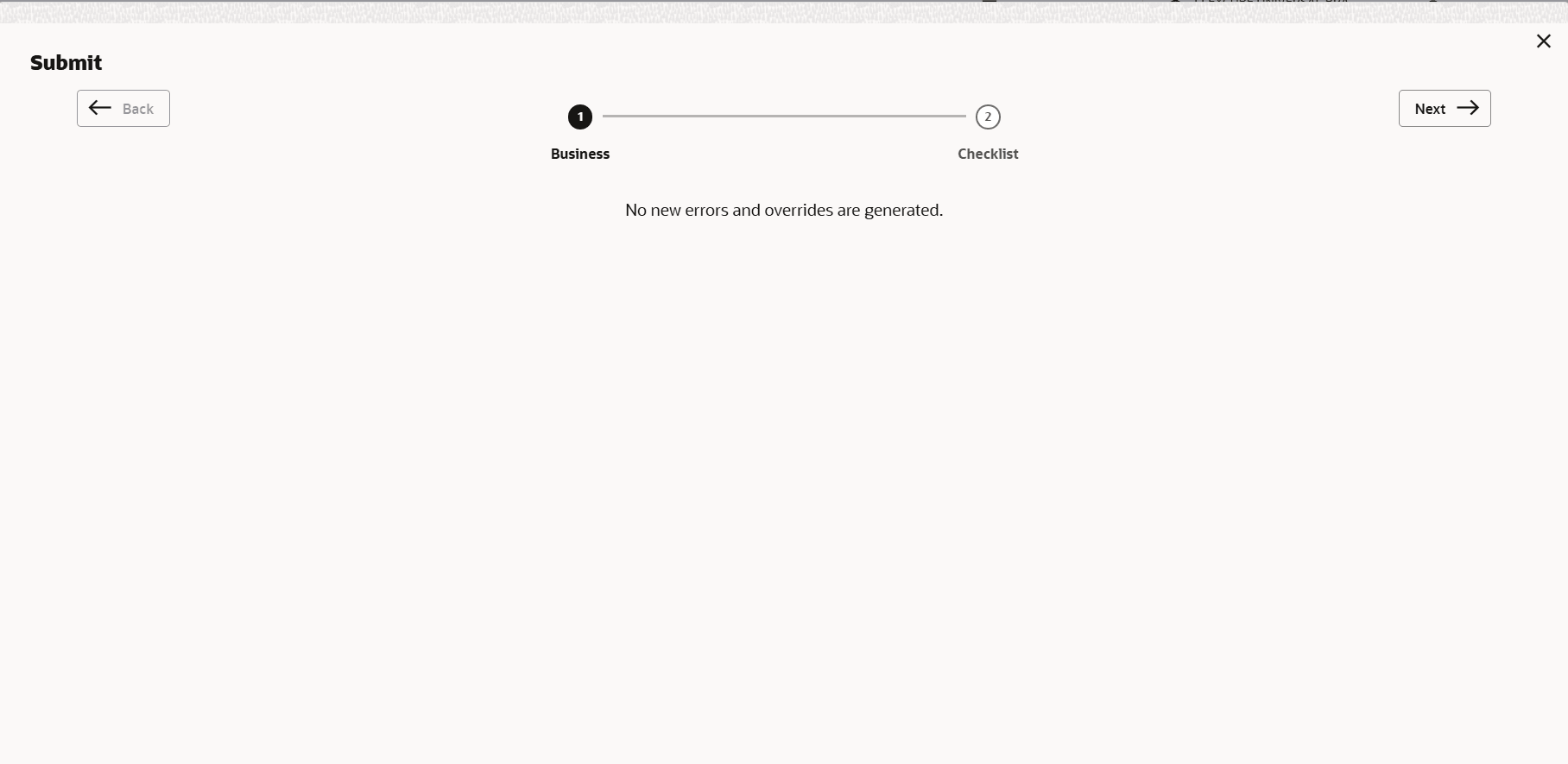
- To submit the documentation task, click Submit. The Policy
Exception Summary window is displayed.By default, policy exceptions are displayed for both the party and child parties. To view the policy exceptions for particular party / child party, select the required party / child party from the drop down list at top left corner.
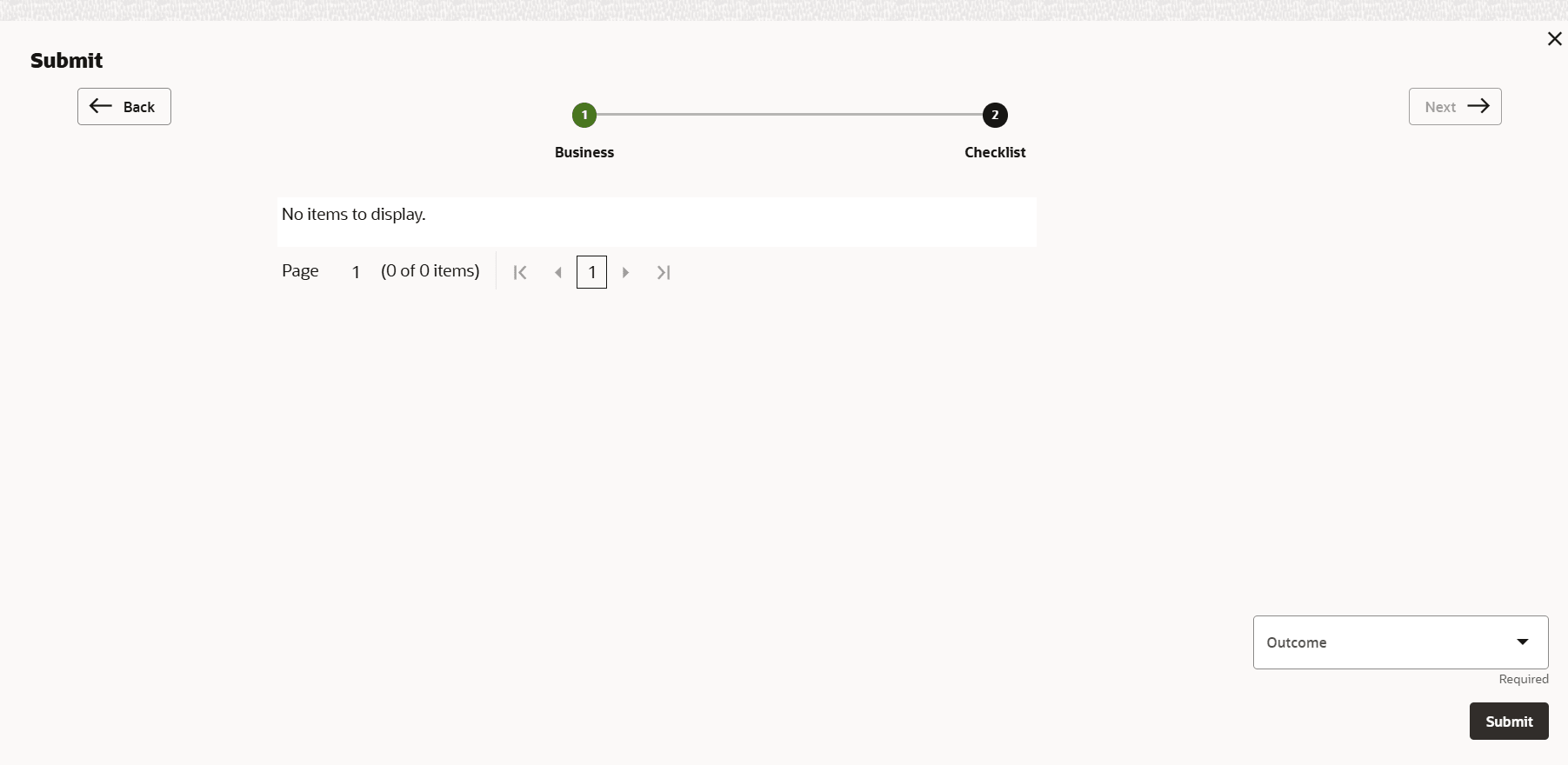
- Click the Checklist data segment.