3.1 Policy Initiation
In OBCFPM, the Policy Analysts can set the policy for the sector and its associated industry group, industry and sub-industry while defining the policy.
Figure 3-4 Policy Initiation_Select Sector
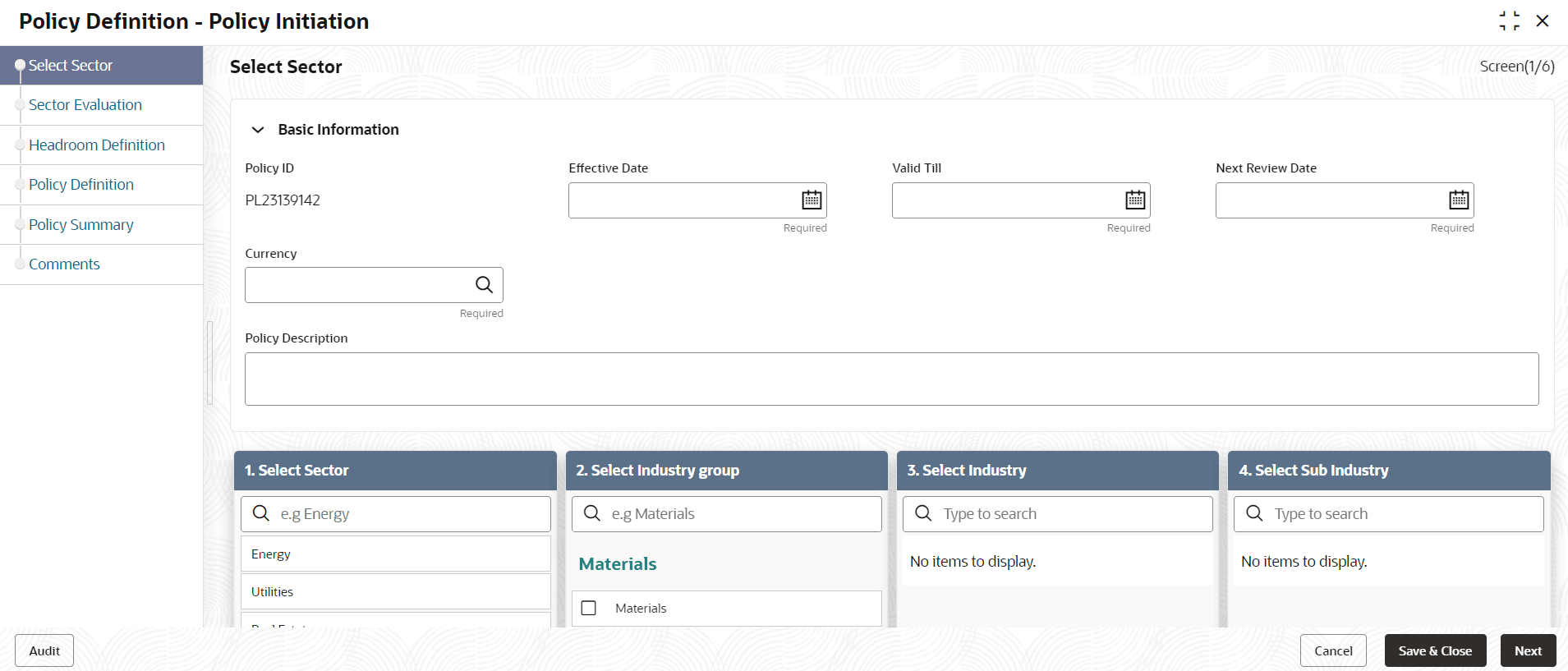
Figure 3-5 Policy Initiation_Select Sector
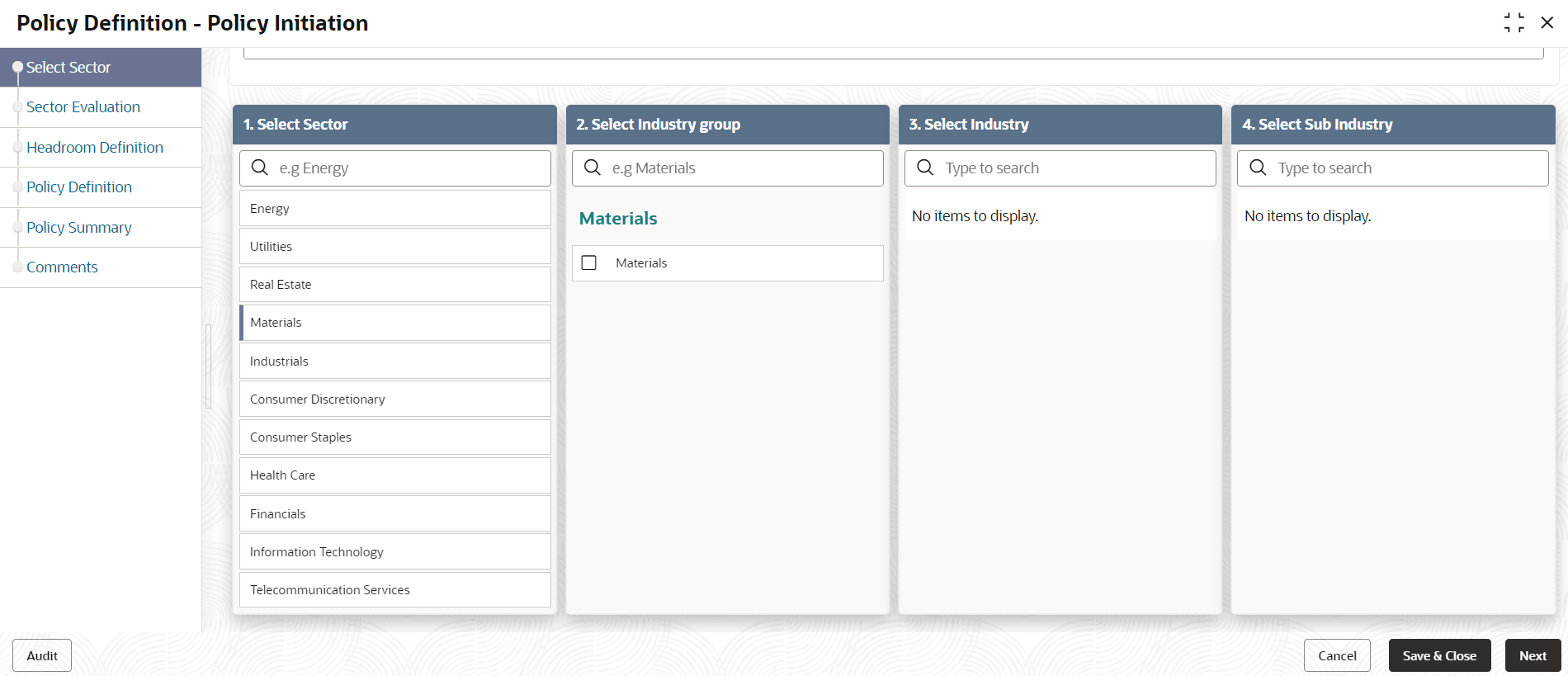
Select Sector screen:
For information on Select Sector, refer the below table.
Table 3-1 Select Sector
| Fields/Icons | Description |
|---|---|
| Effective Date | Select Effective Date for the policy by clicking Calendar icon. The Effective Date should be in future. |
| Valid Till | Select Valid Till date for the policy by clicking Calendar icon. The Valid Till date should be in future and more than the effective date. |
| Next Review Date | Select Next Review Date date for the policy by clicking Calendar icon. The Next Review Date should be in future and more than the effective date. |
| Currency | Search and fetch Currency for the policy. |
| Policy Description | Enter the description for the policy in Policy Description field. |
| Select Sector | Select Sector for which policy needs to be defined. |
Parent topic: Policy Initiation