4.4 Comments

This topic provides systematic instructions about the Comments.

In the Comments screen, you can add your overall comments for the Docket Generation stage. Adding comments help the user of the next stage in making better decisions.
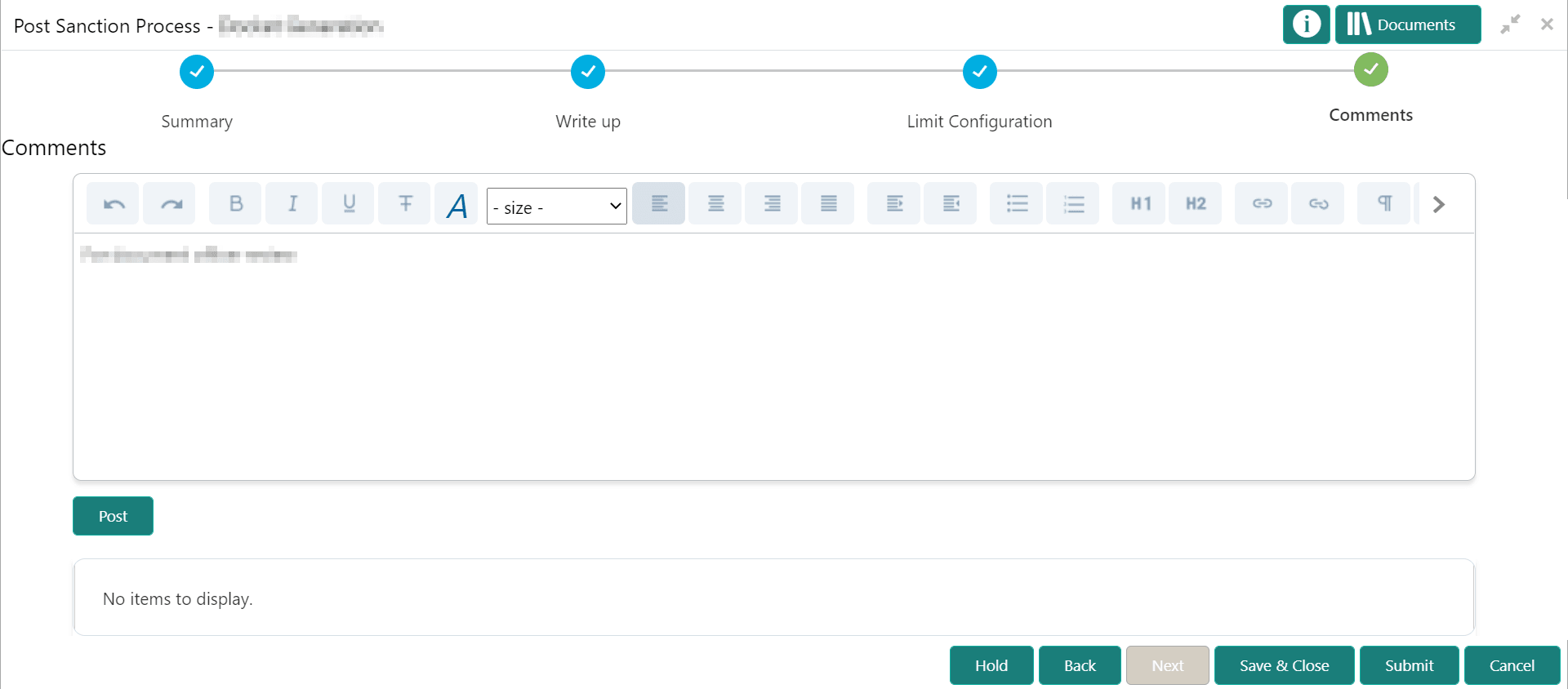
  1. Type the comments in the text box and click Post.
    Comments are posted below the text box.
  2. To submit the task to the next stage, click Submit.
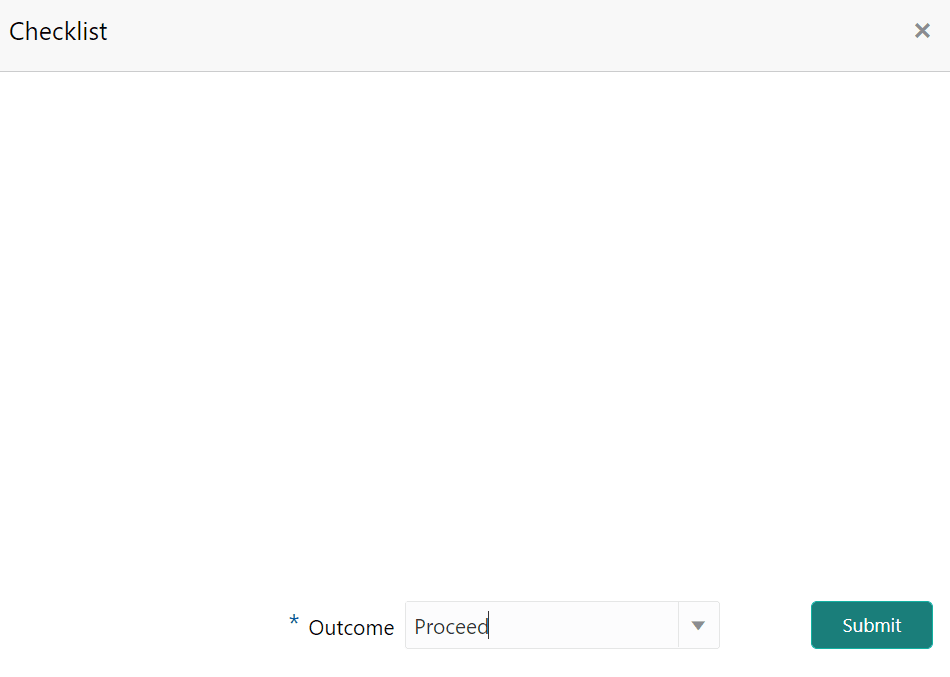
    The Checklist window is displayed.

In case the checklist is configured for verification in the Maintenance module, the same appears in the above window. You have to manually ensure the checklist and enable the check box.

  1. Select the required Outcome.
    The options available are Proceed, Renegotiation, and Send for Clarification.
  2. Click Submit.

    If the Outcome is selected as Proceed, the PSN application is moved to the Document Execution stage on clicking Submit.

    If the Outcome is selected as Renegotiation, the PSN application is moved to the Proposal Structuring stage on clicking Submit.

    If the Outcome is selected as Send for Clarification, the PSN application is moved to the Proposal Review stage on clicking Submit.