12.2 Customer Acceptance

This topic provides systematic instructions about the Customer Acceptance data segment in Customer Acknowledgement stage.

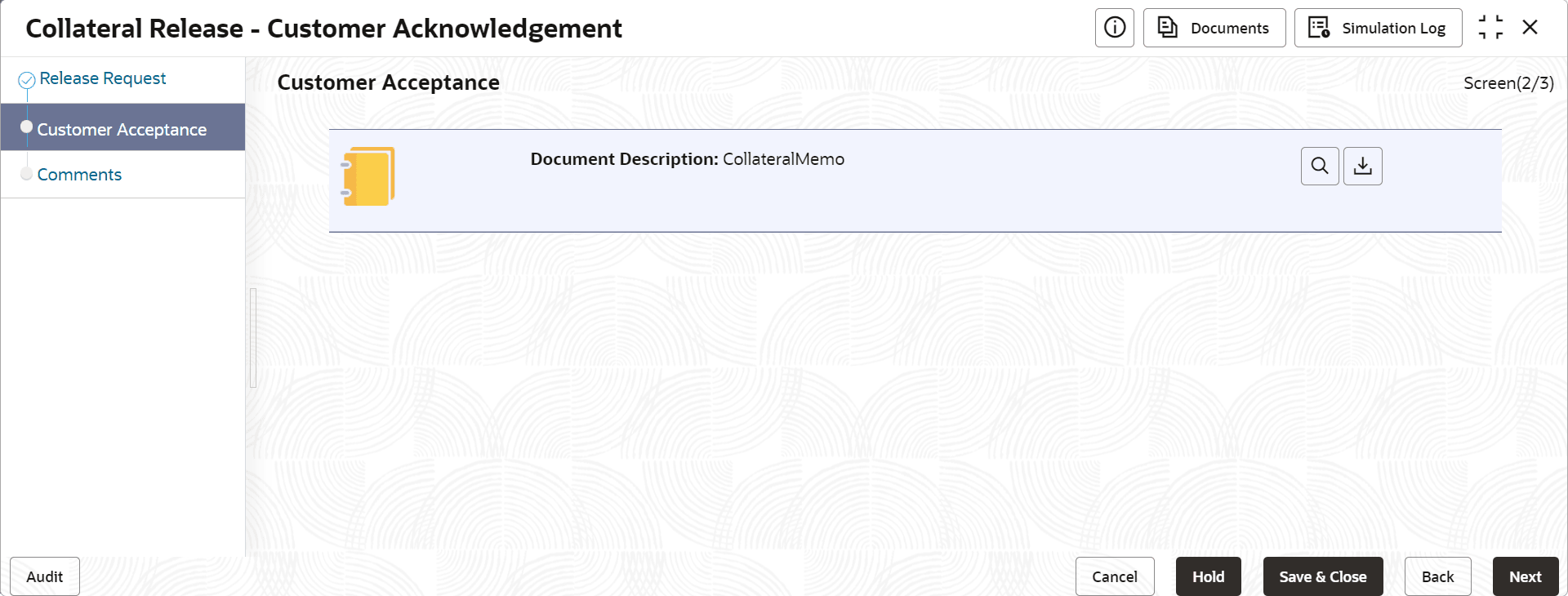
In this data segment, you can capture the customer decision and recommendation as well as download and view the collateral release documents sent for customer acceptance in previous stage.
Click Next in the Customer Acknowledgement - Release Request screen, the Customer Acceptance data segment is displayed.

Figure 12-3 Customer Acknowledgement - Customer Acceptance


  1. Enable the Customer Decision: Agree flag, if the customer has accepted the release document.
  2. Select the Customer Recommendation from the drop down list.
    The options available include but are not limited to:
    • Reduced Facility
    • Additional Collateral
    • Additional Facility
    • Waived Additional Facility
    • Waived Additional Collateral
  3. To View or Download the acceptance documents, expand the Acceptance Documents section and click on the required icon.
  4. After performing necessary actions in the Customer Acknowledgement - Customer Acceptance screen, click Next.