8 Manual Retry
This topic describes the systematic instructions for Manual Retry.
The proposal is automatically handed off to the back office system for creation of party as well as liability, facility, collateral and covenants, if the outcome of the previous stage is Proceed. If the automatic handoff fails, the proposal is sent to the Handoff - Manual Retry stage.
To manually Handoff the proposal to the Back Office System, perform the following steps:
- In OBCFPM, navigate to Tasks under
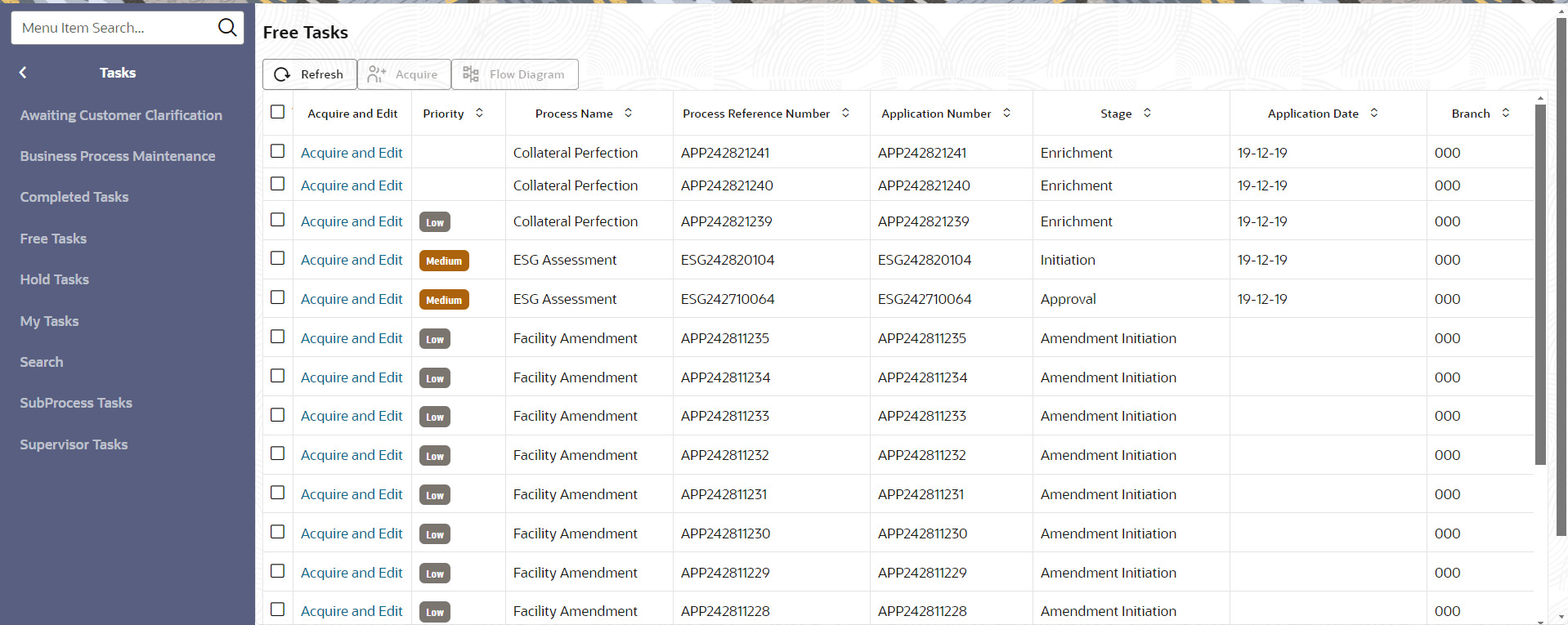
Tasks, click Free TasksThe Free Tasks screen displays.
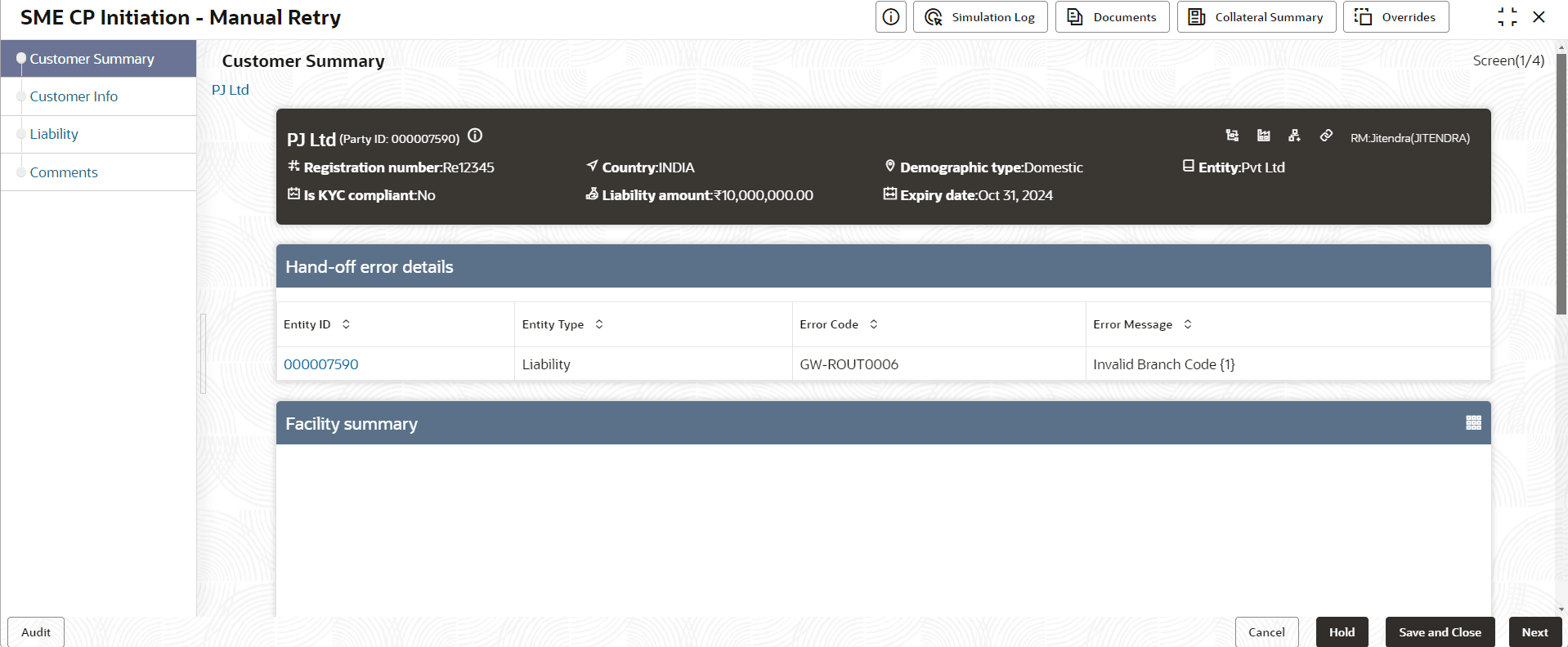
- Acquire & Edit the required Manual Retry task.The SME CP Initiation Manual Retry screen displays. In Summary page the hand-off error details are displayed
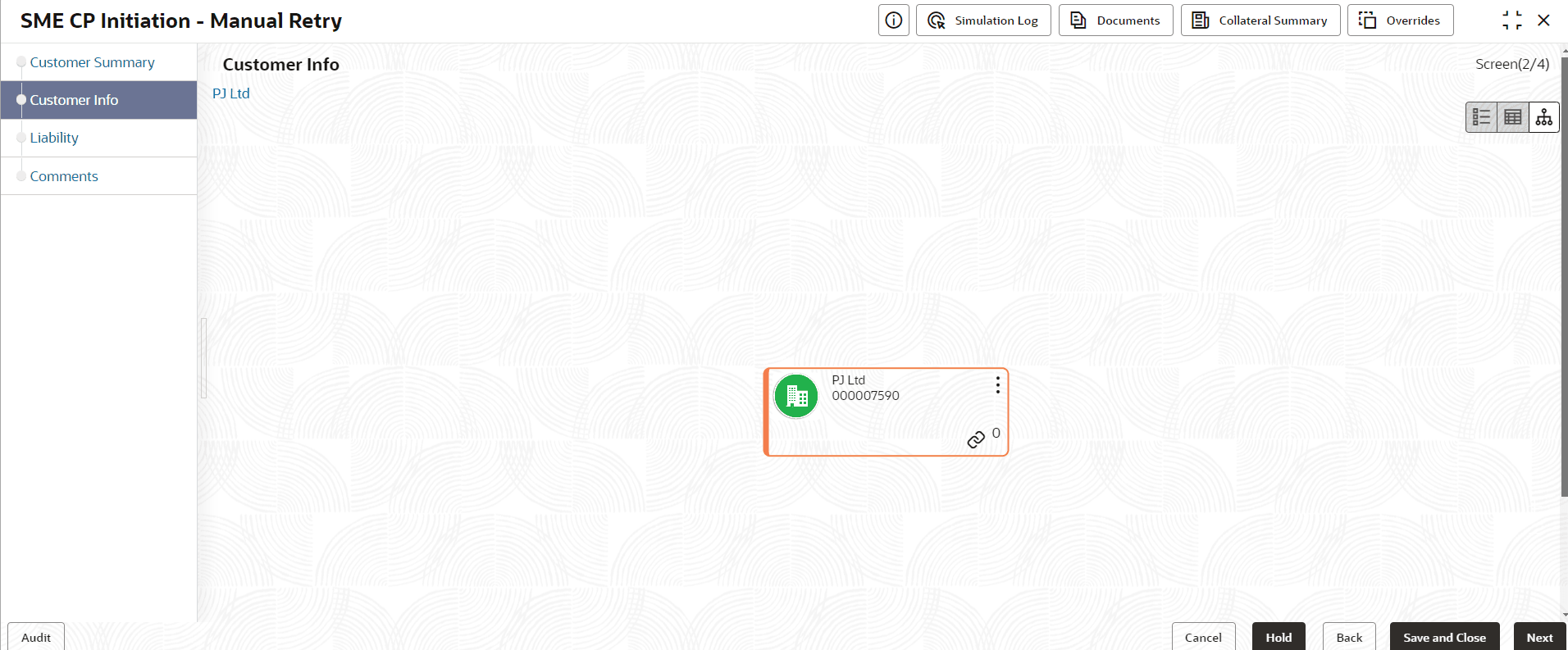
- Click Next.The Customer Info is displays.
- Click
 and click Add customer.
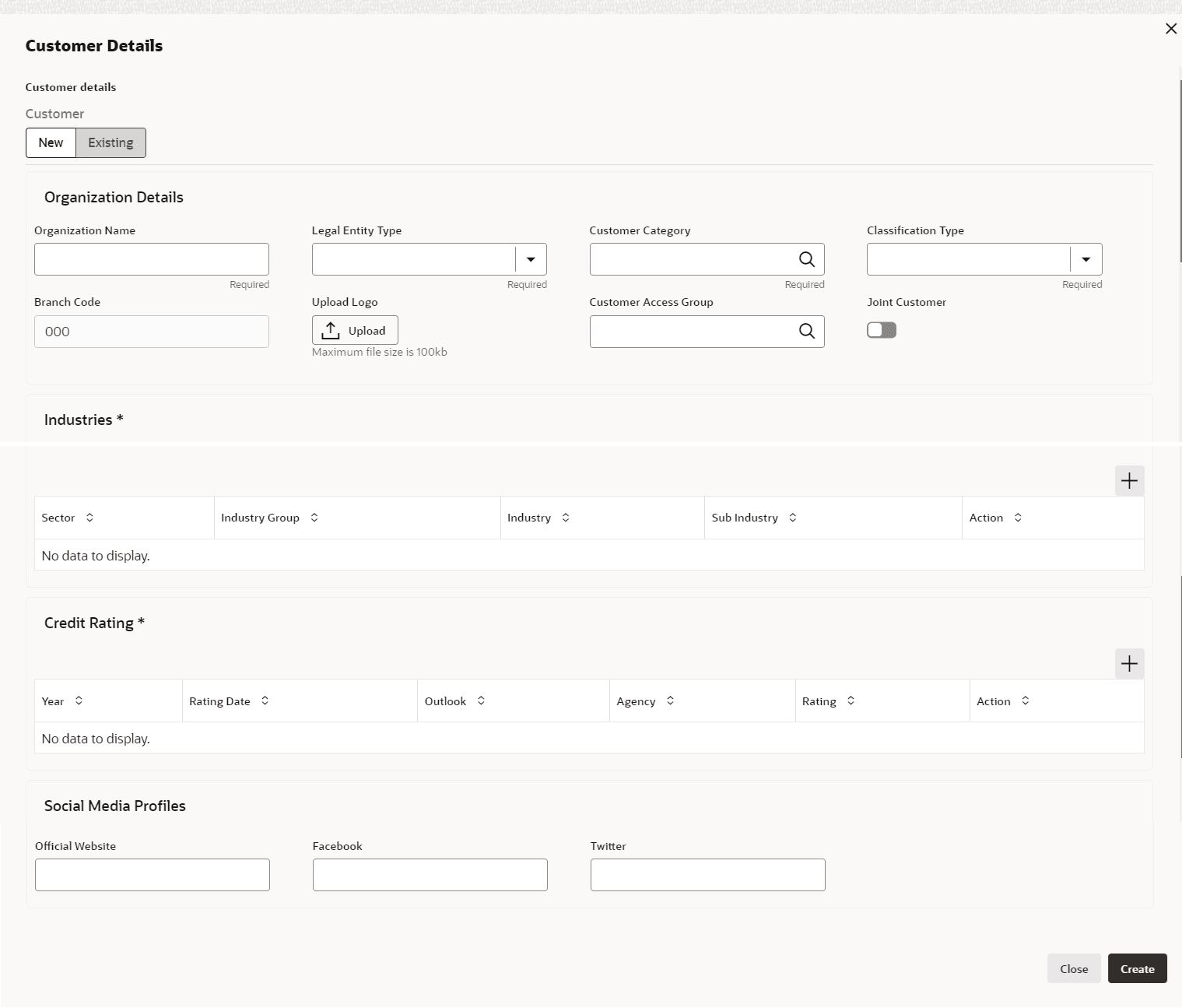
The Customer Details screen displays.
Note:
For more information on adding facility details refer SME CP Initiation - Click Next in the Customer Info
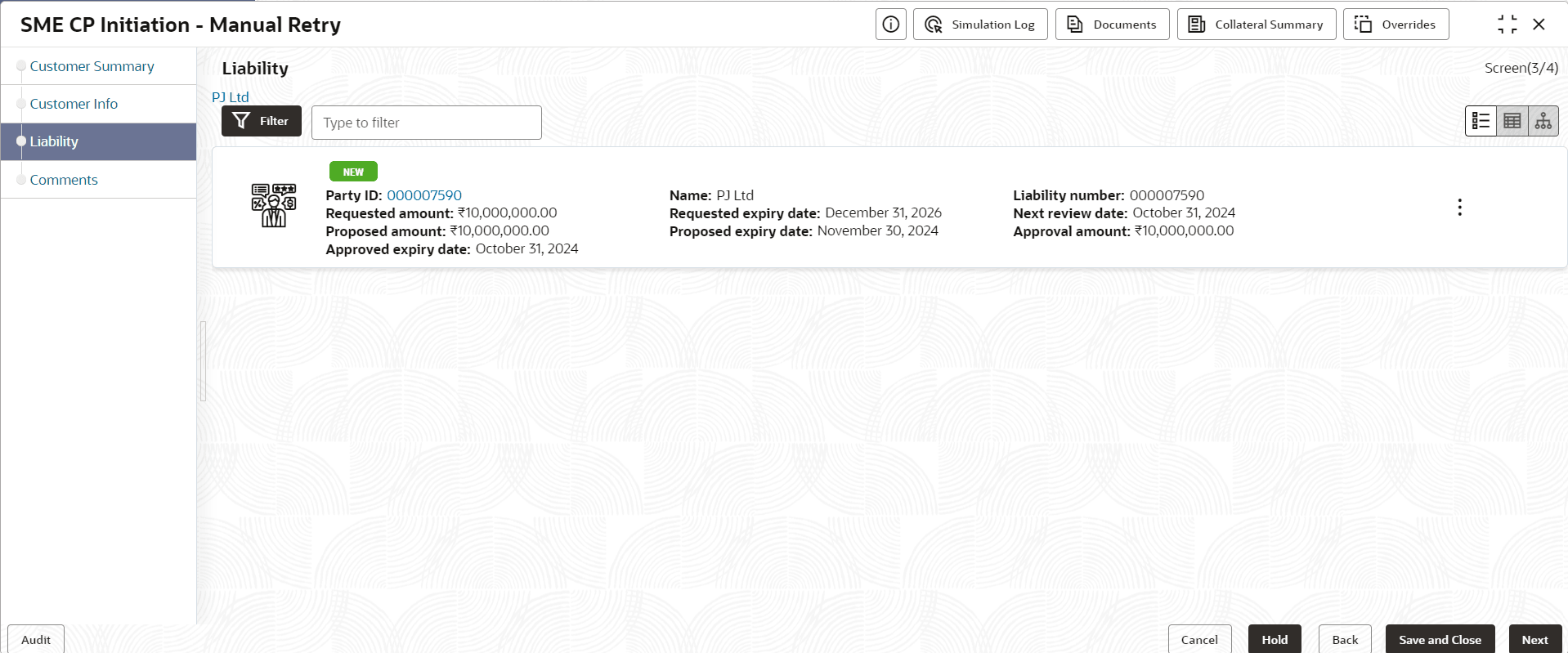
screen.The Liability screen displays.
- To add the liability details, expand and mouse hover on the
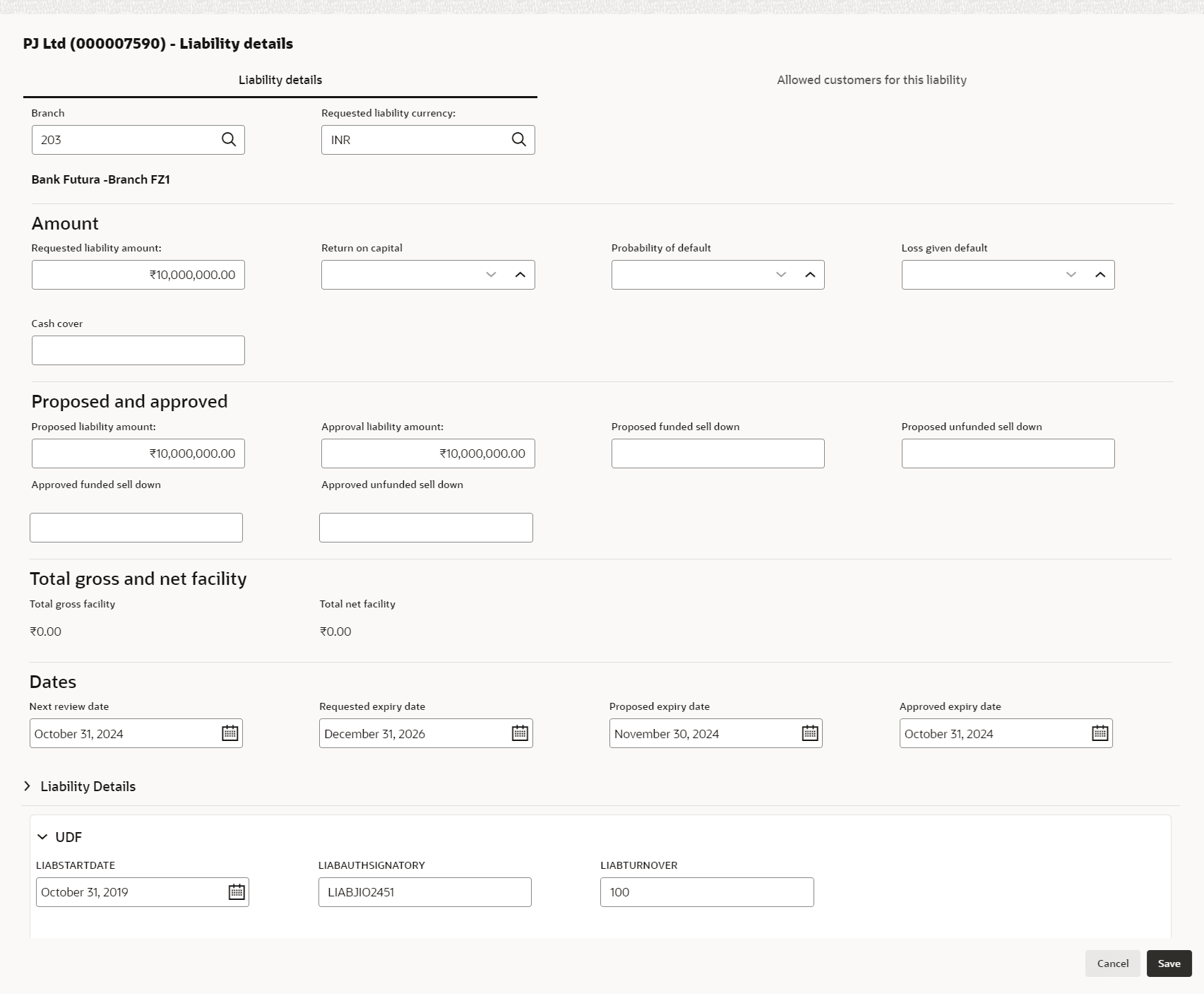
Liability section. Click Edit icon, The Liability Details screen displays.For more information on fields, refer to the field description table.
Table 8-1 Liability Details
Fields Comments Branch Click Search icon and select Branch. Requested liability currency Click Search icon and select Requested liability currency. Requested liability amount Specify the Liability amount requested by the party. Return on capital Ratio calculated by dividing the after tax operating income by the average book-value of the invested capital . Probability of default Estimate of the likelihood that the entity will be unable to meet its debt obligations Loss given default Amount of money a bank or other financial institution loses when a borrower defaults on a loan. Cash cover Amount deposited by the party in your bank Proposed Funded Sell Down - Funded sell down proposed for the party. Proposed liability amount Specify the Proposed liability amount. Approval liability amount Specify the Approval liability amount. Proposed funded sell down Specify the Proposed funded sell down. Proposed unfunded sell down Specify the Proposed unfunded sell down. Approved funded sell down Specify the Approved funded sell down. Approved unfunded sell down Specify the Approved unfunded sell down. Total gross facility Displays the Total gross facility. Total net facility Displays the Total net facility Next review Select Rating Date. The Party's Liability needs to be reviewed. Requested expiry date Select Requested expiry date for the liability based on your party request. Proposed expiry date Specify the Proposed expiry date. Approved expiry date Specify the Approved expiry date. Fetch Latest UDF Click Fetch Latest UDF button to input UDF data available in ELCM. Click Save. Details are updated in the Liability details section.
Note:
For more information about Liability refer Credit Proposal User Guide - Proposal Initiation - Funding Requirements - Click Next in the Liability
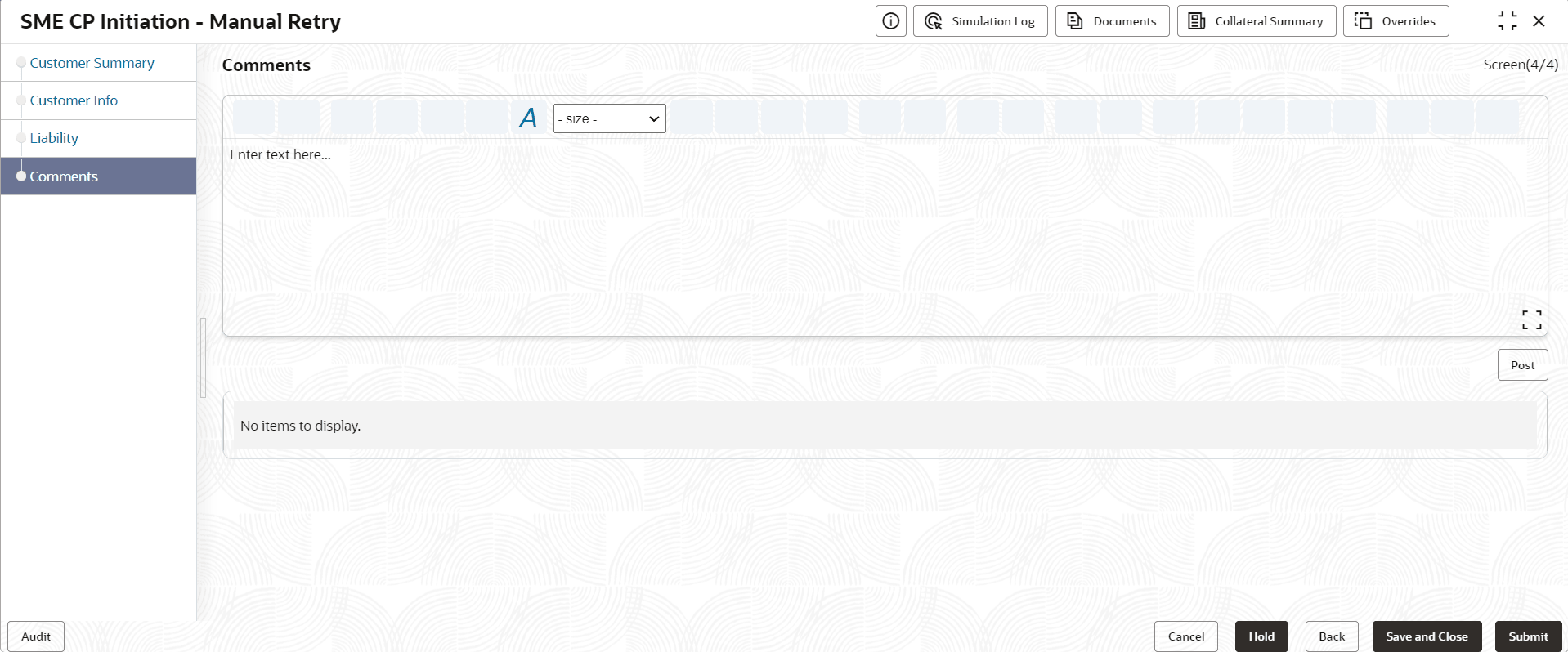
screen.The Comments screen displays.
Note:
For more information about Comments refer Credit Proposal User Guide - Proposal Initiation - comments.