4 SME CP Initiation - Proposal Structuring
This topic describes the systematic instructions for SME CP Initiation - Proposal Structuring.
Following data segments are enabled in SME CP Initiation - Proposal
Structuring stage.
- Customer Summary
- Other Bank Facilities
- Write up
- Risk Evaluation
- Legal Evaluation
- Credit Evaluation
- Proposal Structuring
- Comments
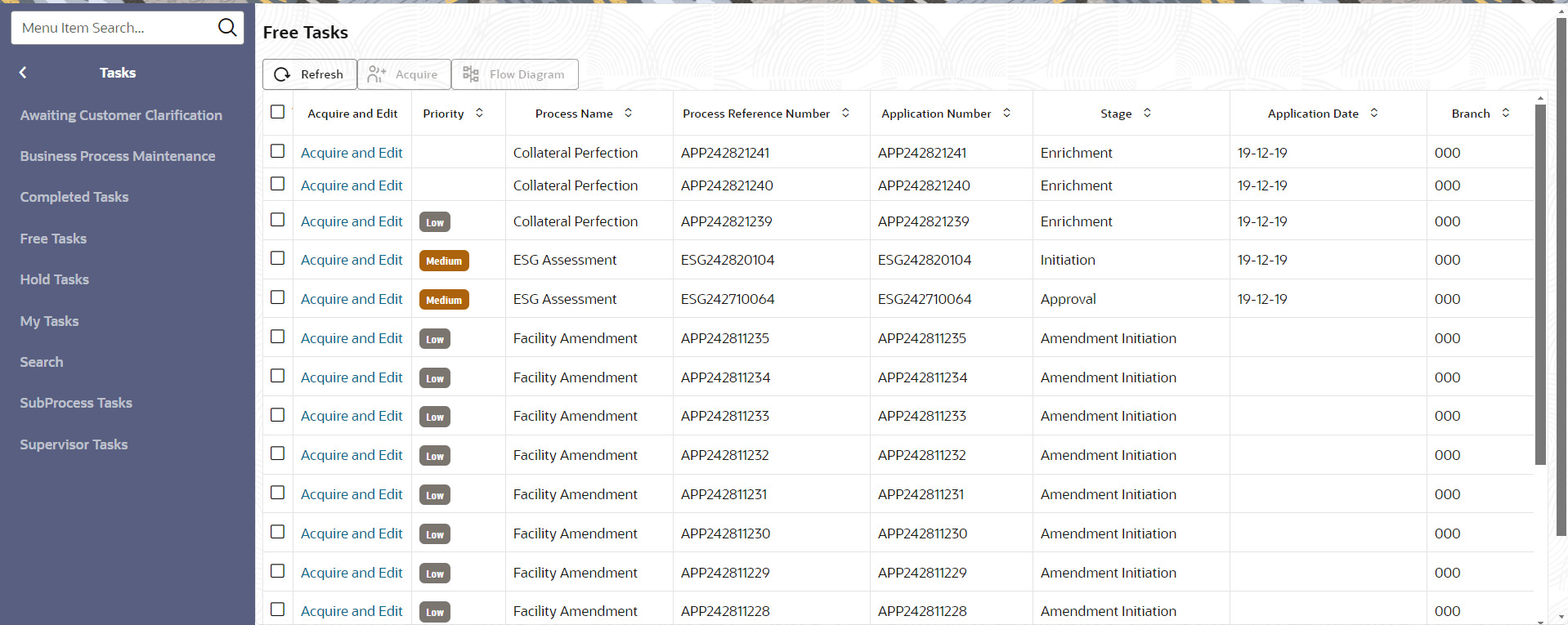
- In OBCFPM, navigate to
Tasks, under
Tasks click Free
TasksThe Free Task screen displays.
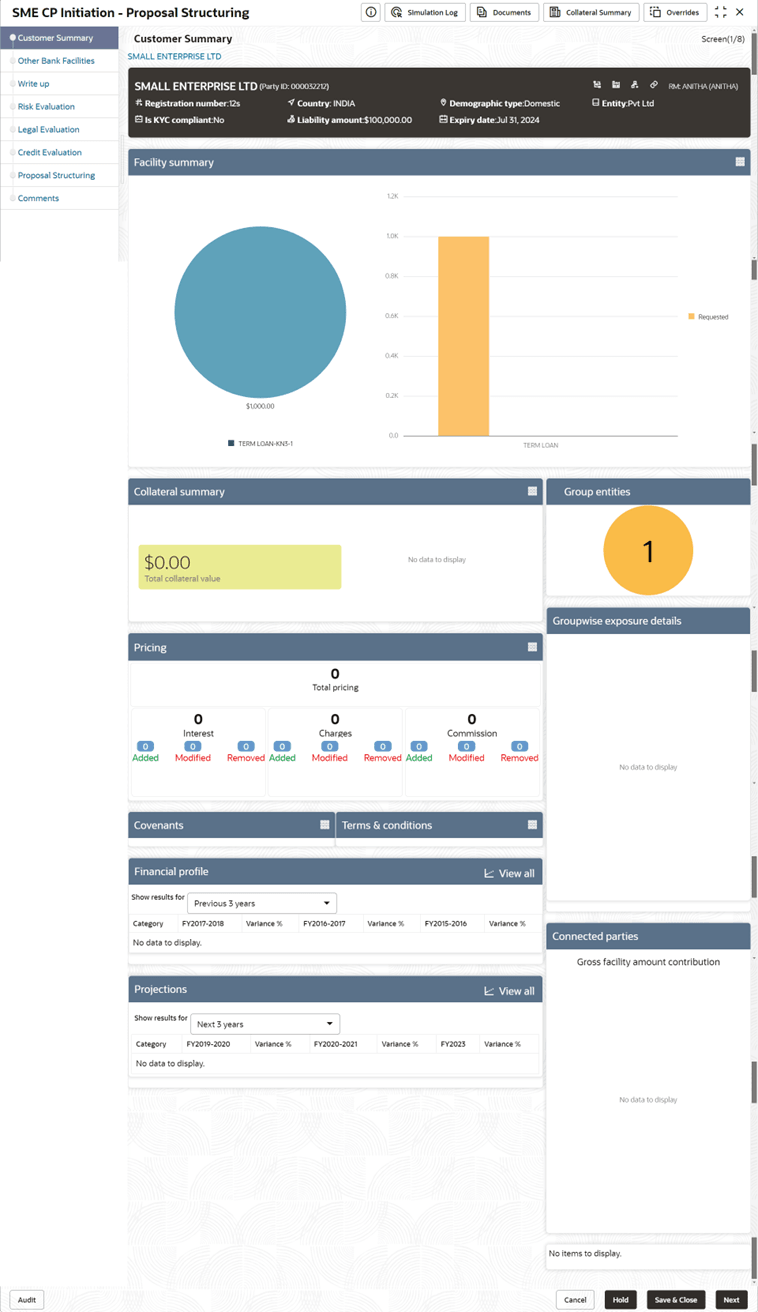
- Acquire & Edit the required Proposal
Structuring task. The SME CP Initiation - Proposal Structuring summarizing the proposal appears.
Figure 4-2 SME CP Initiation Proposal Structuring
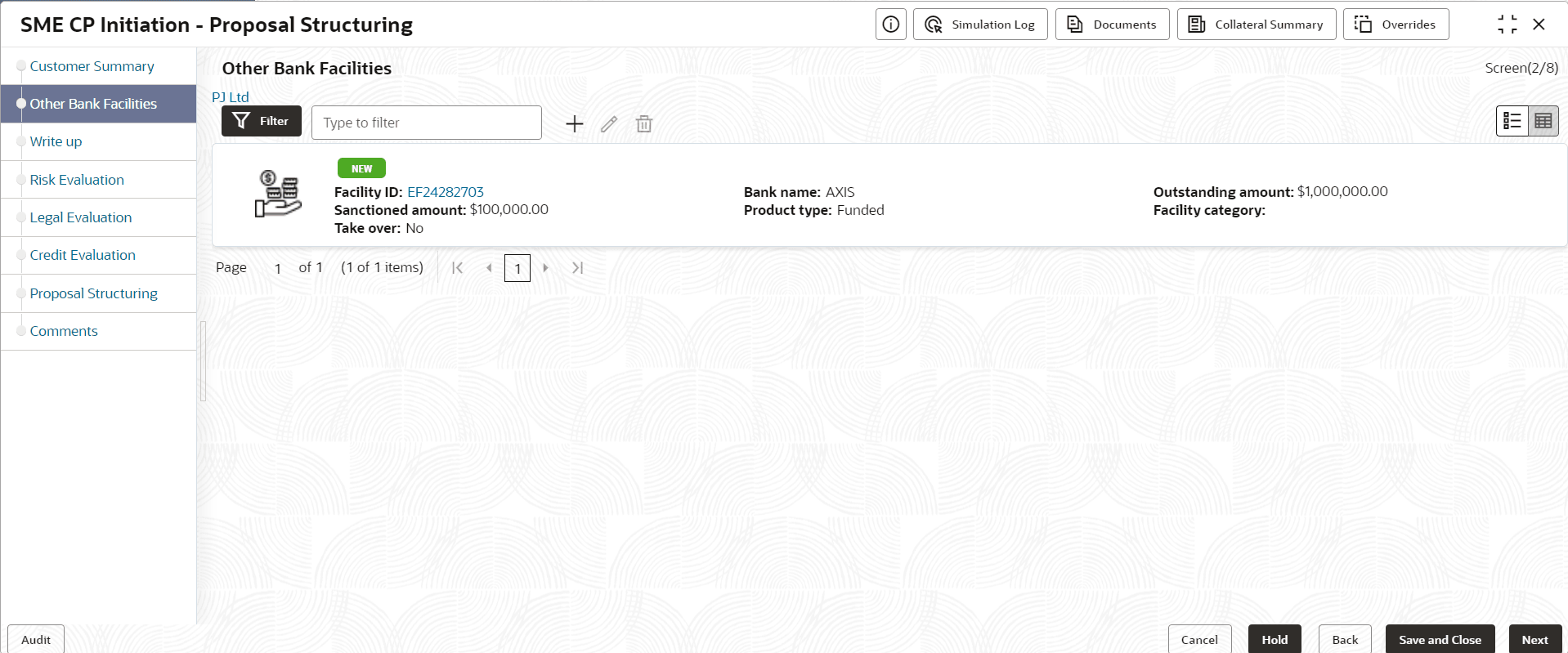
- Click Next, The Other Bank
Facilities page appear.The Other Bank Facilities screen displays.
Note:
For more information about Other Bank Facilities refer Credit Proposal User Guide - Proposal Initiation - Other Bank Facilities
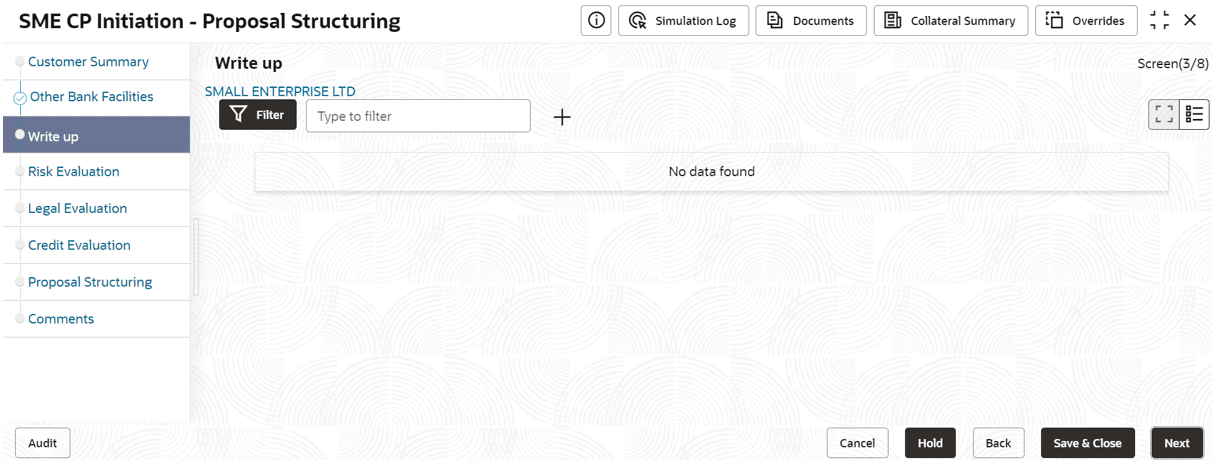
Write up
- Click Next, the Write
up screen appears.The Write up screen displays.
Note:
For more information about Write up refer Credit Proposal User Guide - Proposal Initiation - Write Up.
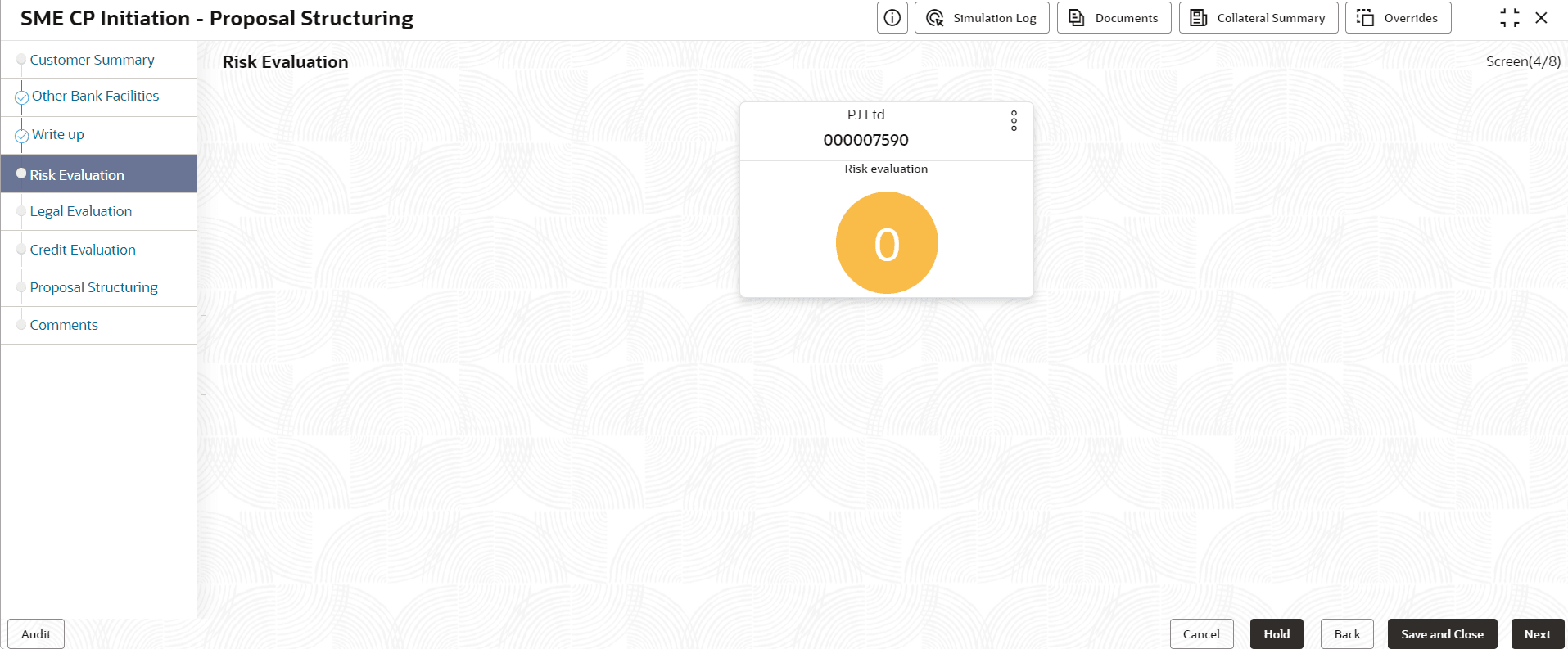
Risk Evaluation
- Click Next, the Risk
Evaluation screen appears.The Risk Evaluation scree displays.
Note:
For more information about Risk Evaluation, refer Credit Proposal User Guide - Proposal Evaluation - Risk Evaluation.
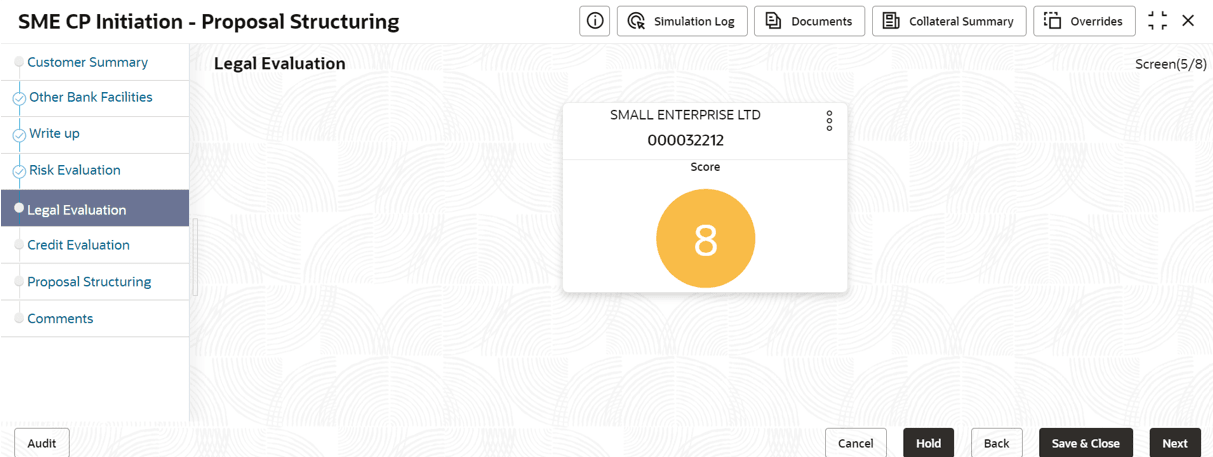
Legal Evaluation
- Click Next, the Legal
Evaluation screen appears.The Legal Evaluation screen displays.
Note:
For more information about Legal Evaluation, refer Credit Proposal User Guide - Proposal Evaluation - Legal Evaluation.
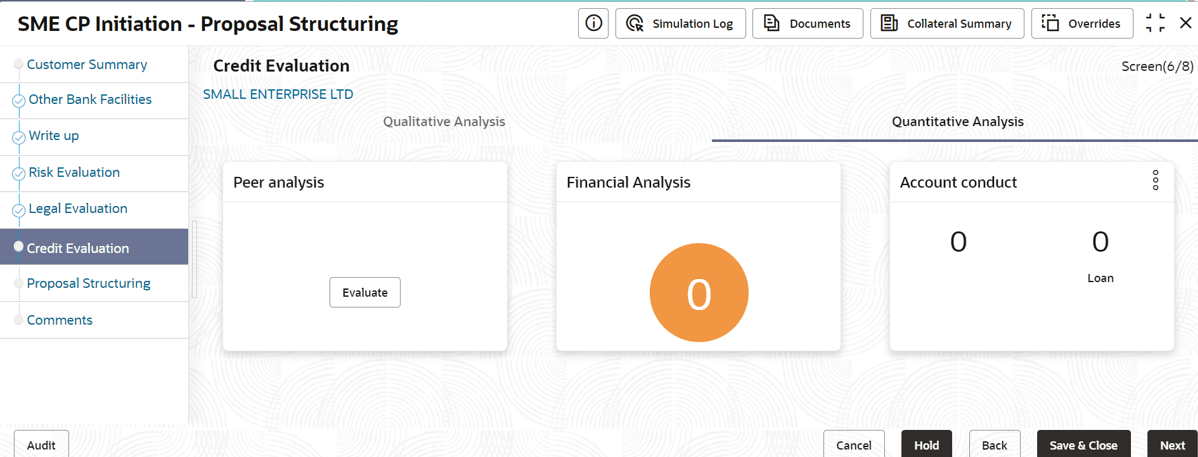
Credit Evaluation
- Click Next, the Credit
Evaluation screen appears.The Credit Evaluation screen displays.
Note:
For more information about Credit Evaluation, refer Credit Proposal User Guide - Proposal Evaluation - Credit Evaluation.
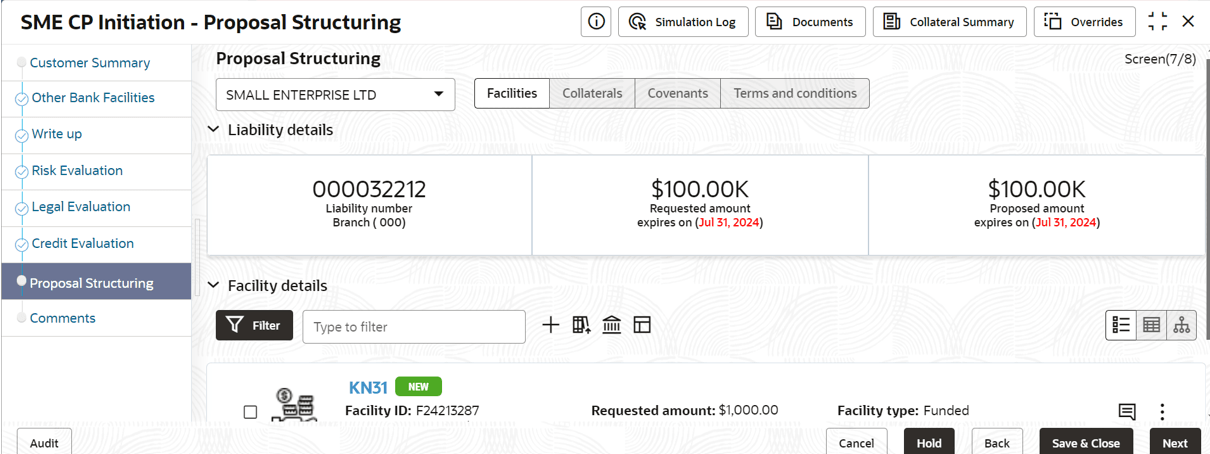
Proposal Structuring
- Click Next, the Proposal
Structuring screen appears.The Proposal Structuring screen displays.
Note:
For more information about Proposal Structuring, refer Credit Proposal User Guide - Proposal Structuring.
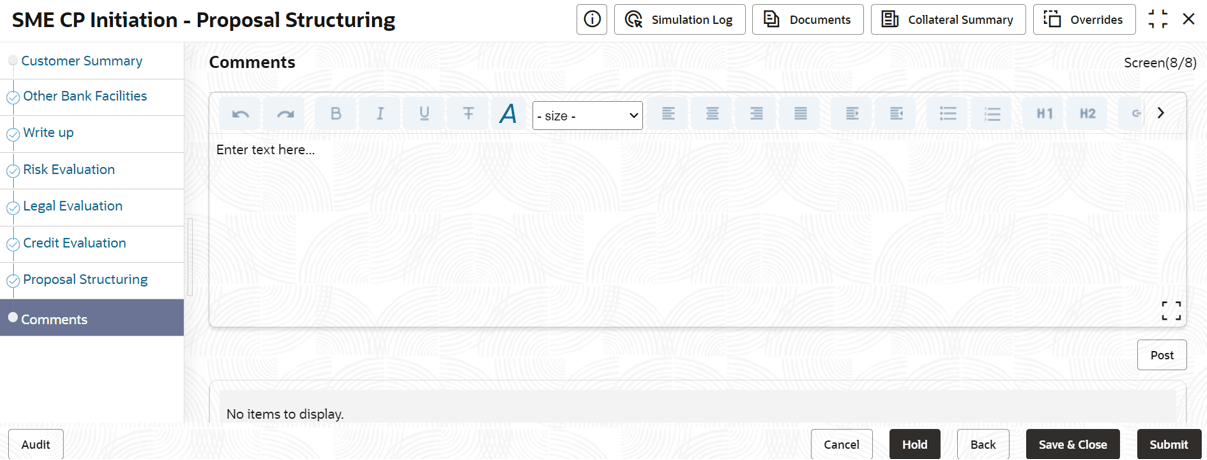
Comments
- Click Next, the
Comments screen
appears.The Comments screen displays.
Note:
For more information about Comments, refer Credit Proposal User Guide - Proposal Initiation - Comments.