3.1 Customer Information
Information on the Customer Information tile in Credit 360 interface.
The Customer Information tile displays basic information about the
selected customer.

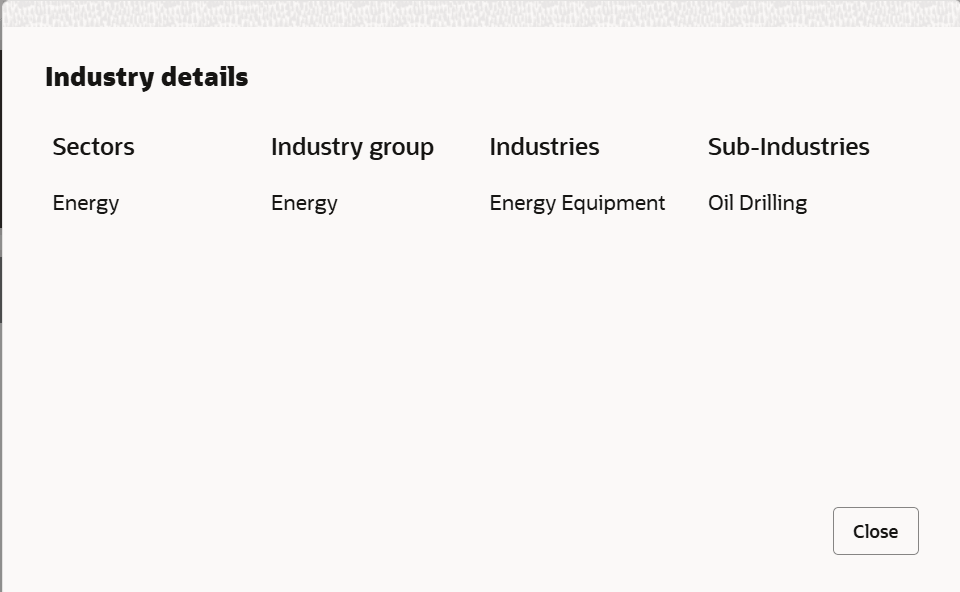
- To view the customer’s industry details, click
 the industry icon.The Industry Details window is displayed.
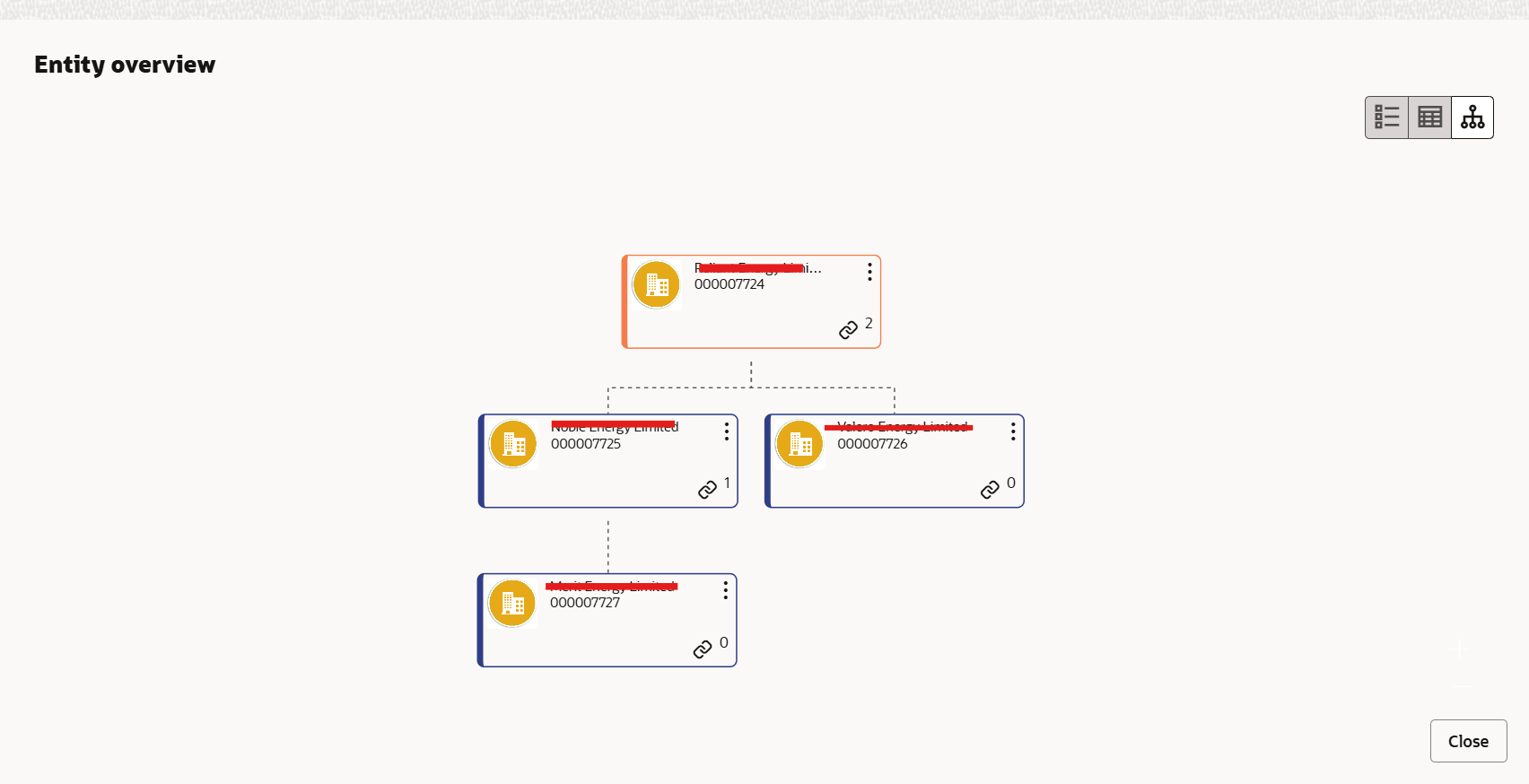
 - To view the entity overview, click the Tree View icon.The Entity Overview window is displayed.
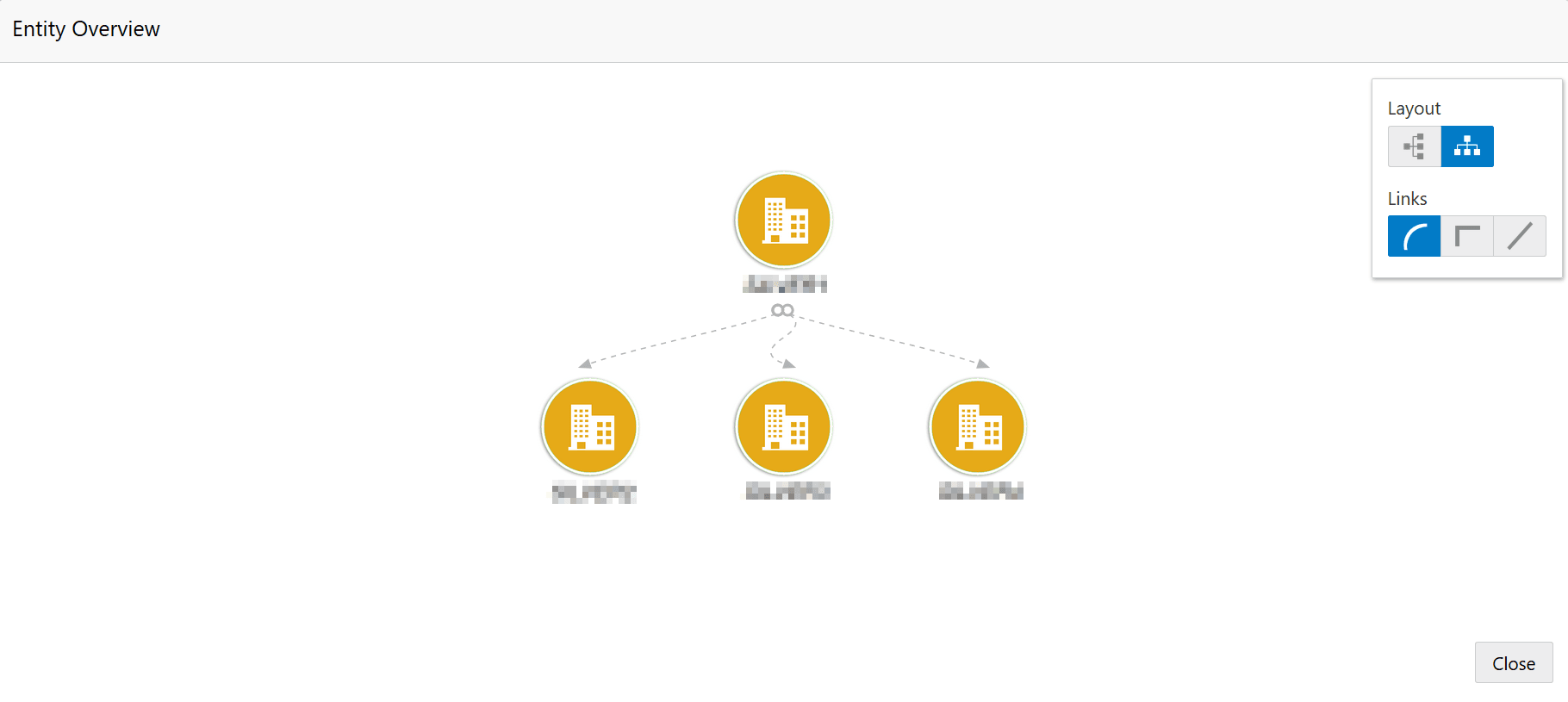
- To change the layout of the entity overview, click the settings icon.Layout options are displayed as shown below.
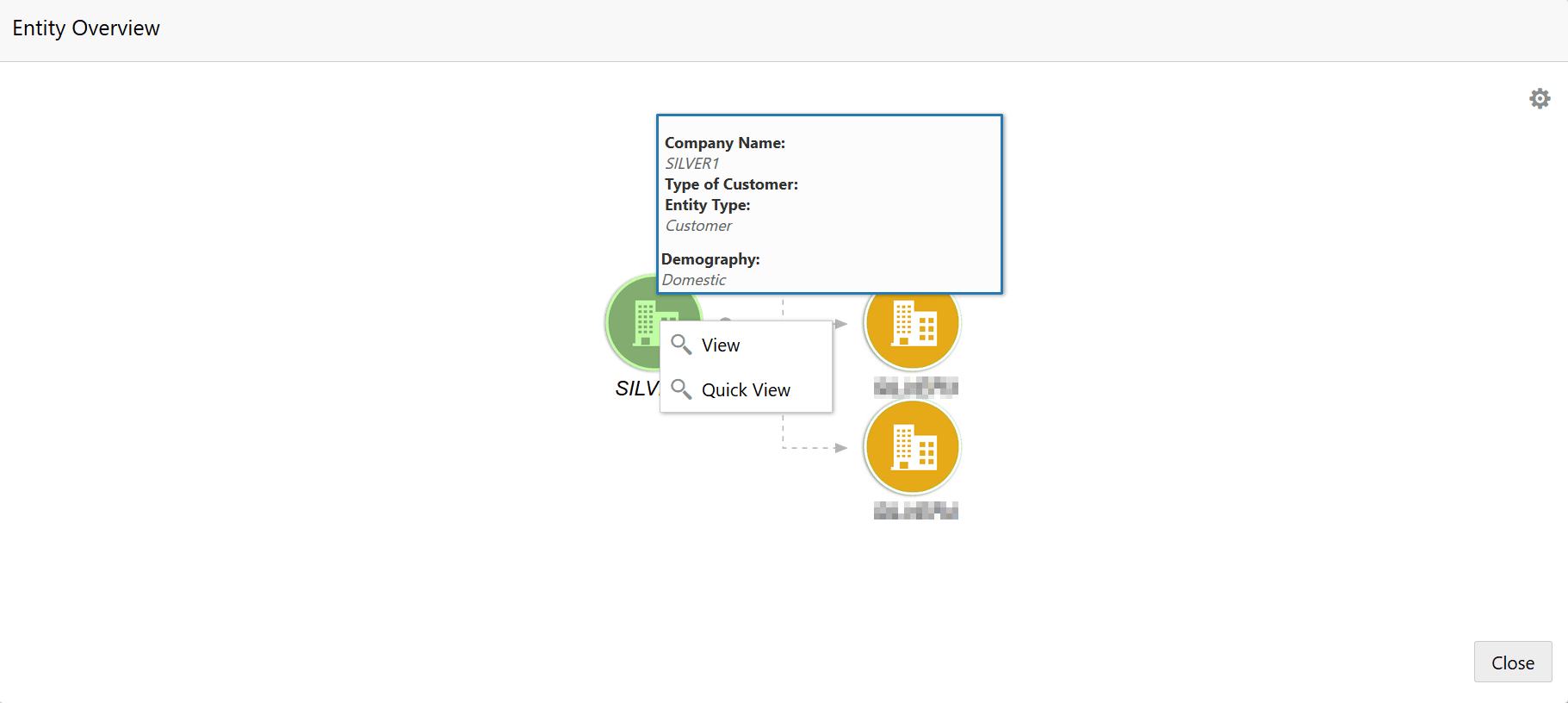
- Select the required Layout and Link.The entity overview is changed to the selected layout.Mouse hovering on the entity icon displays the basic details about the entity.
Figure 3-5 Entity Overview Right Click Options