3.5 Pricing

Information on the Pricing tile in Credit 360 interface.

The Pricing tile displays details about the pricing added for the facility, such as interest, charges, and commission.
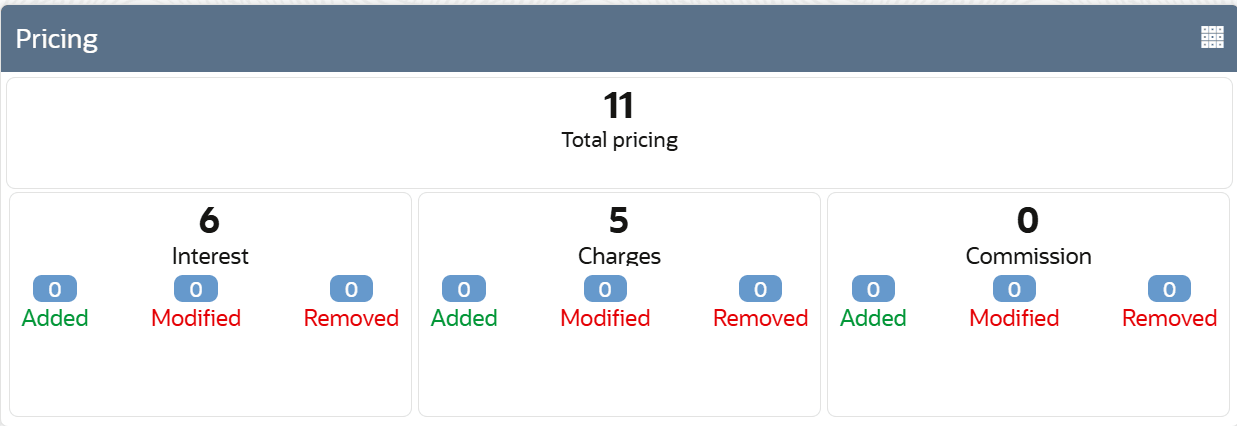
  1. To view detailed information about the pricing, click the Table View icon.
    The Pricing Details window is displayed.
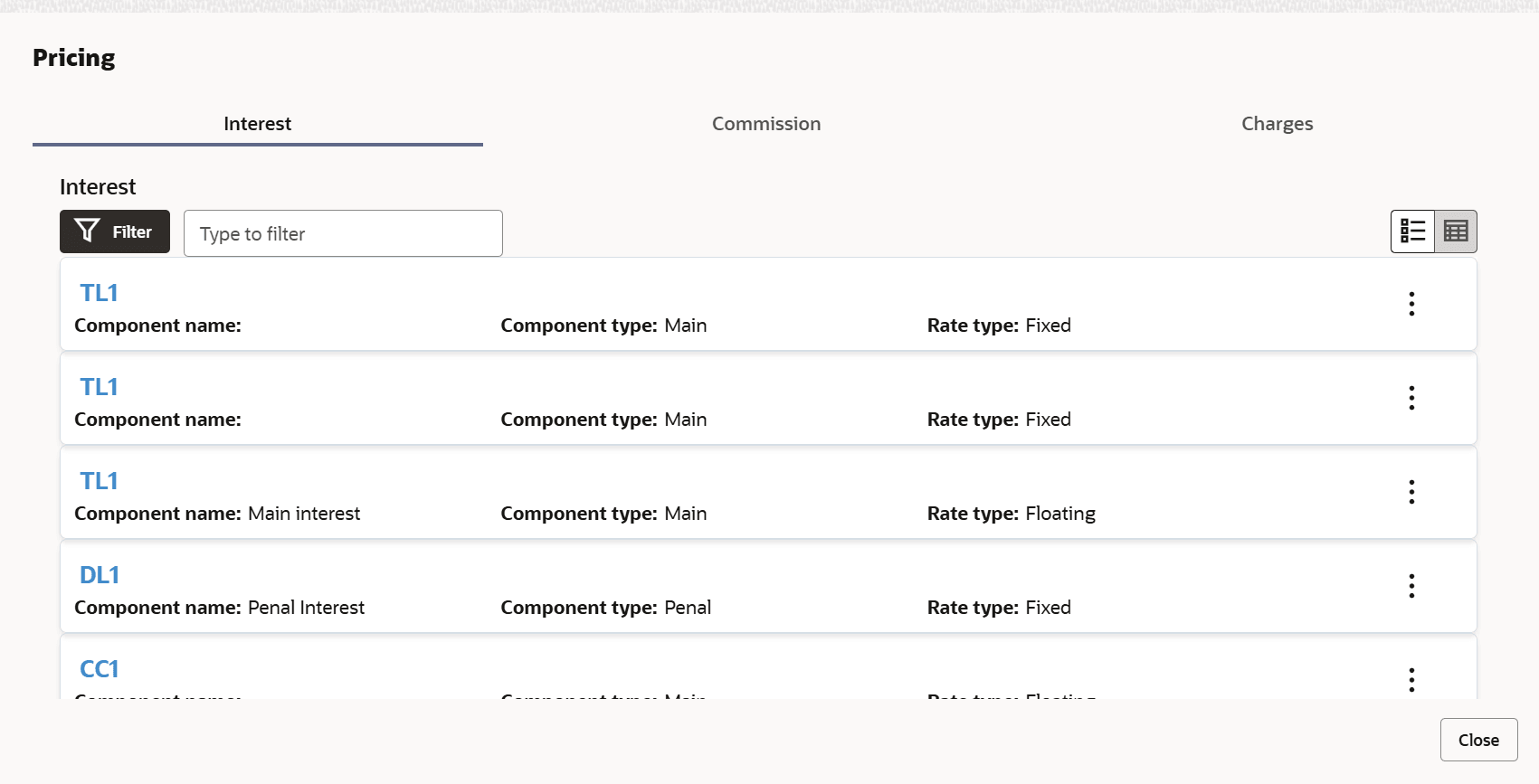
  2. To view the Commission or Charges detail, click the corresponding tab.
  3. To filter the required pricing record, click the Filter icon and specify the filter parameters or directly type the parameter in the Type to filter text box.
  4. To change the layout of Pricing window to table view, click the Table View icon.
  5. To view a particular pricing record, click View on the record.
  6. To exit the Pricing window, click Close.