2.3 Monitoring Information Maintenance
The Monitoring Information Maintenance allows you to define monitoring information which is used for deriving covenant compliance status. By default, the following monitoring information are factory shipped in the system:
- Balance Sheet
- Profit and Loss Statement
- Cash Flow Statement
You can use the above monitoring information as well as create new monitoring information based on requirement. In case of using default monitoring information, you cannot modify the elements that are fetched from the Financial Codes maintained for corresponding monitoring information.
To create monitoring information:
- Navigate to Credit Facilities > Maintenance > Monitoring
Information Maintenance > Create Monitoring Information from
the left menu.The Monitoring Information screen is displayed.
Figure 2-8 Monitoring Information
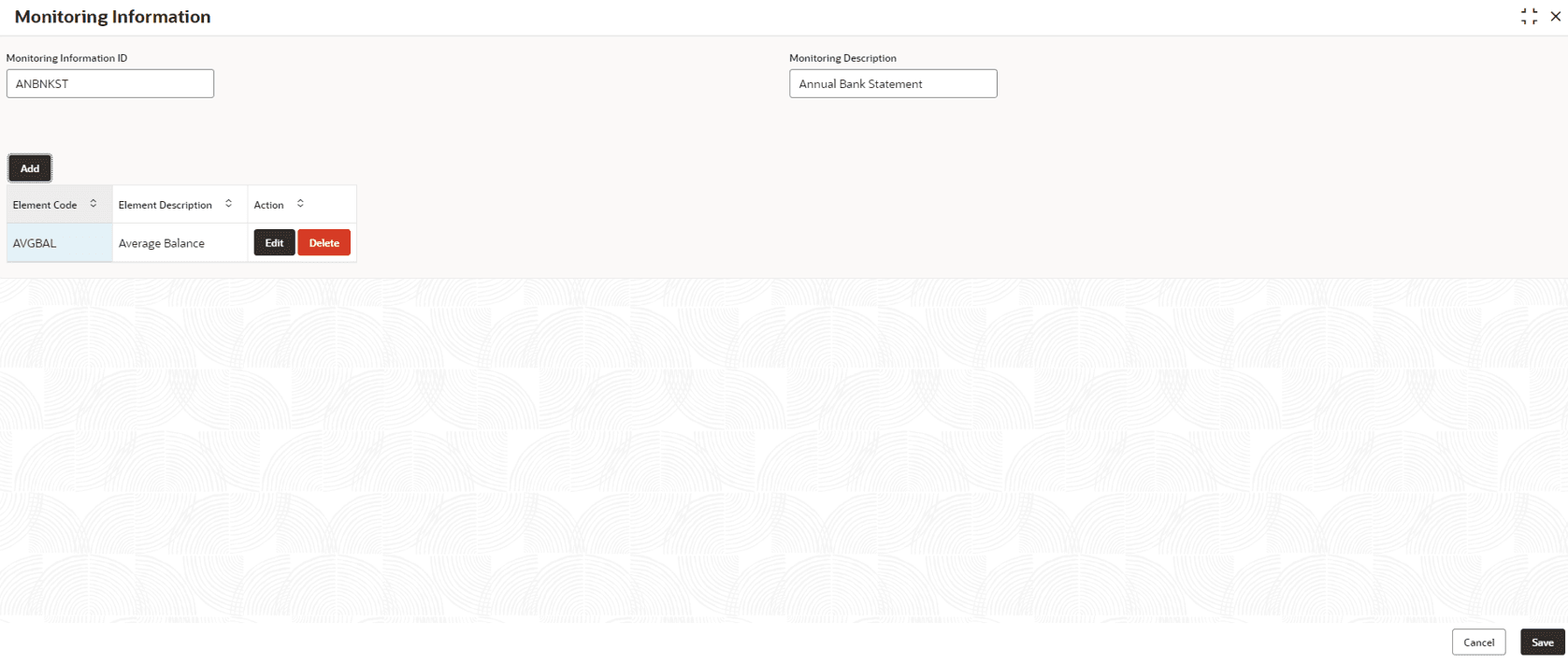
Figure 2-9 Element Details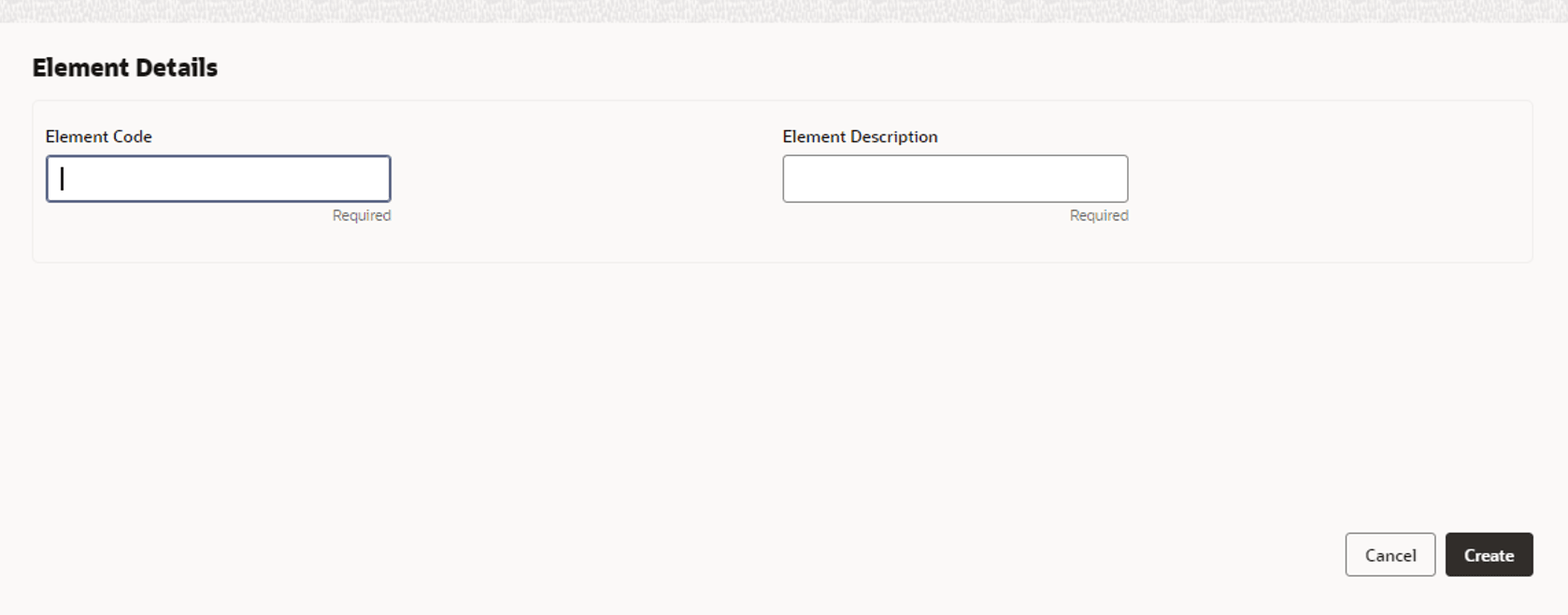
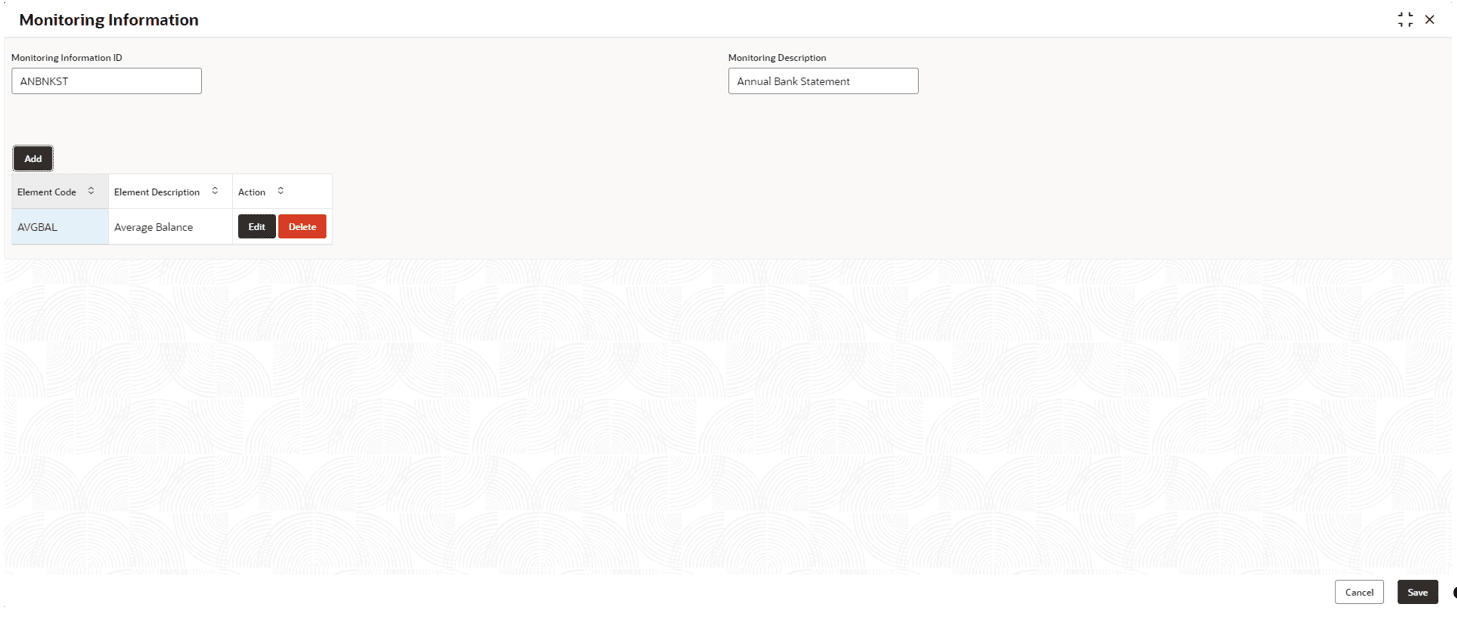
On clicking Create, the element is added and displayed in Monitoring Information screen.
Figure 2-10 Monitoring Information
- To view the monitoring information summary, navigate to Credit
Facilities > Maintenance > Monitoring Information
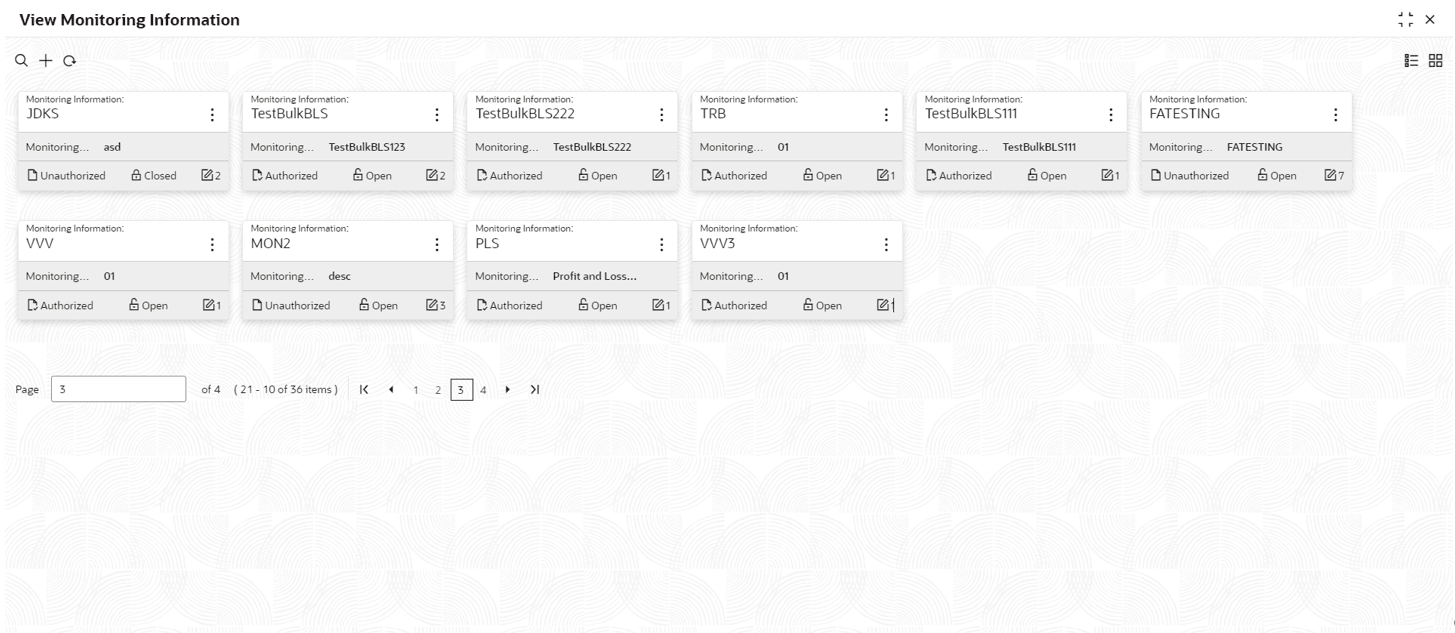
> View Monitoring Information from the left menu.The View Monitoring Information screen is displayed.
Figure 2-11 View Monitoring Information
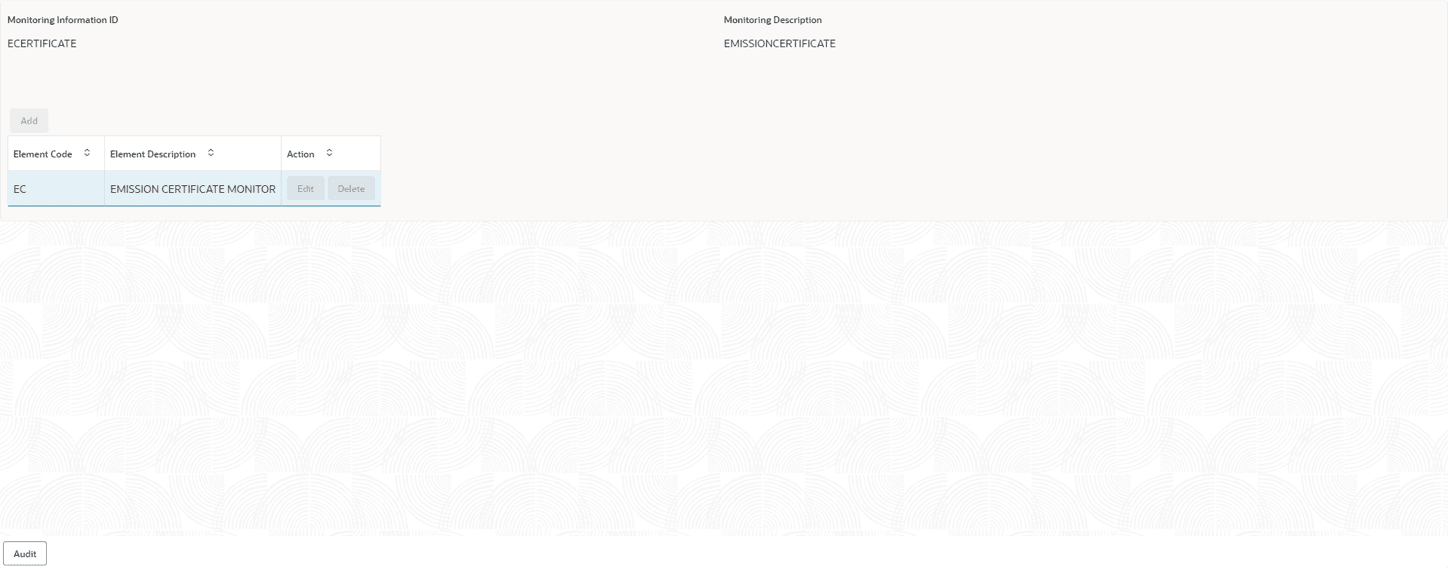
- Click on the required tile to view the particular monitoring information.The Monitoring Information screen is displayed.
Figure 2-12 Monitoring Information
Parent topic: Maintenance