13.2 Finicity Guided Flow (Step-by-Step)
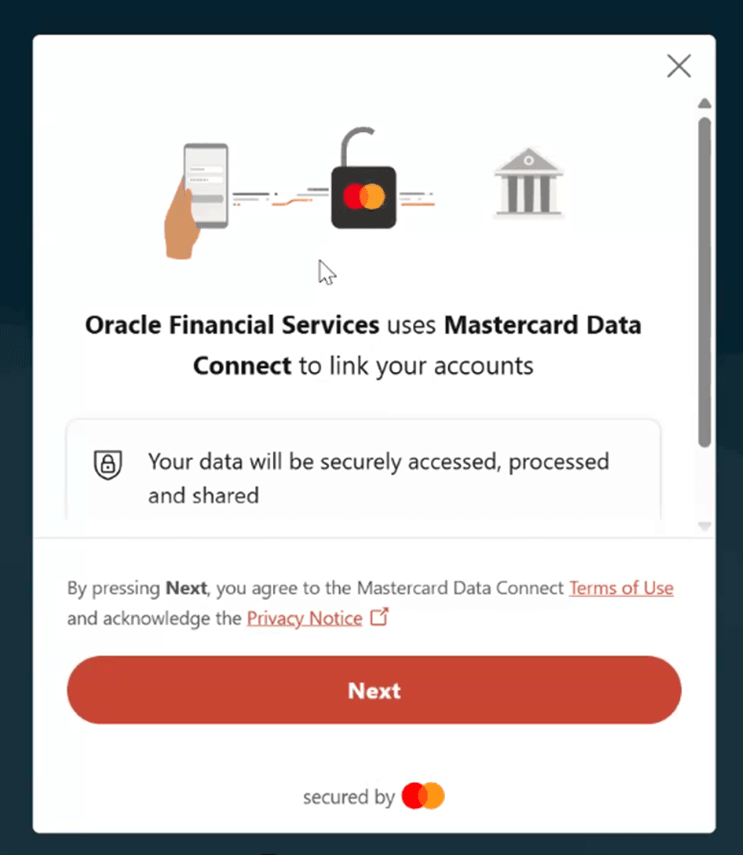
- Launch Finicity Window:
Figure 13-1 Launch Finicity Window
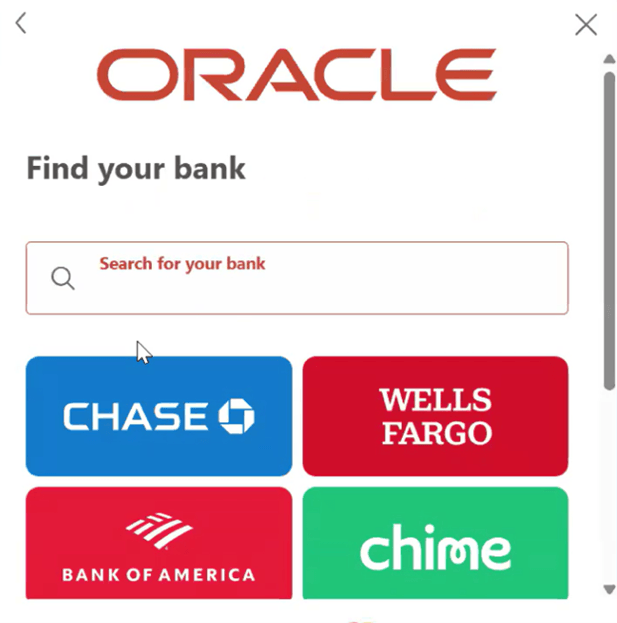
- Find Your Bank:
Figure 13-2 Find Your Bank
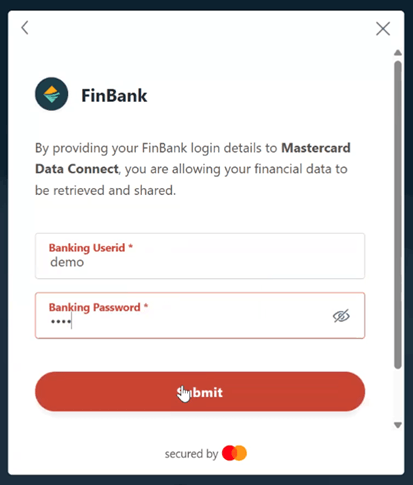
- Log Into External Bank:
Figure 13-3 Log Into External Bank
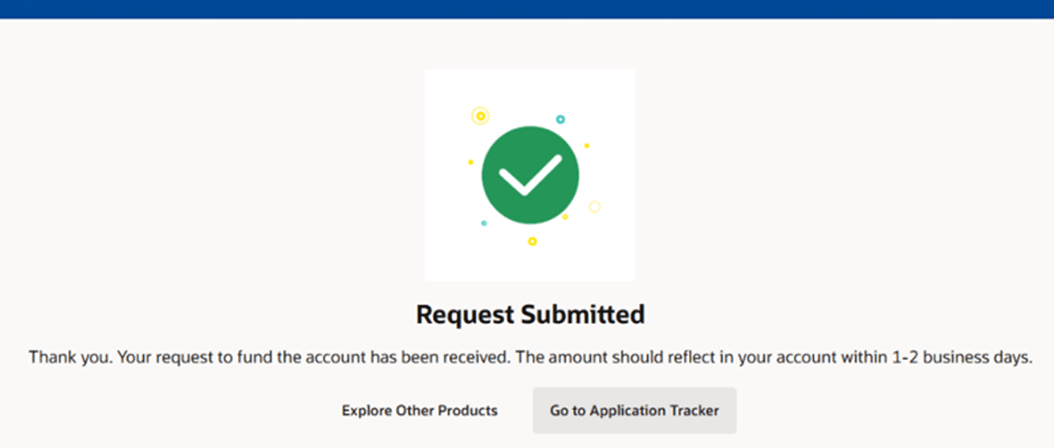
- Select Funding Account, Confirm and Complete Payment:
Figure 13-4 Success
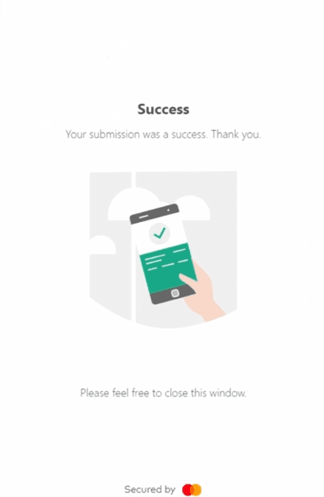
Figure 13-5 Submit
Note:
Finicity provides secure credential handling; the actual transaction is performed by the bank's host system.Parent topic: Finicity Configuration