3.1.14 Supply Chain Finance
This topic provides information on supply chain finance.
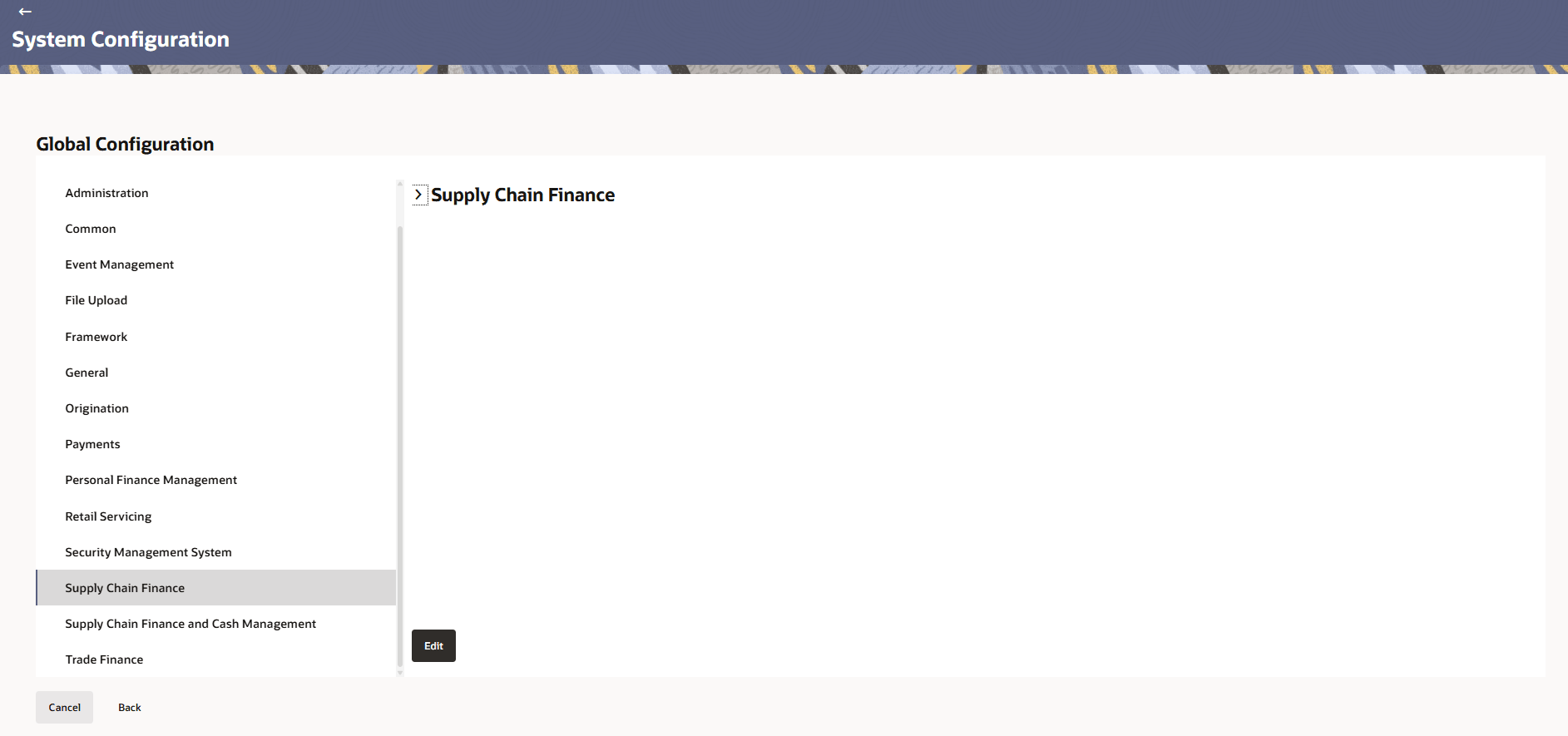
- In the Global Configuration screen, click
Supply Chain Finance.The Supply Chain Finance screen is displayed.
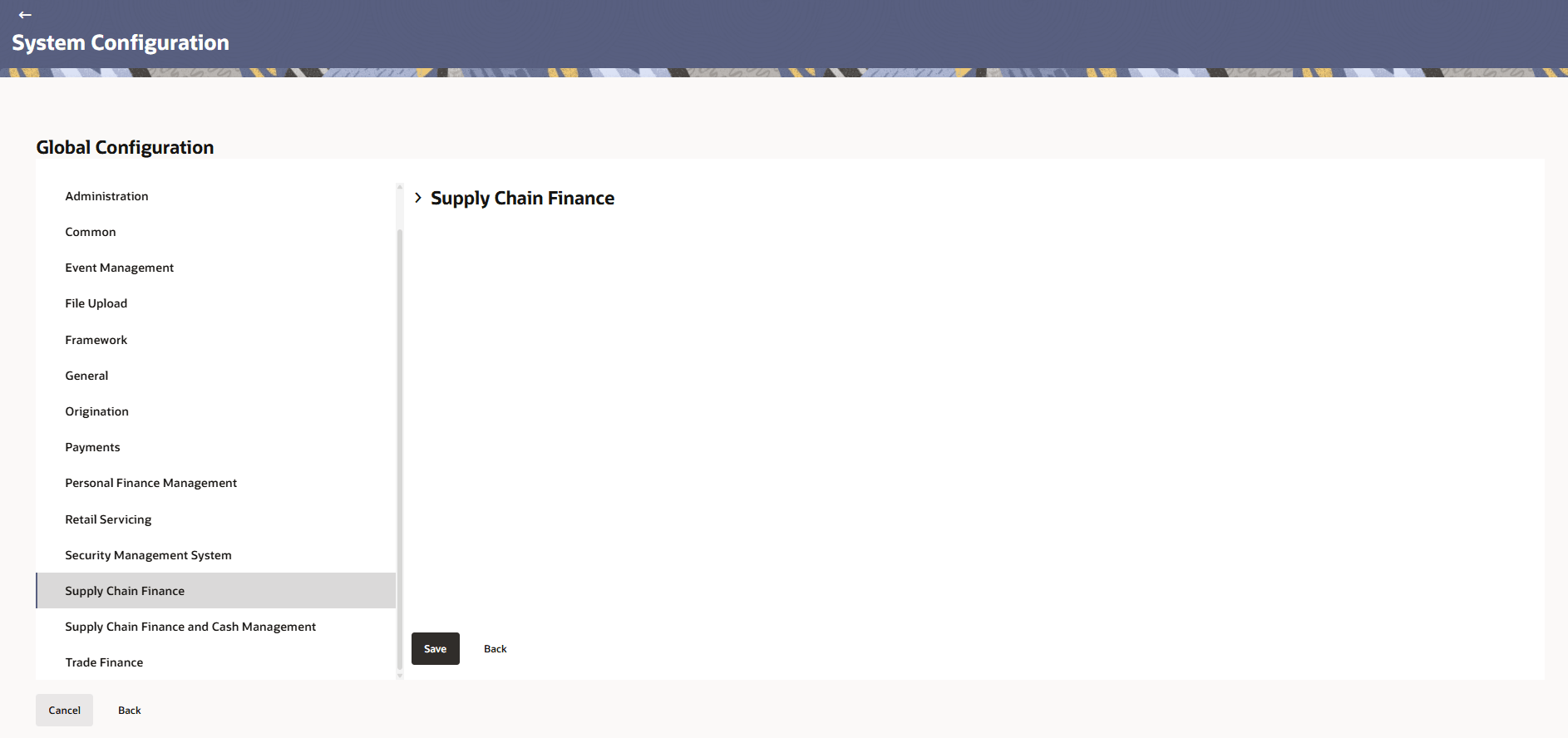
- Click Edit to specify the details under account.The Supply Chain Finance - Edit screen is displayed.
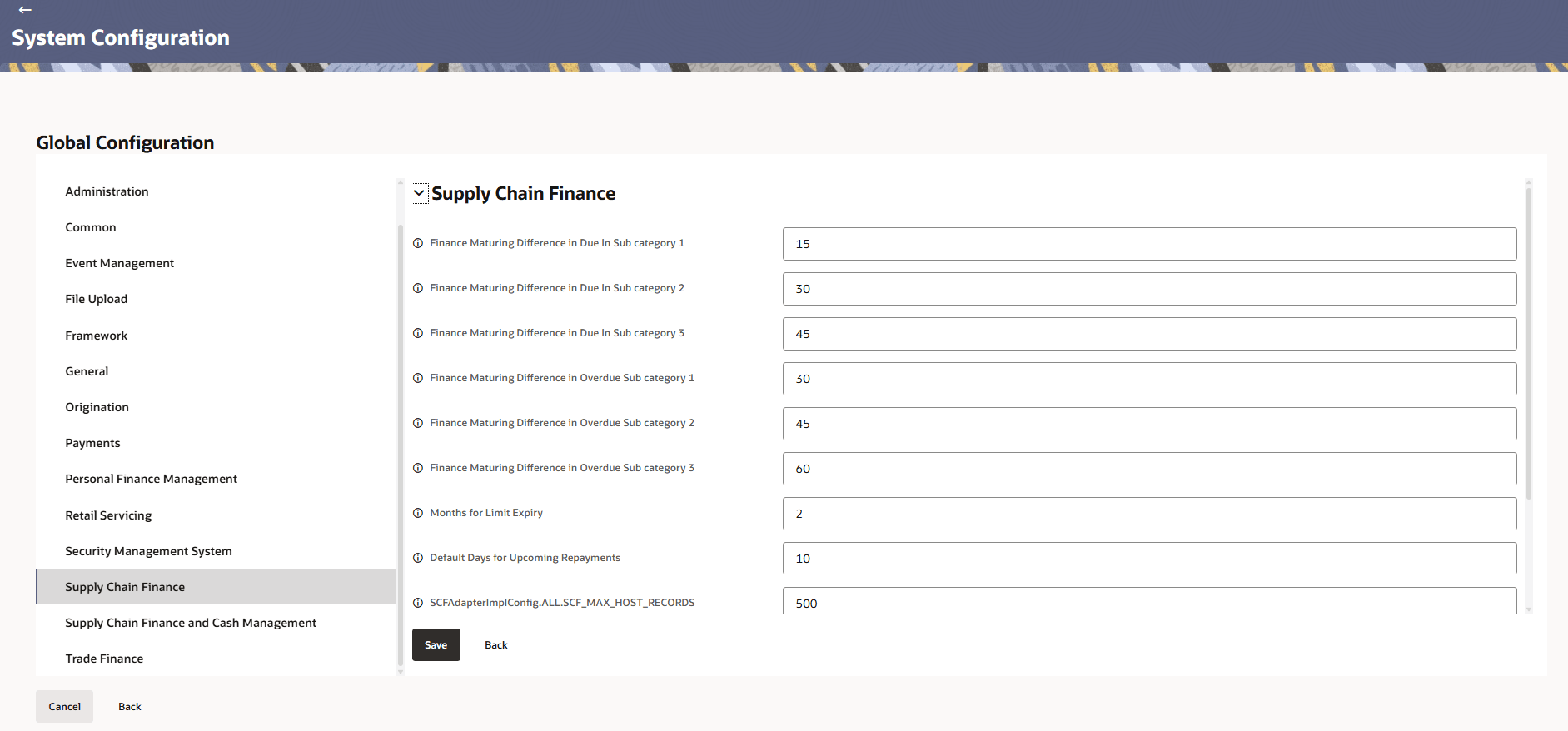
- Click expand and specify the details.
Note:
The fields marked as Required are mandatory.For more information on fields, refer to the field description table.
Table 3-40 Supply Chain Finance - Field Description
Field Name Description Finance Maturing Difference in Due In Sub category 1 Specifies the maturing difference amount for the first subcategory of due-in finance items. Finance Maturing Difference in Due In Sub category 2 Specifies the maturing difference amount for the second subcategory of due-in finance items. Finance Maturing Difference in Due In Sub category 3 Specifies the maturing difference amount for the third subcategory of due-in finance items. Finance Maturing Difference in Overdue Sub category 1 Specifies the maturing difference amount for the first subcategory of overdue finance items. Finance Maturing Difference in Overdue Sub category 2 Specifies the maturing difference amount for the second subcategory of overdue finance items. Finance Maturing Difference in Overdue Sub category 3 Specifies the maturing difference amount for the third subcategory of overdue finance items. Months for Limit Expiry Defines the number of months after which a financial limit expires. Default Days for Upcoming Repayments Specifies the default number of days considered for upcoming repayment schedules. Maximum Number of records fetch in supply chain module inquiry Defines the upper limit of records that can be retrieved and displayed in a single inquiry request within the supply chain module to ensure optimal system performance. Duration of Active Program in days Specifies the total duration (in days) that a program remains active. Maximum Duration in days of the start date of a future dated program Defines the maximum number of days from the start date for a future-dated program to remain valid. Finance Request Date monthly Basis Parameter Specifies the configuration parameter for determining the finance request date on a monthly basis.
Parent topic: Global Settings