11.7 View Import Collection - Islamic - Finances
This topic provides the systematic instructions to view the finances details in the application.
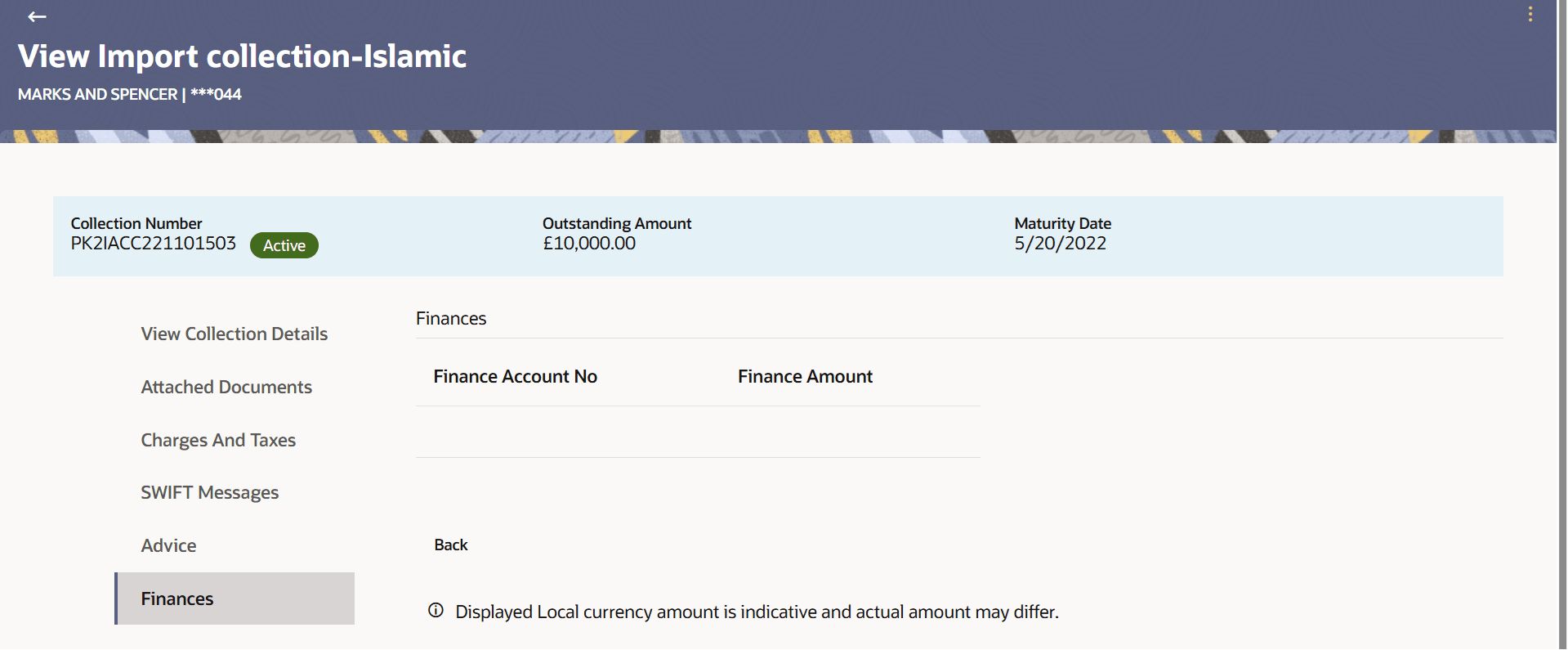
This tab lists all the linked loan account with the corresponding finance amount.
To view the Loans details:
- Navigate to the Finances tab. The summary of all the linked loan account
appears.
Figure 11-11 View Import Collection - Islamic - Finances
For more information refer to the field description table below:
Table 11-10 View Import Collection - Islamic - Finances - Field Description
Field Name Description Finance Account No Displays the linked finance account number. Finance Amount Displays the finance amount of the linked finance account. - Click
 icon and then click:
- Modify Collection to modify the
Collection.
The Modify Collectionscreen appears.
- Initiate Tracers to initate the tracer.
The Tracers screen appears.
- Modify Collection to modify the
Collection.
Parent topic: View Import Collection - Islamic