2.1 Maintenance for Oracle FLEXCUBE Universal Banking
This topic describes information about the maintenance for oracle FLEXCUBE universal Banking.
The gateway configuration needs to be finished in Oracle FLEXCUBE Universal Banking for the designated source system (Oracle Banking Enterprise Limits and Collateral Management) by maintenance being carried out in the screens mentioned below.
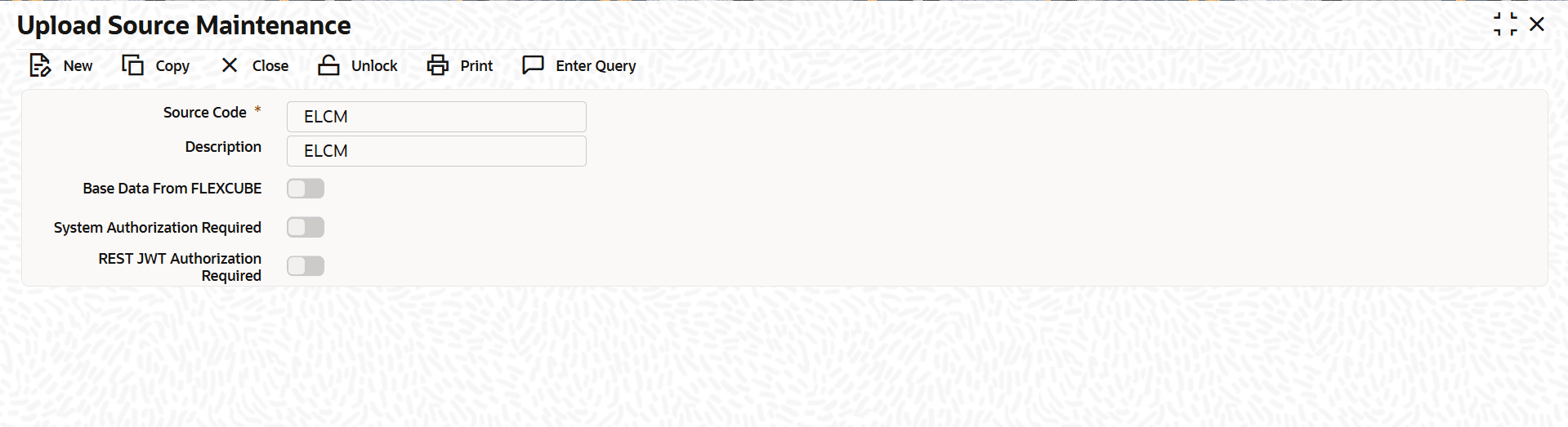
- To upload Source Maintenance(CODSORCE).
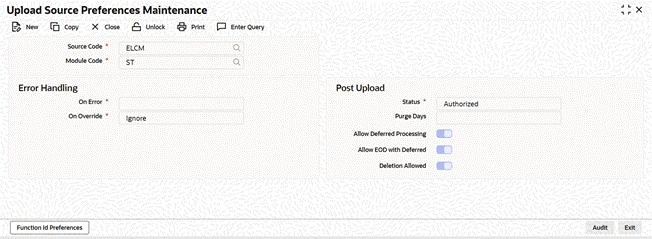
- Upload Source Preferences Maintenance(CODUPLDM) for modules CL and ST.
Figure 2-2 Upload Source Preferences Maintenance
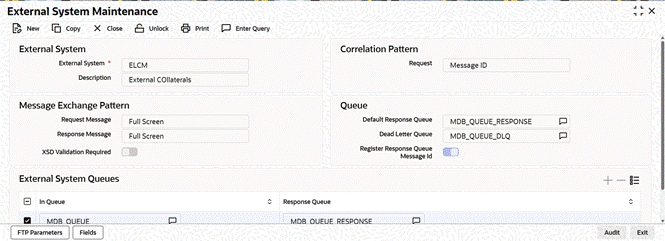
- External System Maintenance(GWDETSYS).
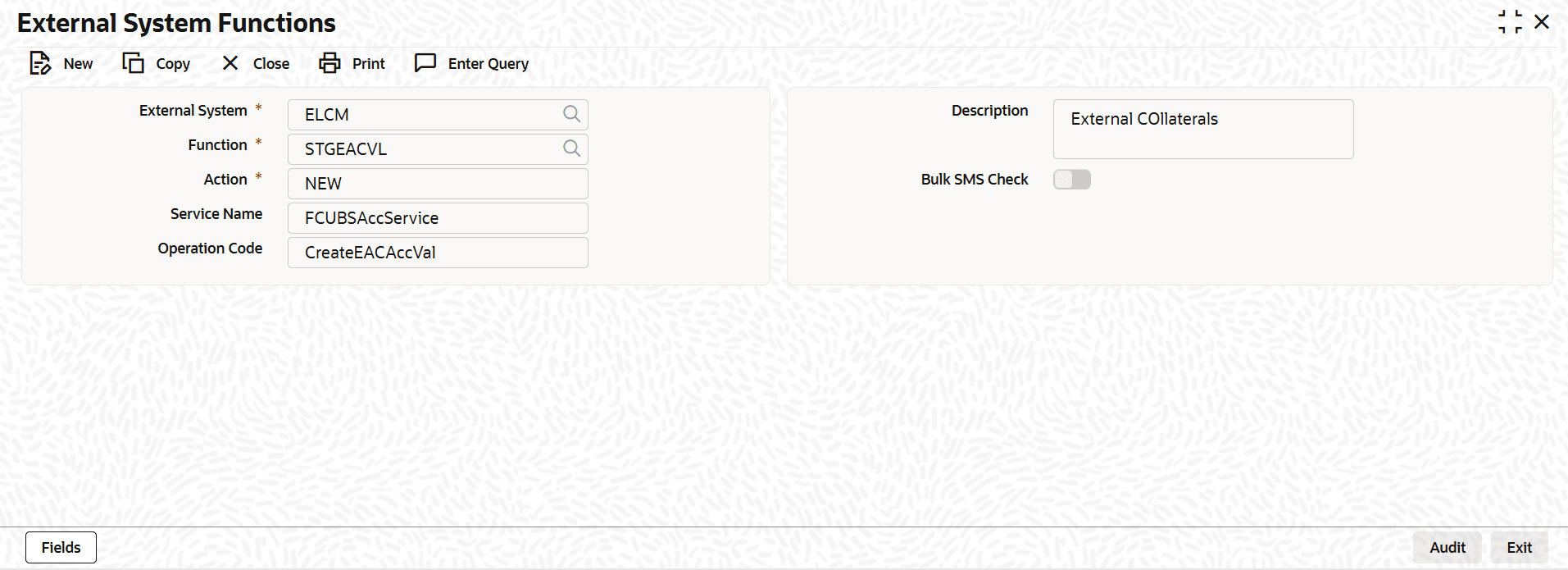
- External System Functions – for below function and actions(GWDETFUN).
Table 2-1 Function IDs
Function ID Action STGEACVL
NEW
CAGECABL
NEW
IFGEXACC
NEW
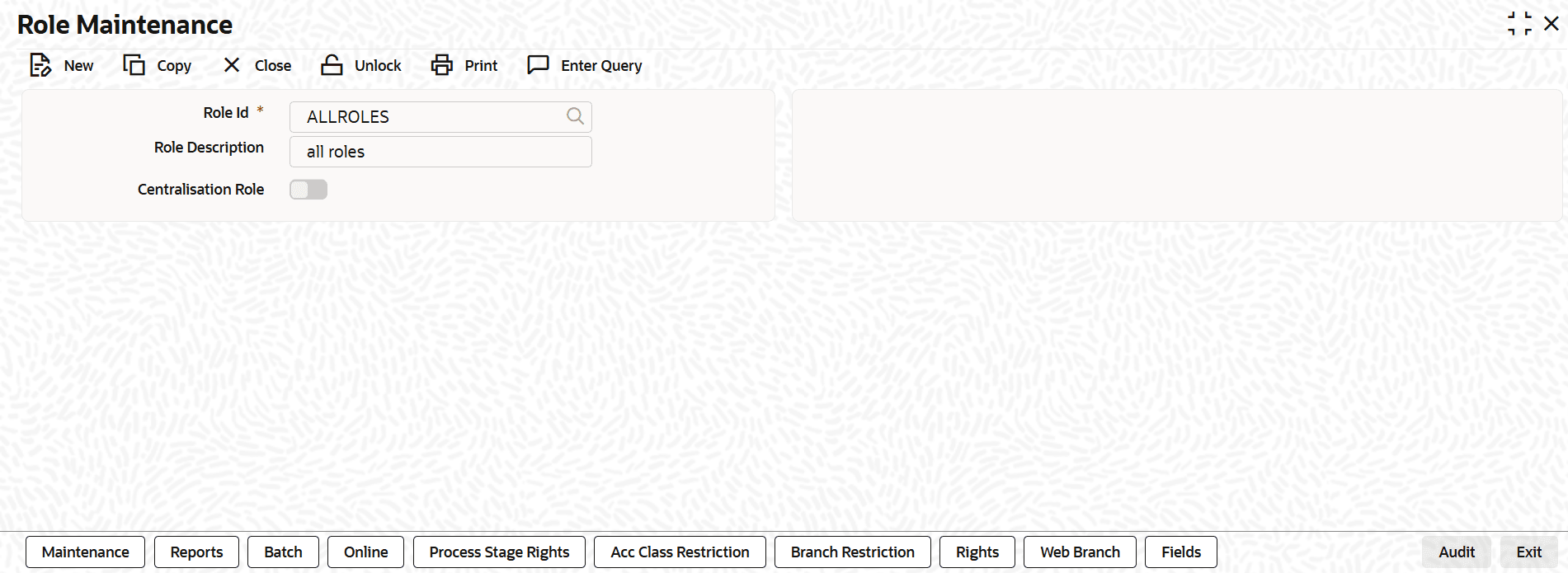
- Role Definition (SMDROLDF) – The correct role needs to be added to the function ids in the above TABLE 4. The role should be assigned to the Oracle FLEXCUBE Universal Banking user, which is set up in the PLATO PROPERTIES table of Oracle Banking Enterprise Limits and Collateral Management.
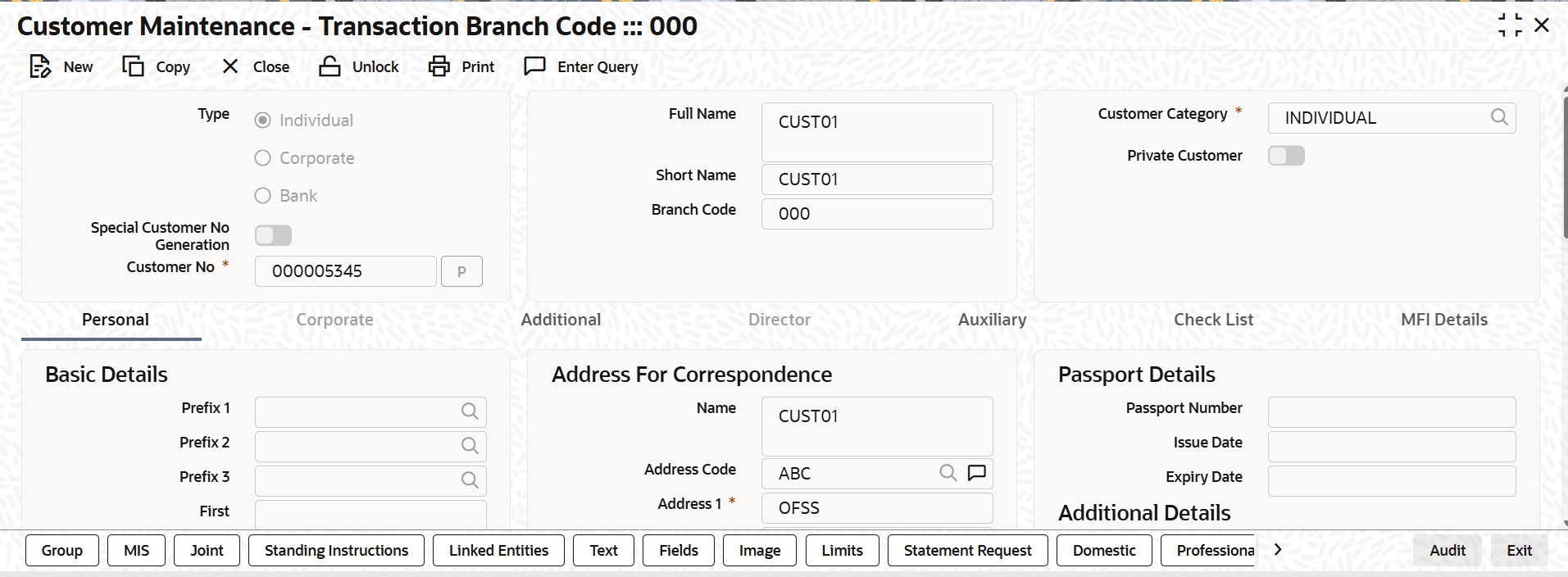
- Maintenance to be done in Oracle FLEXCUBE Universal Banking for Customer.Customer Maintenance (STDCIF)
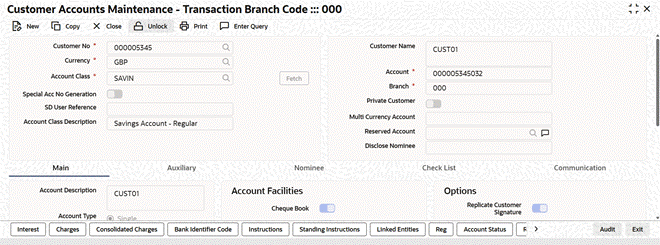
- Maintenance to be done in Oracle FLEXCUBE Universal Banking for Customer Account.Customer Accounts Maintenance (STDCUSAC)
Parent topic: Integration Guide