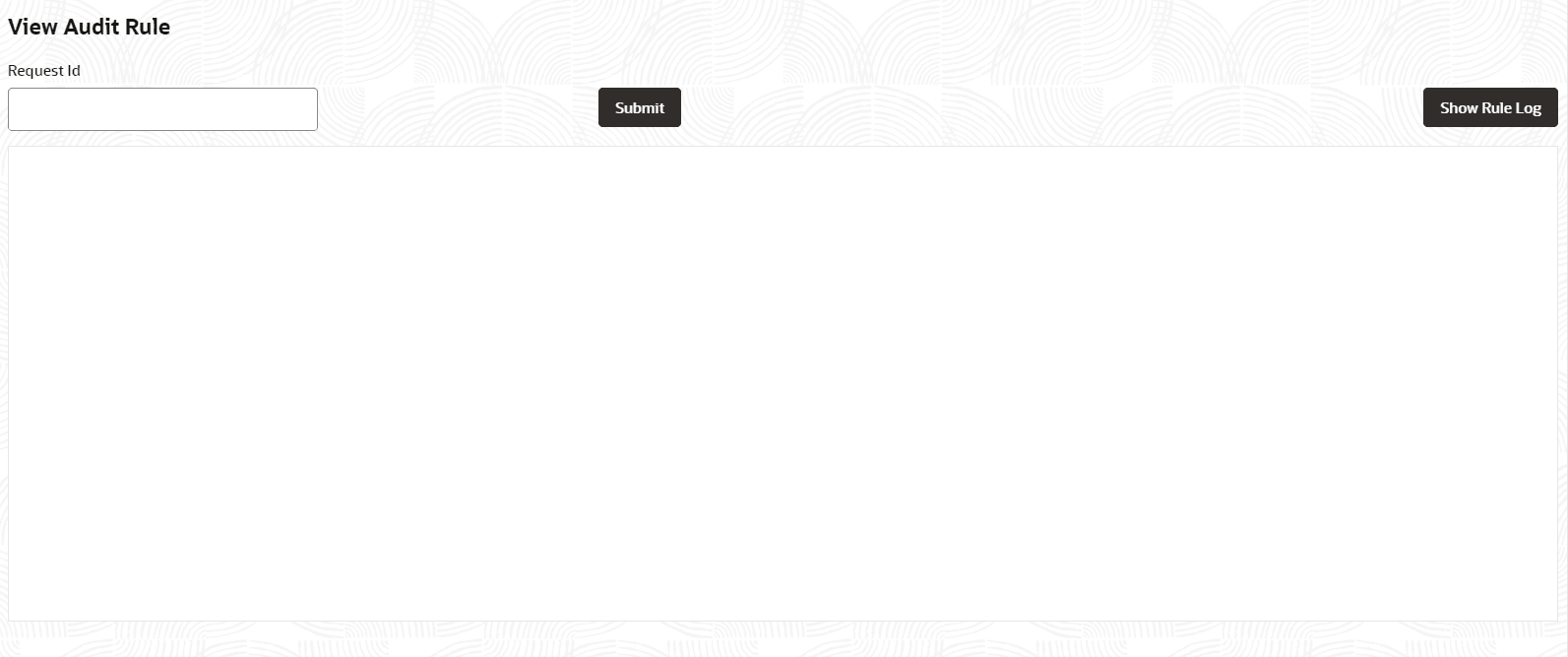
1.3.2.5 View Audit Rule This topic describes the View Audit Rule. On the Homescreen, click Menu, and then click Rule. Under Rule, click Rule, and then click View Audit Rule.The View Audit Rule screen displays. Figure 1-36 View Audit RuleDescription of "Figure 1-36 View Audit Rule" Specify the fields on View Audit Rule screen.For more information on fields, refer to the field description table. Table 1-32 View Audit Rule – Field Description Field Description Request ID Specify the request ID available from the output of evaluate API. Click Submit to view the details. Click Show Rule log to view the log rule for the selected request ID. Parent topic: Rule