2.6.3.1 Clearing Network Participation

Use Clearing Network Participation to capture and view clearing network participation.

  1. Click the Clearing Network Participation button in the Clearing Code Maintenance screen.
    The system opens Clearing Network Participation sub-screen.

    Figure 2-24 Clearing Network Participation
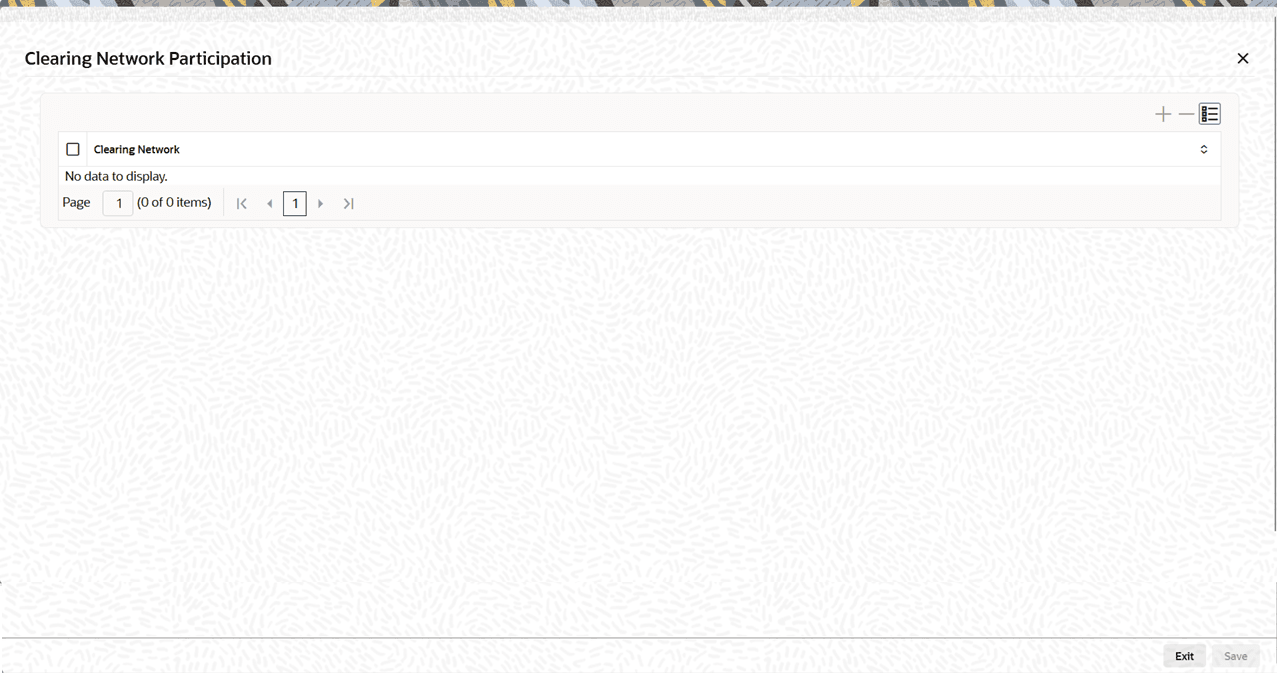


  2. In the Clearing Network Participation screen, select the Clearing Network to capture and view clearing network participation.
    For more information on fields, refer to the field description table.

    Table 2-13 Clearing Network Participation - Field Description

    Field Description
    Clearing Network

    Select the Clearing Network from the List of Values.

    The system displays all valid Clearing Network values. You can retrieve clearing code details by entering the Network Code (mandatory) and, optionally, the Country/Member ID/Bank Name. The system derives the Clearing Network from Network Preference (PSDGRTNP) and returns the matching Clearing Code (ISDCTMEX) record.