2.9.1.6 Accounting Entries

Use this topic to view the accounting entries generated for the Initiate Beneficiary Pre-validation screen.

  1. From the main screen, click View Accounting.
    The Accounting Entries screen is displayed.

    Figure 2-76 Initiate Beneficiary Pre-validation_View Accounting


  2. On the Accounting Entries screen, view the fields.
    For more information on fields, refer to the field description table.

    Table 2-31 Accounting Entries - Field Description

    Field Description
    Event Code Displays the Event Code.
    Transaction Date Displays the Transaction Date.
    Value Date Displays the Value Date.
    Account Displays the Account.
    Account Branch Displays the Account Branch.
    TRN Code Displays the TRN Code.
    Dr/Cr Displays the Debit (Dr) and Credit (Cr)
    Amount Tag Displays the Amount Tag.
    Account Currency Displays the Account Currency.
    Transaction Amount Displays the Transaction Amount.
    Netting Displays the Netting.
    Offset Account Displays the Offset Account.
    Offset Account Branch Displays the Offset Account Branch.
    Offset TRN Code Displays the Offset TRN Code.
    Offset Amount Tag Displays the Offset Amount Tag.
    Offset Currency Displays the Offset Currency.
    Offset Amount Displays the Offset Amount.
    Offset Netting Displays the Offset Netting.
    Handoff Status Displays the Handoff Status.
  3. Click the Accounting Details in the Accounting Entries screen.
    The system opens Accounting Entries Detail sub-screen and displays the all available accounting entries details.
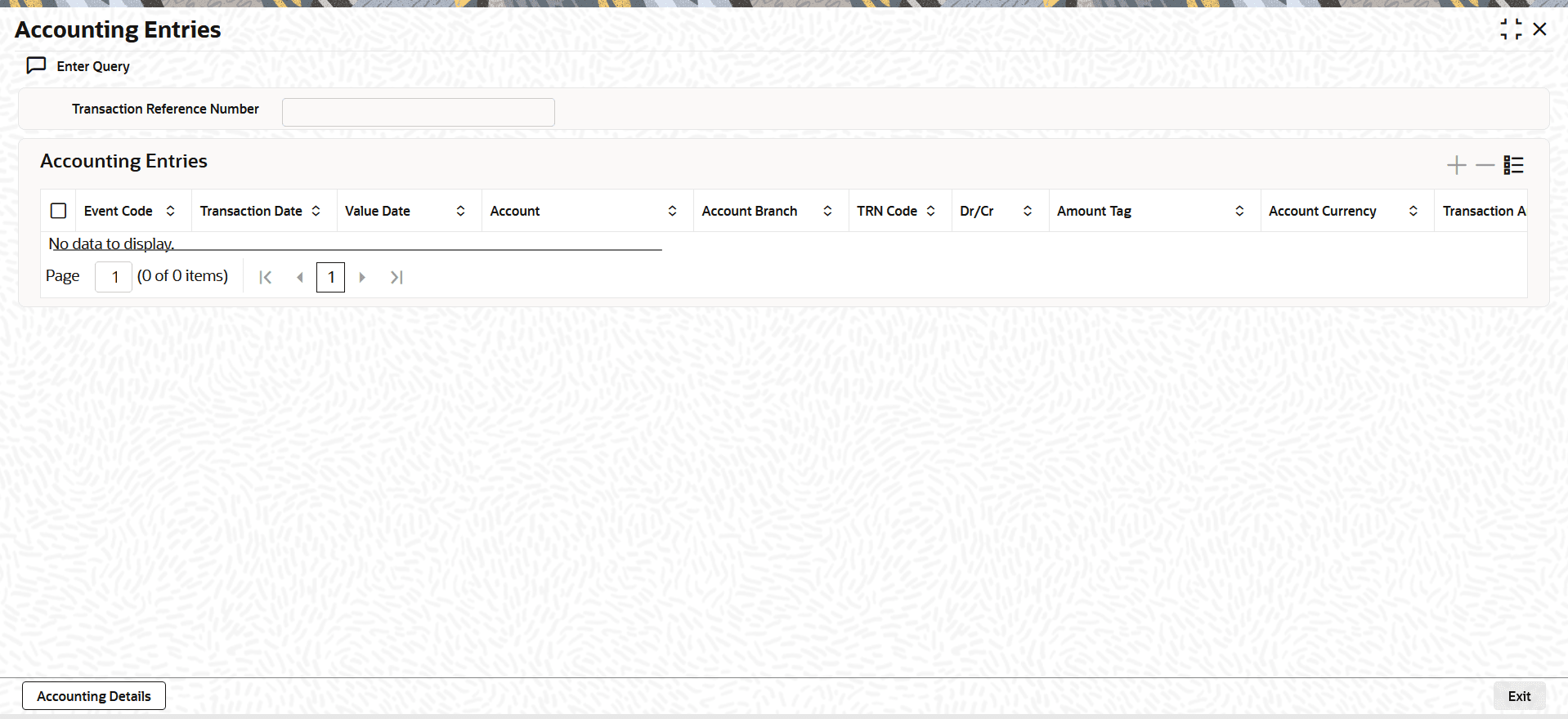
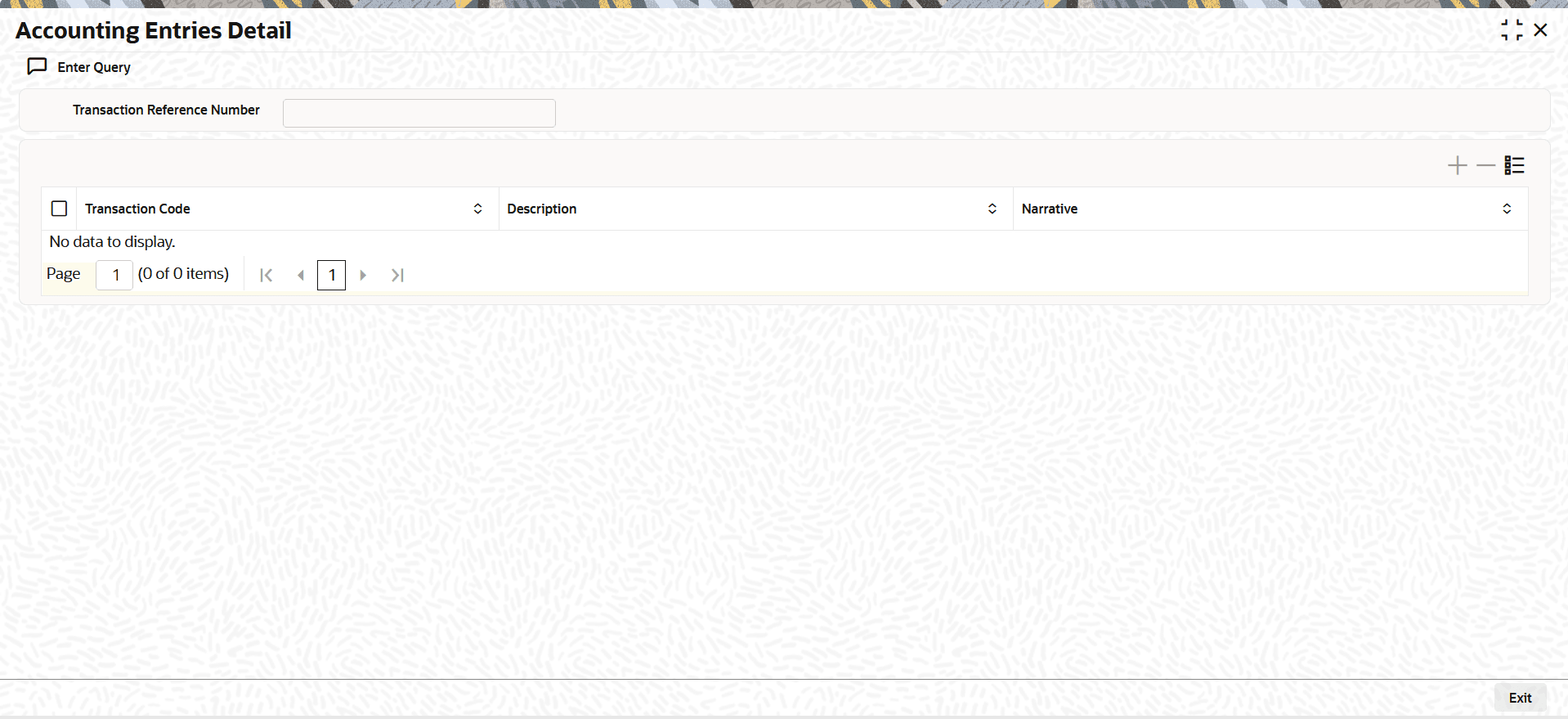
    Figure 2-77 Accounting Entries Detail