2.9.1.4 View Request Message
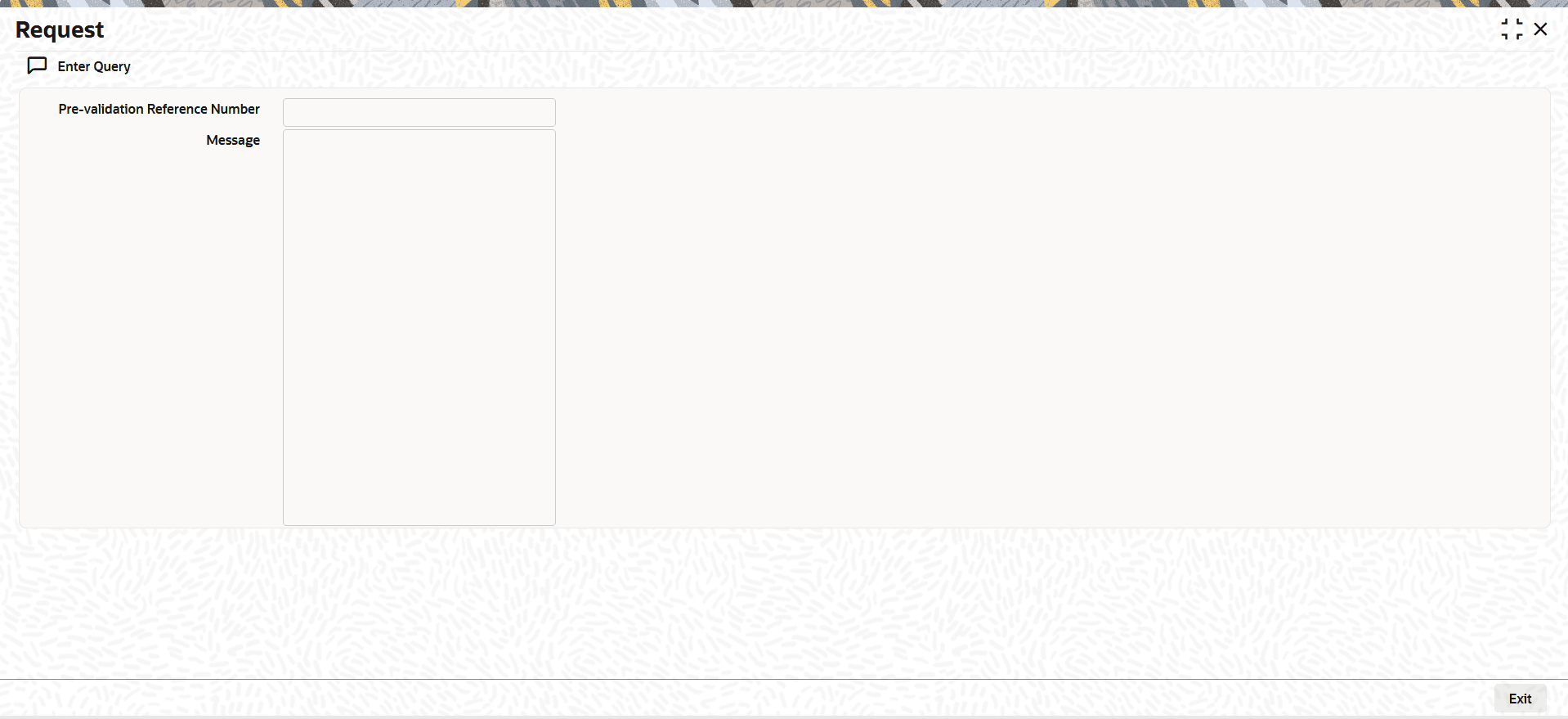
This topic explains the View Request Message details of the Initiate Beneficiary Pre-validation screen.
- Click the View Request Message tab in the main
screen.The Request screen is displayed.
Figure 2-74 Initiate Beneficiary Pre-validation_View Request Message
Parent topic: Outward Pre-validation Request Processing