2.9.1.3 Pricing Tab

This topic explains the Pricing tab of the Initiate Beneficiary Pre-validation screen.

  1. Click the Pricing tab in the main screen.
    The Pricing details are displayed.

    Figure 2-73 Initiate Beneficiary Pre-validation_Pricing Tab
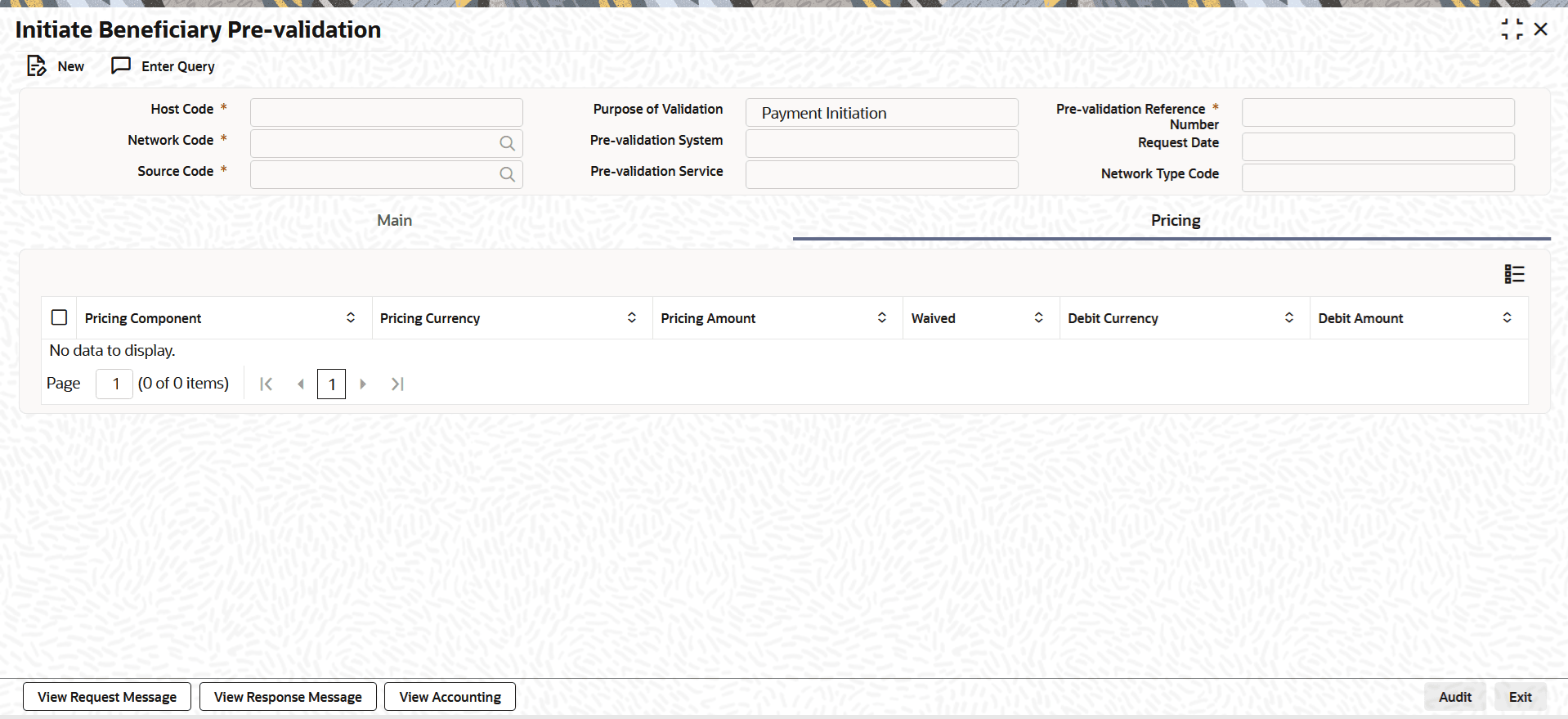


  2. On Pricing tab, specify the fields.

    Table 2-30 Initiate Beneficiary Pre-validation_Pricing Tab - Field Description

    Field Description
    Pricing Component The system displays Pricing Component of the transaction.
    Pricing Currency The system displays the Pricing Currency of the transaction.
    Pricing Amount Specify the Pricing Amount of the transaction.
    Waived Select the checkbox to indicate if pricing is waived.
    Debit Currency Specify the Currency of the Debit account from which charge is applied.
    Debit Amount Specify Debit Amount of the charge.