1.1.2.1 TIPS Directory Detailed Summary

This topic explains the TIPS Directory Detailed Summary screen.

  1. On Homepage, specify PMSTIPDR in the text box, and click next arrow.
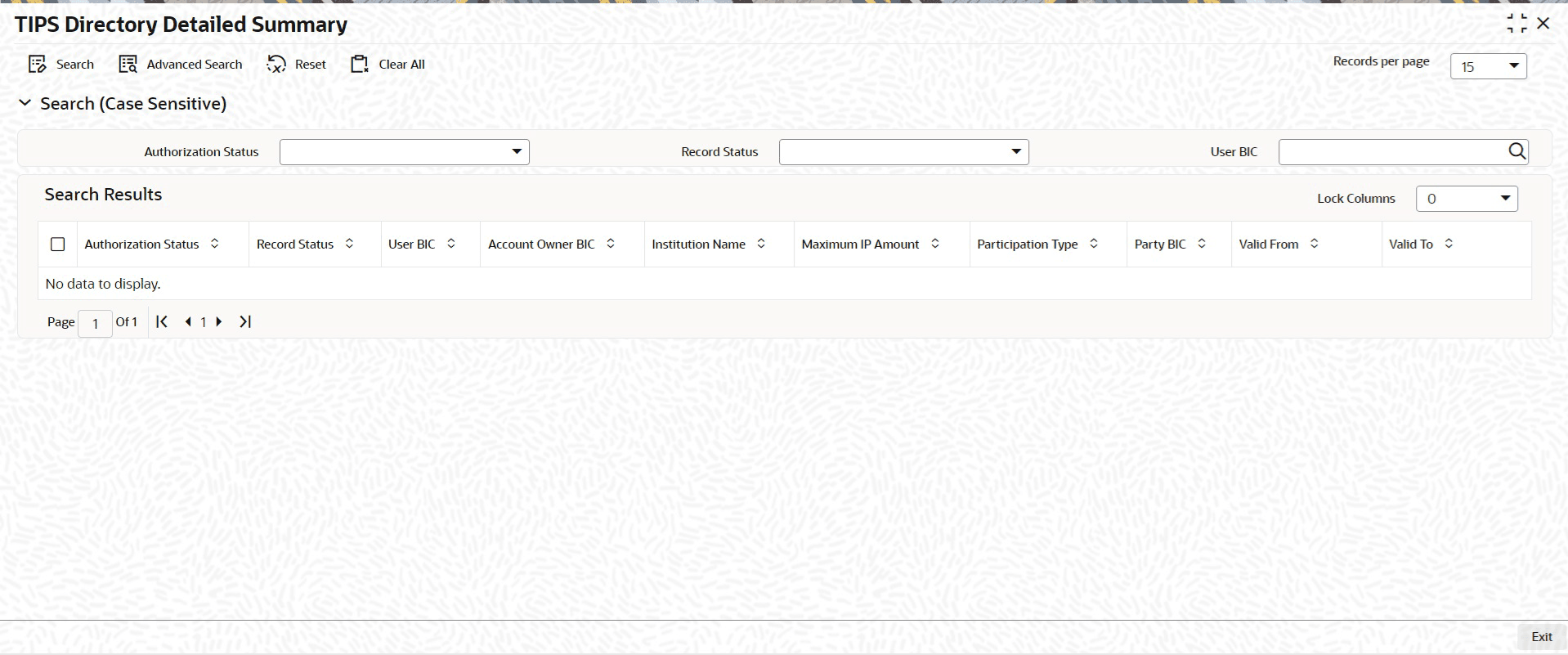
    The TIPS Directory Detailed Summary screen is displayed.

    Figure 1-2 TIPS Directory Detailed Summary
    Description of Figure 1-2 follows
    Description of "Figure 1-2 TIPS Directory Detailed Summary"
  2. On the TIPS Directory Detailed Summary screen, search using one or more of the following parameters.
    • Authorization Status
    • Record Status
    • User BIC
  3. Once you specified the parameters, click the Search button.
    The system displays the records that match the search criteria.
  4. Double click a record or click the Details button after selecting a record to view in the detailed screen.
    The selected record is opened in the detailed screen.