23.2.4 Customer Direct Debit Payment Initiation Input Summary
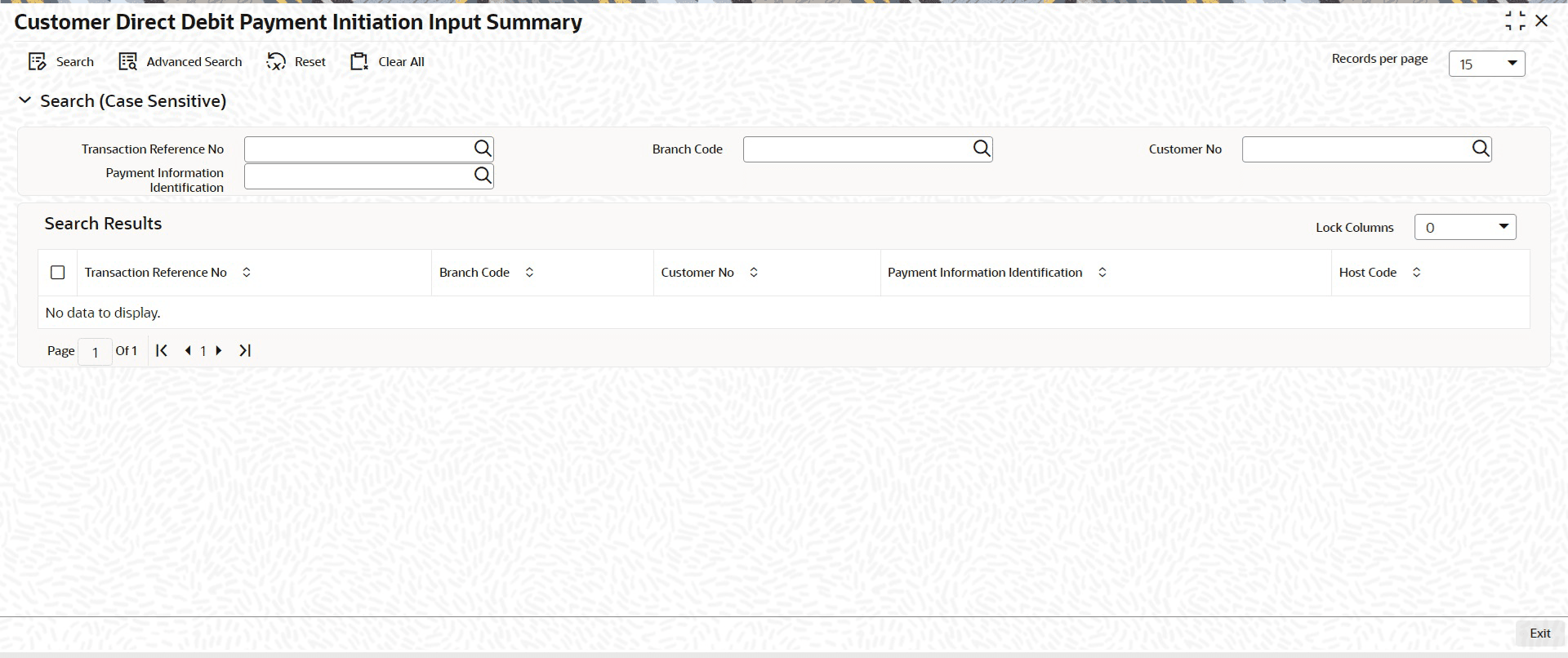
- On Homepage, specify PSSOPIDD in the text box, and click next
arrow.Customer Direct Debit Payment Initiation Input Summary screen is displayed.
Figure 23-8 Customer Direct Debit Payment Initiation Input Summary
Parent topic: Customer Direct Debit Payment Initiation Input