1.4.1.7 US ACH Reverse File Summary

Use US ACH Reverse File Summary screen to view File Reversal entries.

  1. On Homepage, specify PNSFLREV in the text box, and click next arrow.
    The US ACH Reverse File Summary screen is displayed.
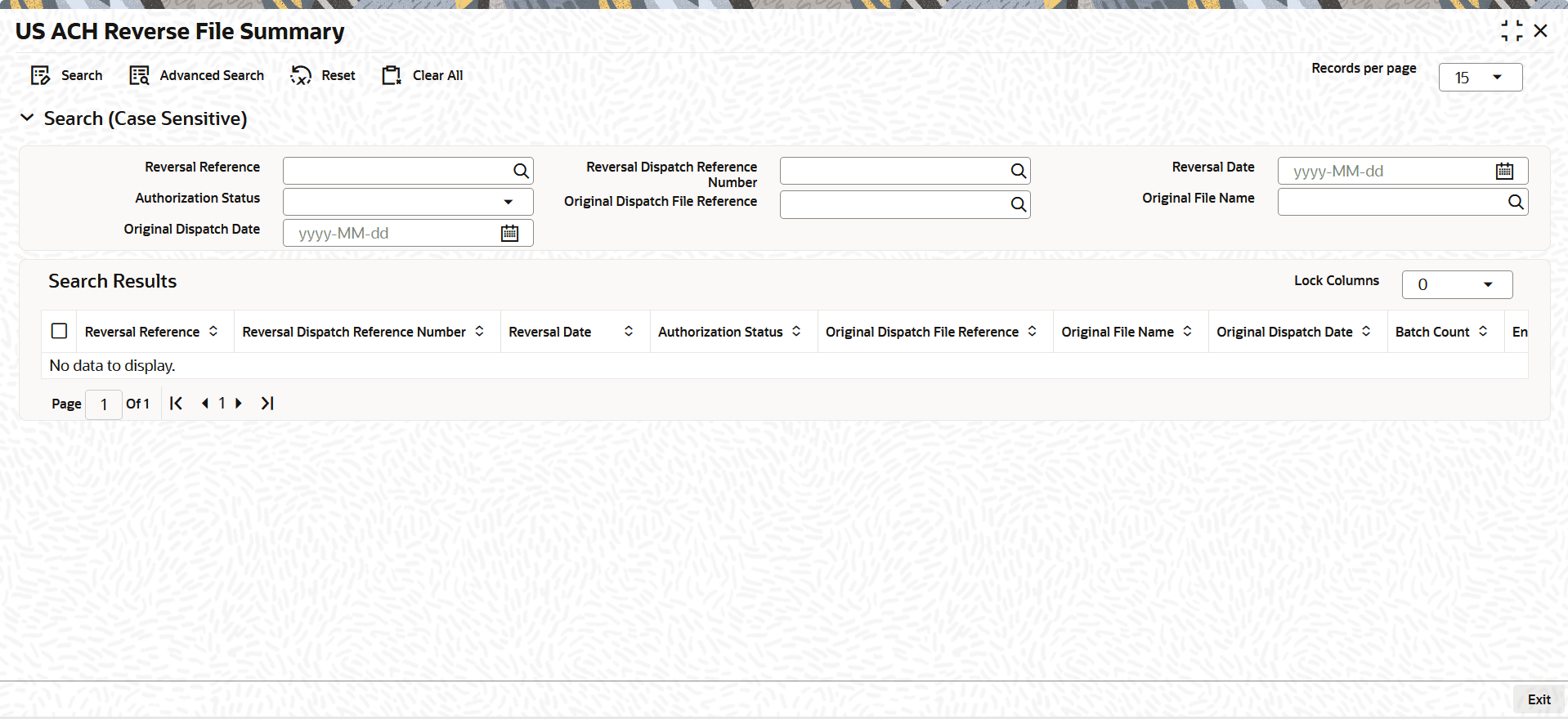
    Figure 1-122 US ACH Reverse File Summary


  2. On the US ACH Reverse File Summary screen, search using one or more of the following parameters to display all file reversal records:
    • Reversal Reference
    • Reversal Dispatch Reference Number
    • Reversal Date
    • Authorization Status
    • Original Dispatch File Reference
    • Original File Name
    • Original Dispatch Date
  3. Once you specified the parameters, click the Search button.
    The system displays the records that match the search criteria.