1.2.5 UPI Full Delegation Transaction Limit Detailed
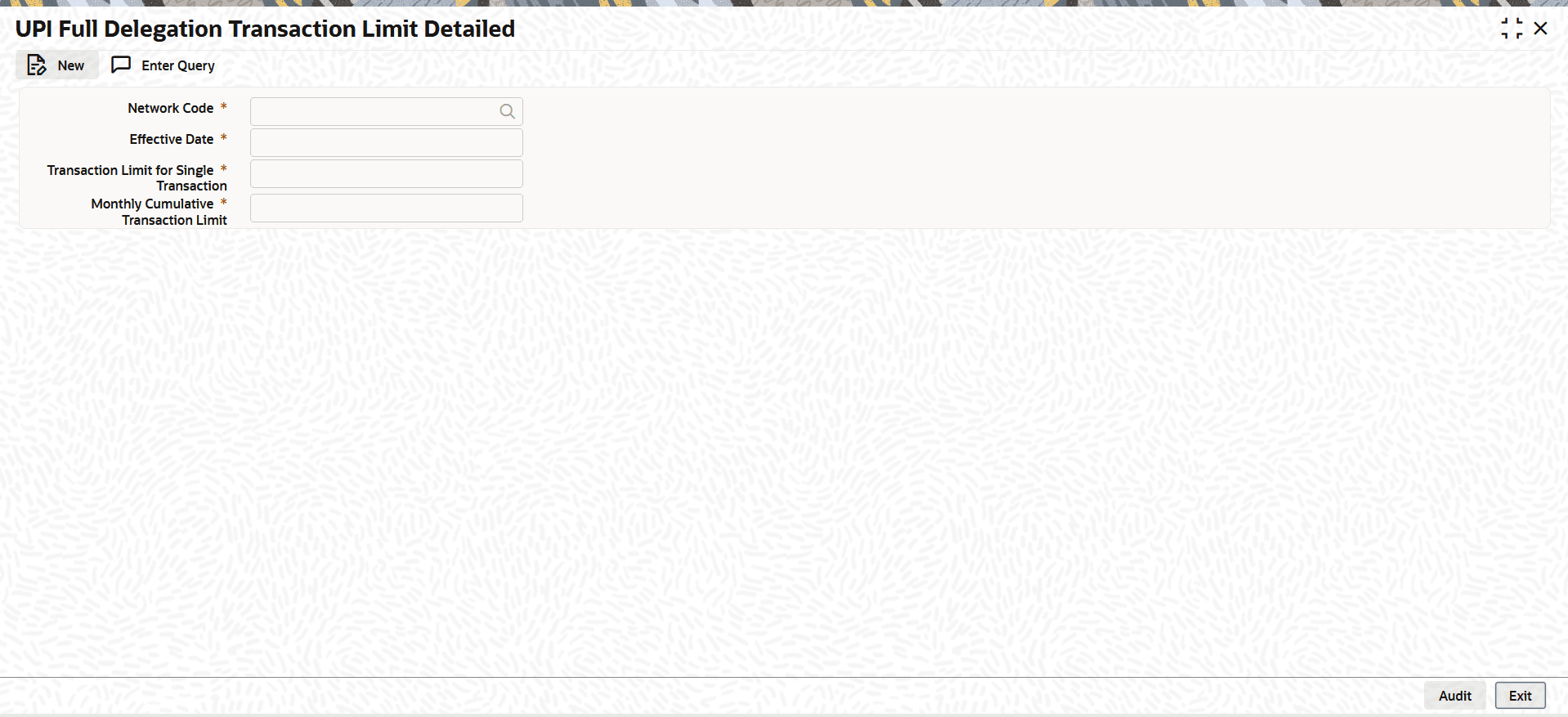
The UPI Full Delegation Transaction Limit Detailed screen allows users to define and maintain the transaction limits applicable to full delegation transactions.
- On Homepage, specify PVDFDLTL in the text box, and click
next arrow.The UPI Full Delegation Transaction Limit Detailed screen is displayed.
Figure 1-11 UPI Full Delegation Transaction Limit Detailed
- UPI Full Delegation Transaction Limit Summary
The UPI Full Delegation Transaction Limit Summary screen allows user to inquire and view a summary of the maintained full delegation transaction limits.
Parent topic: Unified Payments Interface (UPI) Maintenances