1.2.4.1 UPI Transaction Limit Summary

The UPI Transaction Limit Summary screen allows user to inquire and view a summary of the maintained P2P transaction limits.

  1. On Homepage, specify PVSPTPTL in the text box, and click next arrow.
    The UPI Transaction Limit Summary screen is displayed.
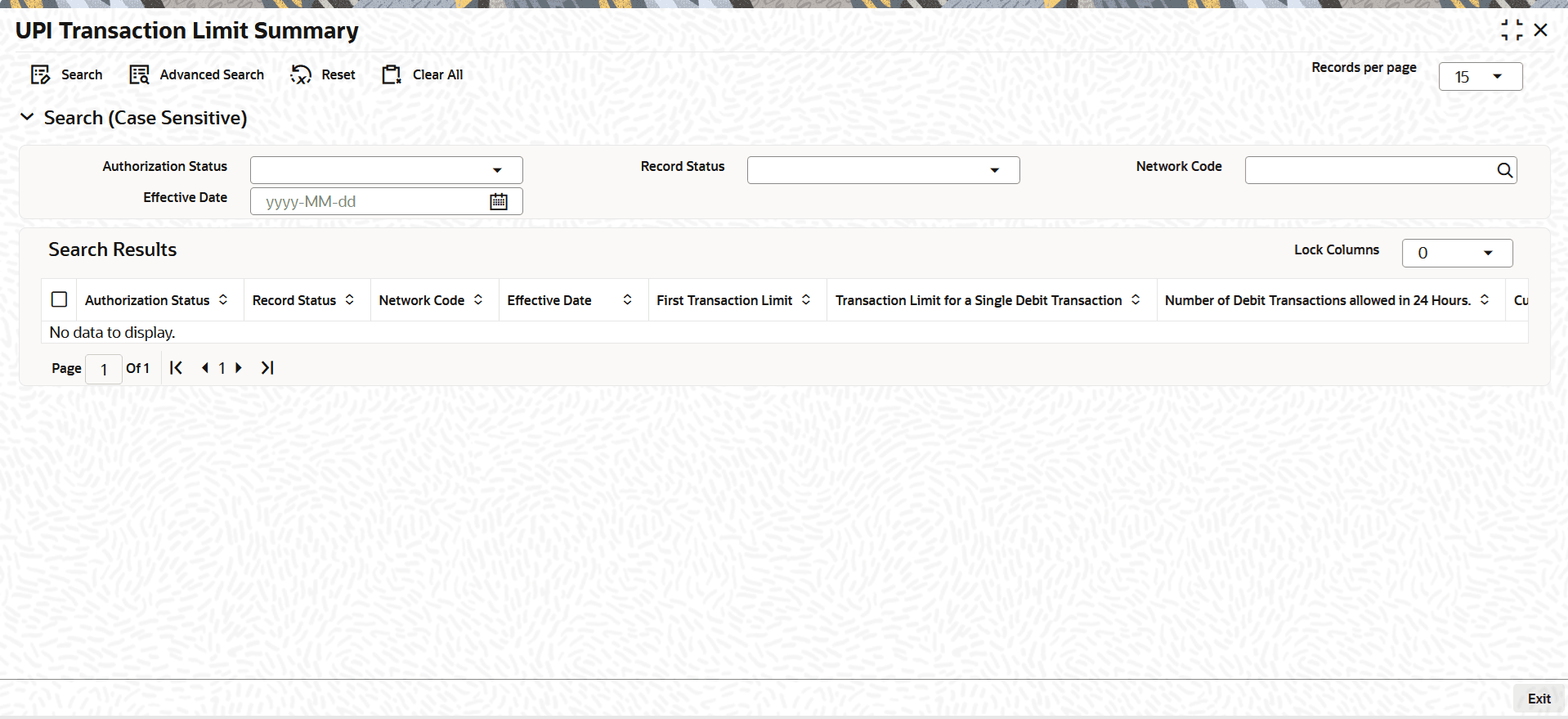
    Figure 1-10 UPI Transaction Limit Summary


  2. On the UPI Transaction Limit Summary screen, search using one or more of the following parameters:
    • Authorization Status
    • Record Status
    • Network Code
    • Effective Date
  3. Once you specified the parameters, click the Search button.
    The system displays the records that match the search criteria.
  4. If the user double-clicks a selected record, the system loads the selected maintenance details in the UPI Transaction Limit Detailed screen.