3.5.19 APR History

User can view the annual percentage rate history for a selected account using the APR History screen.

To view APR history:

Note:

The fields marked as Required are mandatory.
  1. On the Homepage, from Retail Lending Services mega menu, under Accounts, click APR History. User can also open the screen by specifying APR History in the search icon bar and selecting the screen.
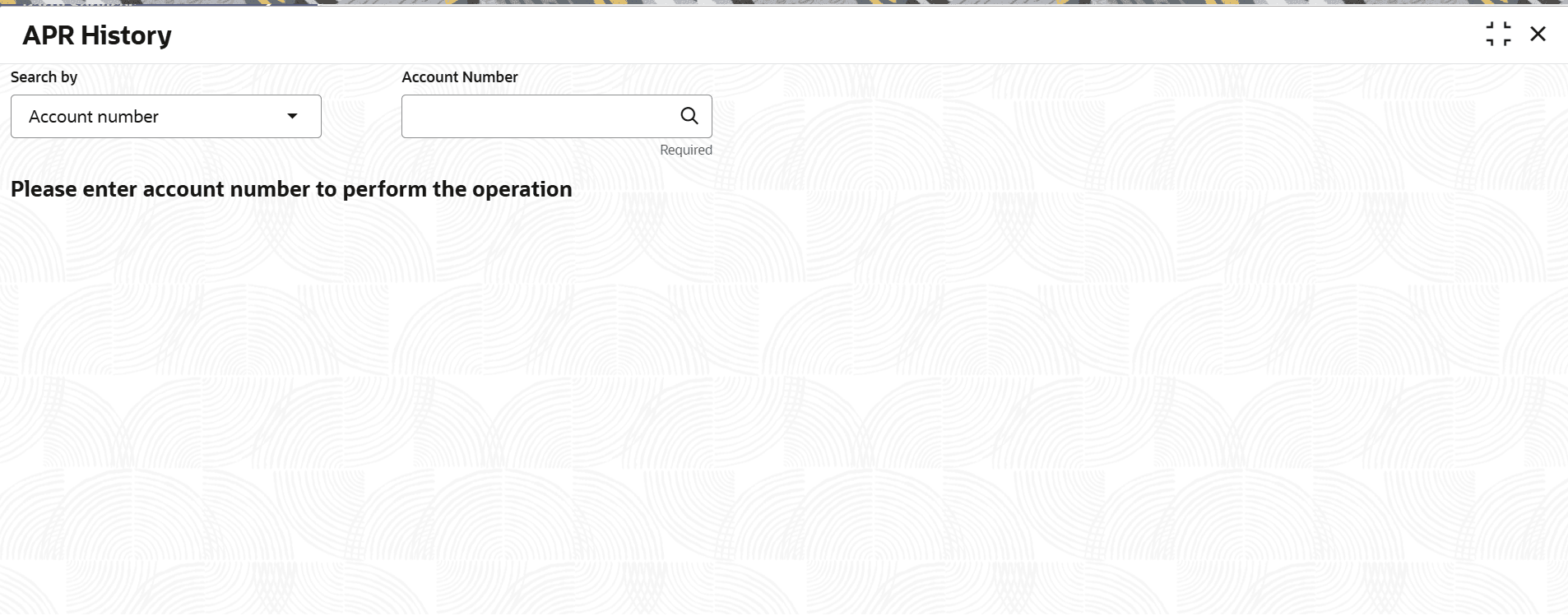
    The APR History screen is displayed.
  2. Select the appropriate option from the Search by field.
  3. Perform the required action, based on the option selected from the Search by field.
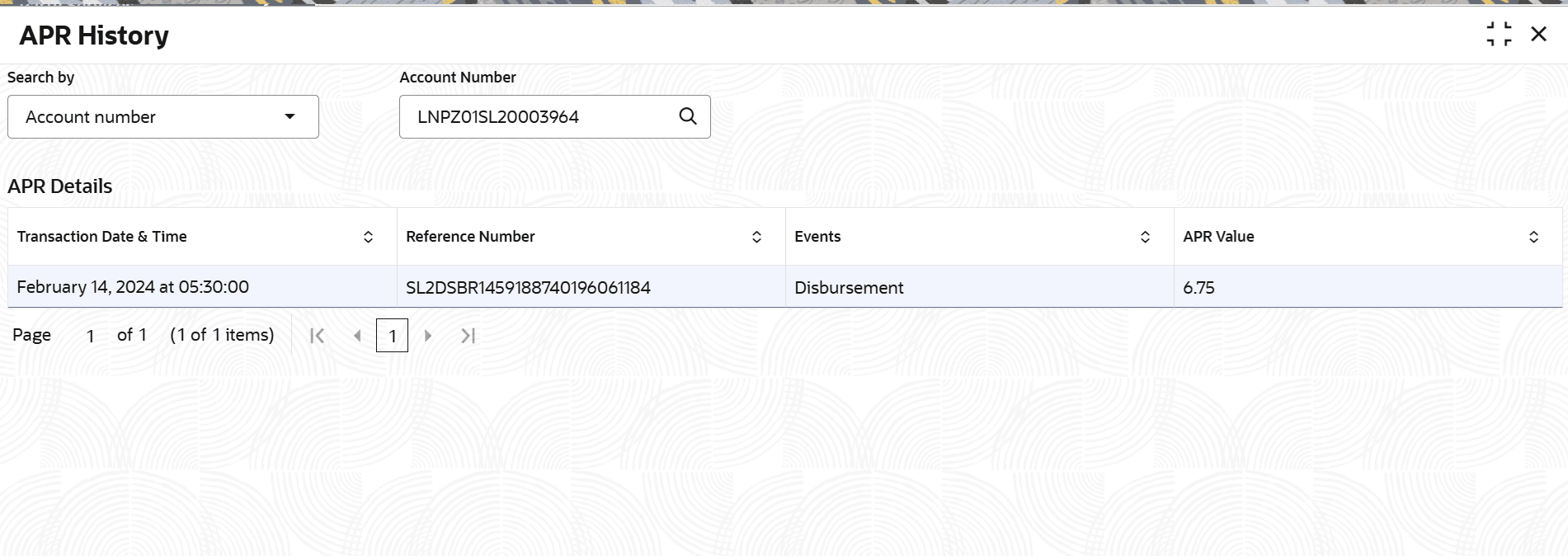
    The APR Details section is displayed.

    Figure 3-88 APR History Details


  4. On the APR History screen, view the details. For more information on fields, refer to field description table below:

    Table 3-61 APR History – Field Description

    Field Description
    Search by Users can search for an account number by using any of the available search criteria.

    The account number is set as the default search option. Users can specify the account number directly in the adjacent field or search for an account number by clicking the Search icon. Users can also search for the specific account number by providing customer ID, account number, or account name.

    Other search options available in the Search by field are Customer ID, Tax Identification Number, Mobile Number, and Email.

    A specific customer ID can be searched by providing the customer name or customer ID. If Tax Identification Number, mobile, or email IDs are chosen to find an account number, the respective IDs have to be input entirely in the adjacent field for the system to display the account number. For a given search criteria, multiple account numbers may be linked.

    For example, two or more account numbers can be linked to a single mobile number. In such cases, the system displays all the account number matches and the user can select the relevant account number on which to perform a servicing operation.

    Note:

    The label of the field adjacent to the Search by field changes dynamically. For example, if the Account number is chosen as the search criteria, the label of the adjacent field is displayed as the Account Number. If Tax Identification Number is chosen as the search criteria, then the adjacent field would display the label as Tax Identification Number.
    APR details This section displays the annual percentage rate details for the selected account.
    Transaction Date & Time Displays the date and time at which the transaction was performed.
    Reference Number Displays the annual percentage rate reference number.
    Events Displays the event name applicable for the annual percentage rate.
    APR Value Displays the annual percentage rate value.