3.6.2 Outstanding Balance Inquiry
User can inquire about the outstanding balance of an account using the Outstanding Balance Inquiry screen.
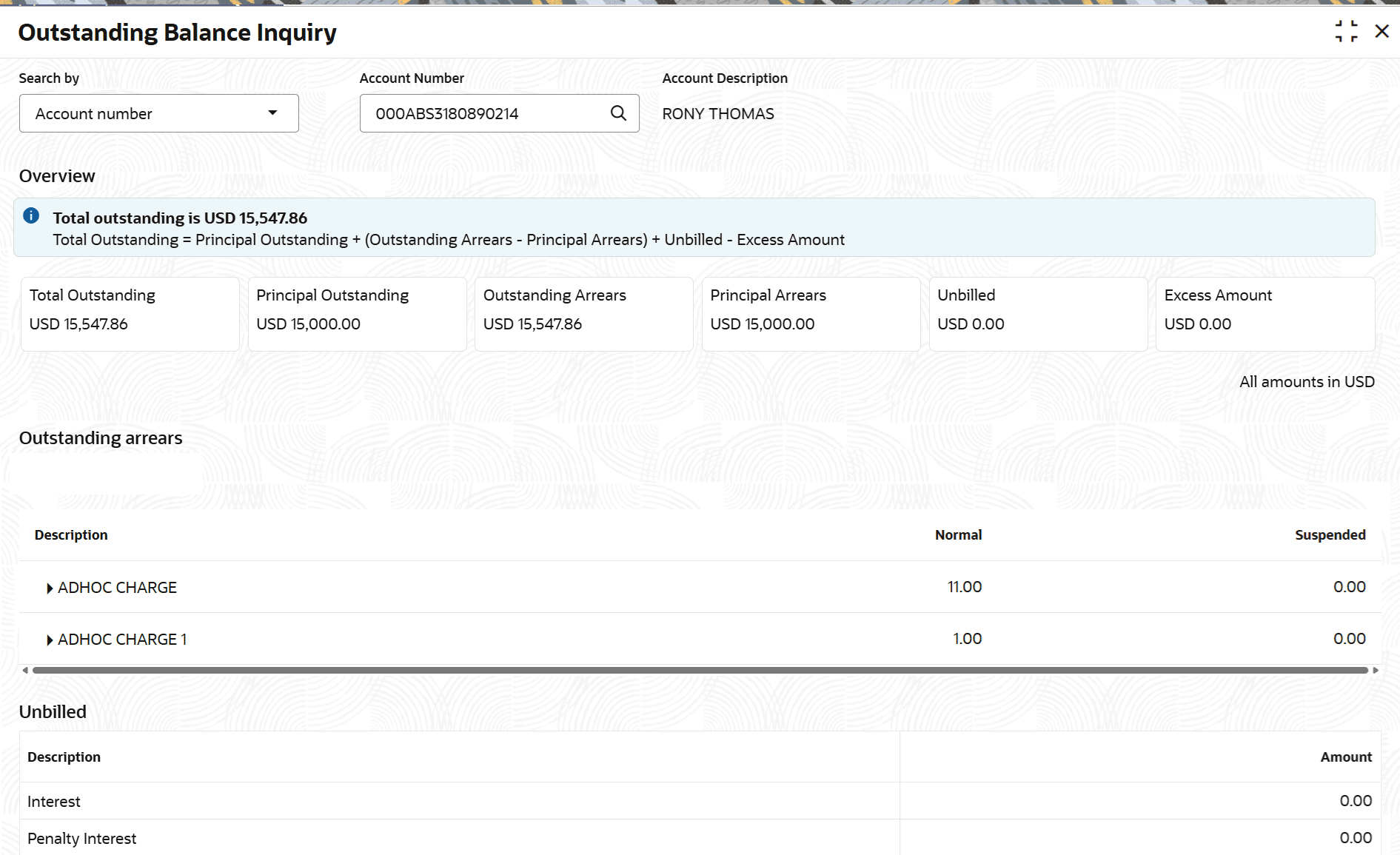
User can view the details of different balances in the loan account, such as Total Outstanding, Principal Outstanding, Outstanding Arrears, Principal Arrears, Unbilled balance, and Excess Amount. User can also perform outstanding balance inquiry for the missed payments component wise.
To inquire on the outstanding balance:
Note:
The fields marked as Required are mandatory.- On the Homepage, from Retail Lending
Services mega menu, under Balances, click
Outstanding Balance Inquiry. You can also open the
screen by specifying Outstanding Balance Inquiry in the
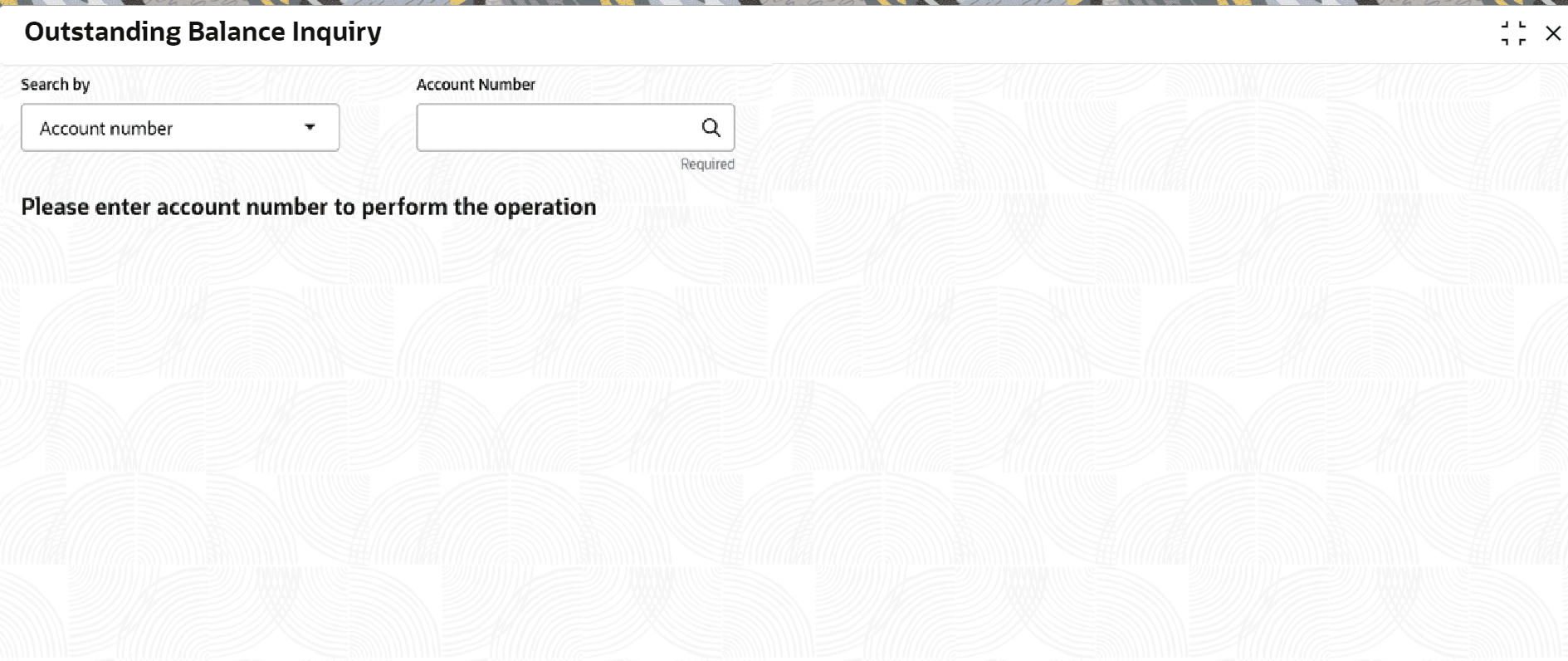
search icon bar and selecting the screen.The Outstanding Balance Inquiry screen is displayed.
- Perform the required action, based on the option selected from the
Search by field.The balance details of the account are displayed.
- On the Outstanding Balance Inquiry screen, view the required details. For more information on fields, refer to field description table below:
Table 3-65 Outstanding Balance Inquiry – Field Description
Field Description Search by Users can search for an account number by using any of the available search criteria. The account number is set as the default search option. Users can specify the account number directly in the adjacent field or search for an account number by clicking the Search icon. Users can also search for the specific account number by providing customer ID, account number, or account name.
Other search options available in the Search by field are Customer ID, Tax Identification Number, Mobile Number, and Email.
A specific customer ID can be searched by providing the customer name or customer ID. If Tax Identification Number, mobile, or email IDs are chosen to find an account number, the respective IDs have to be input entirely in the adjacent field for the system to display the account number. For a given search criteria, multiple account numbers may be linked.
For example, two or more account numbers can be linked to a single mobile number. In such cases, the system displays all the account number matches and the user can select the relevant account number on which to perform a servicing operation.Note:
The label of the field adjacent to the Search by field changes dynamically. For example, if the Account number is chosen as the search criteria, the label of the adjacent field is displayed as the Account Number. If Tax Identification Number is chosen as the search criteria, then the adjacent field would display the label as Tax Identification Number.Overview This section displays a comprehensive summary of the loan account details. This section displays an information on the Total Outstanding amount, including the formula used to calculate it.
Total Outstanding Displays the total outstanding balance amount. Principal Outstanding Displays the principal outstanding arrears as of today’s date. Outstanding Arrears Displays the other arrears outstanding as of today’s date. Note:
Here, both normal arrears and suspended arrears are displayed.Principal Arrears Displays the principal arrears amount. Unbilled Displays the regular interest, penalty interest, and uncollected interest that are yet to be charged. Excess Amount Displays the excess amount present in the account. Outstanding Arrears This section displays the break-up of the outstanding arrears. Description Displays the description for the outstanding arrears. In case, any arrears are unpaid, then
 appears corresponding to the arrear type. If user clicks this icon, it displays the amount of unpaid arrears along with the due date for the arrear type.
Normal Displays the normal outstanding amount. Suspended Displays the suspended amount when the account is in Suspended status. Unbilled This section displays details of unbilled amount. Description Displays the description for the unbilled arrears. Amount Displays the unbilled amount.
Parent topic: Balances