3.3.1 Define Access Rights to an External System

This topic provides the systematic instructions to define access rights to an external system.

Define the access rights to an external system using the External System Functions screen.
Specify the User ID and Password, and login to Homepage.
  1. On the Homepage, type GWDETFUN in the text box, and click the next arrow.
    The External System Functions screen is displayed.
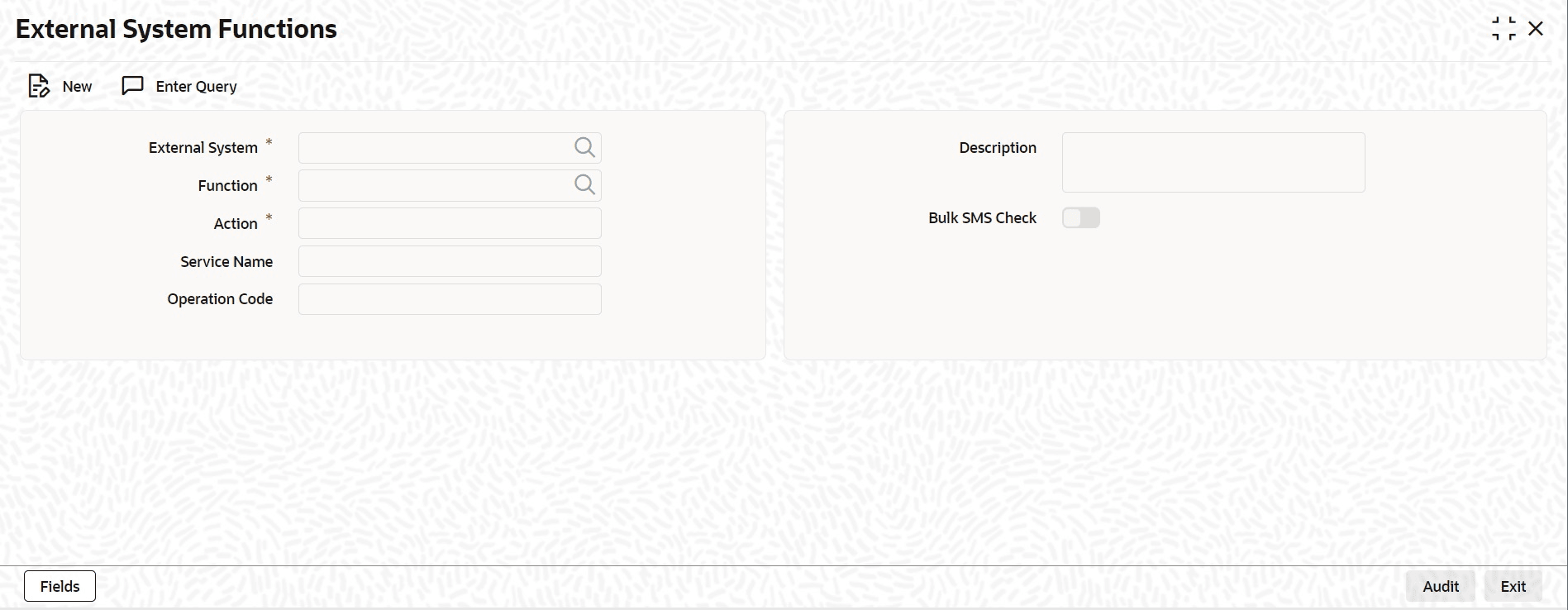
  2. On External System Functions screen, specify the fields.
    For information on fields, refer to Table 3-7:

    Table 3-7 External System Functions - Field Description

    Field Description
    External System

    Select an External System for access rights from the list of values. The adjoining option list displays all external systems maintained in the External System Functions screen.

    Function ID Select a Function ID from the list of values. The function ids are loaded from Gateway Functions.
    Action Specify the Action for the external system.
    Service Name This displays the Service Name based on the Function ID selected.
    Operation Code This displays the Operation Code based on the Function ID selected.