3.9 Define the Notifications Enroutes

This topic provides the systematic instructions to define the notifications enroutes.

Specify the User ID and Password, and login to Homepage.
  1. On the Homepage, type GWDNTFEN in the text box, and click the next arrow.
    The Trade Notification Enroute Maintenance screen is displayed.
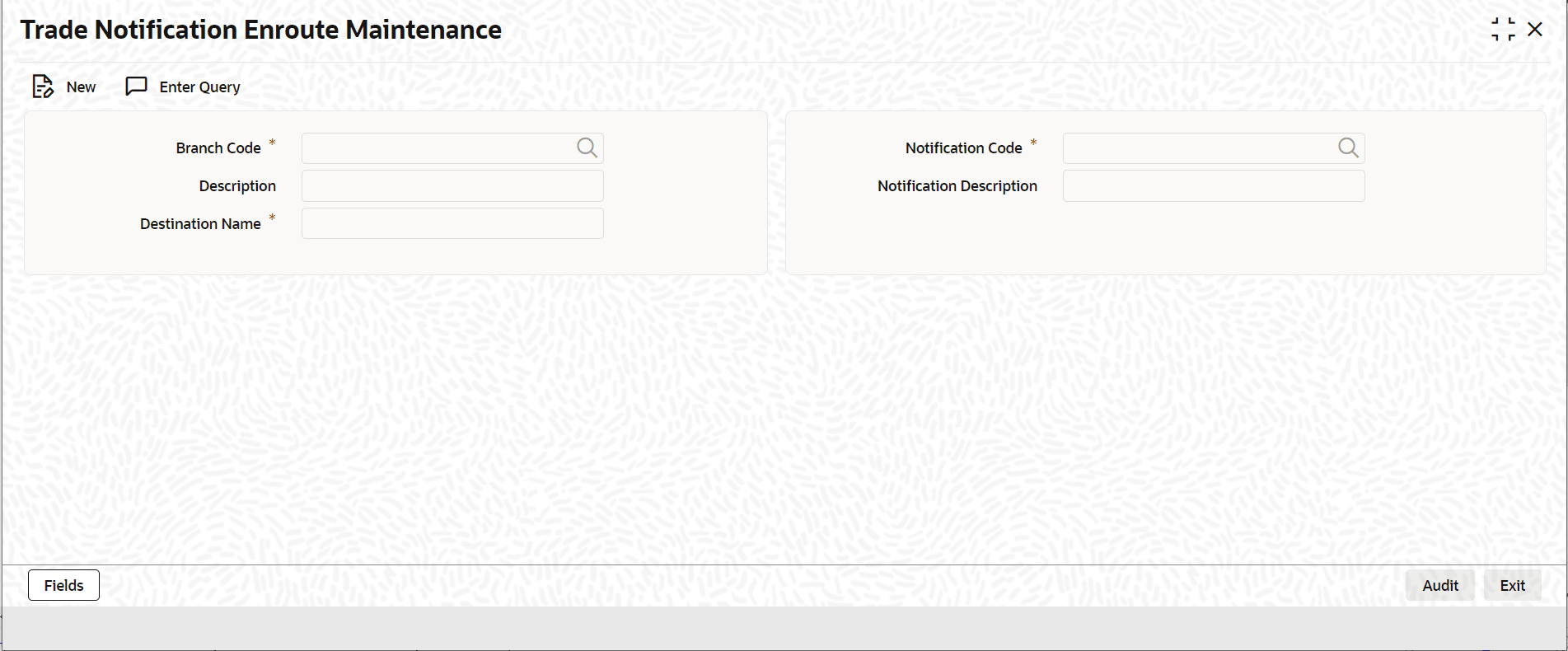
  2. On Trade Notification Enroute Maintenance screen, specify the fields.
    For information on fields, refer to Table 3-17:

    Table 3-17 Trade Notification Enroute Summary - Field Description

    Field Description
    Branch Code

    Specify a branch for topic definition. To use a single topic for all branches for a given notification code, specify the wildcard ***.

    Description The system displays Description when the Branch Code is selected.
    Notification Code Select a Notification Code from the list of values.

    The user can specify the wildcard *** to use a single topic for all notifications in a branch.

    Description The system displays Description when the Notification Code is selected.
    Destination Name Specify the Destination Name.

    After all the details are specified, save the maintenance.