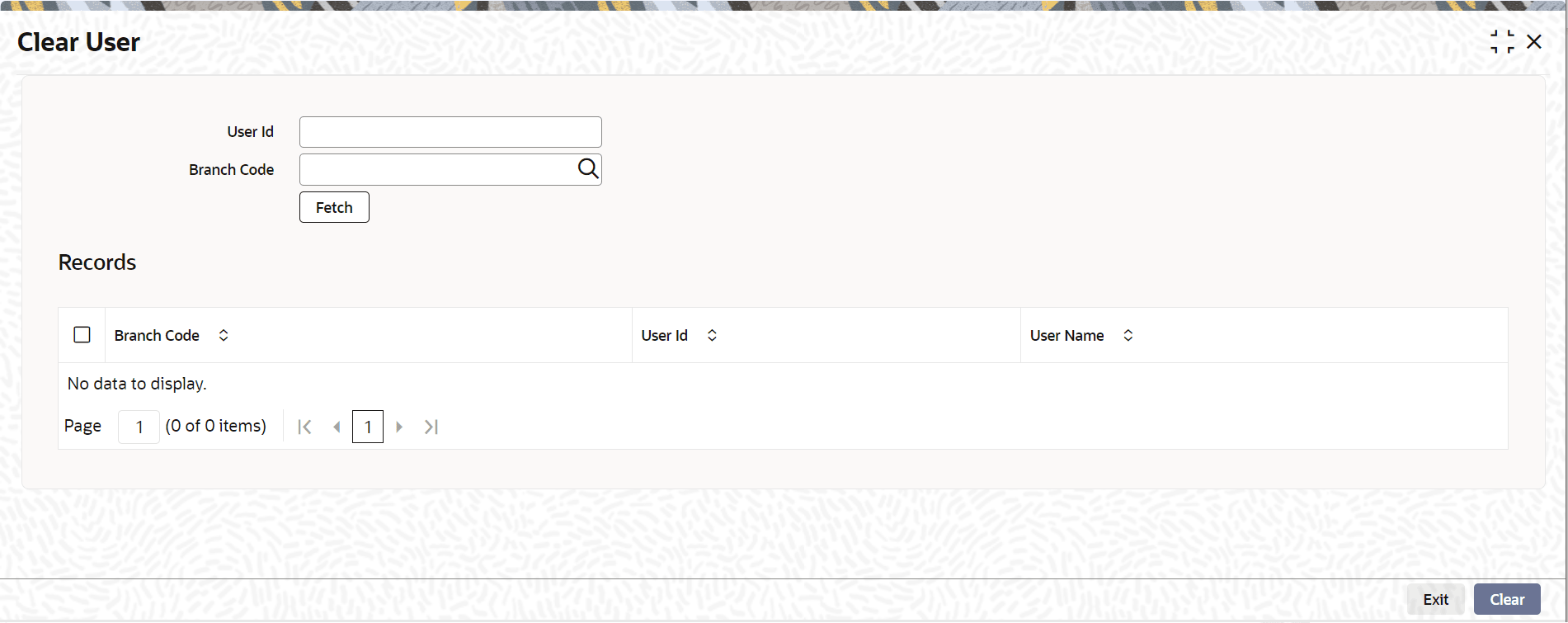
1.4.5.7 Clearing Users
This topic provides the systematic instructions to clear users.
Clear the users logged into the system using the Clear
User screen.
Specify the User ID and Password, and login to Homepage.
- Under the User Actions, click Clear User to load the screen. Or on the Homepage, type CLRU in the text box, and click the next arrow.
Parent topic: Executing User Actions