1.4.5 Executing User Actions
Oracle Banking Trade
Finance allows to execute certain
user actions from the Application Browser. Hover over the user name displayed on the
Application toolbar. The following drop-down lists are available: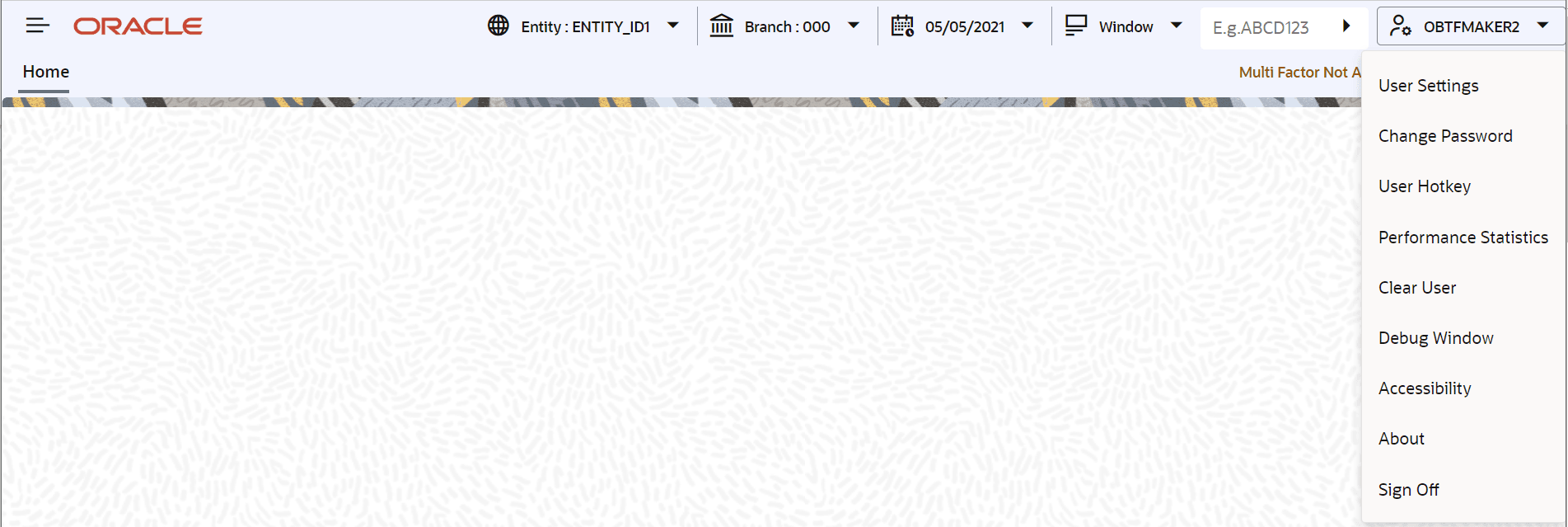
Description of the illustration 2.4.5_executing-user-actions.png
Perform the following user actions:
- User Settings
- Change Password
- User Hotkey
- Performance Statistics
- Clear User
- Debug Window
- Accesibilty
- About
- Sign Off
- Setting User Hotkeys (Custom Shortcuts)
This topic provides the systematic instructions to setting user hotkeys (custom shortcuts). - User Settings
This topic provides the systematic instructions to load user settings. - Changing Password
- Unlocking Screen Lockout
- View Performance Statistics
This topic provides the systematic instructions to view performance statistics. - Debug Window
- Clearing Users
This topic provides the systematic instructions to clear users.
Parent topic: Application Toolbar