1.4.5.1 Setting User Hotkeys (Custom Shortcuts)
This topic provides the systematic instructions to setting user hotkeys (custom shortcuts).
Oracle Banking Trade Finance allows configuration of hotkeys or shortcut keys for frequently used function IDs. Once configured, these hotkeys can be used to directly launch the corresponding screens.
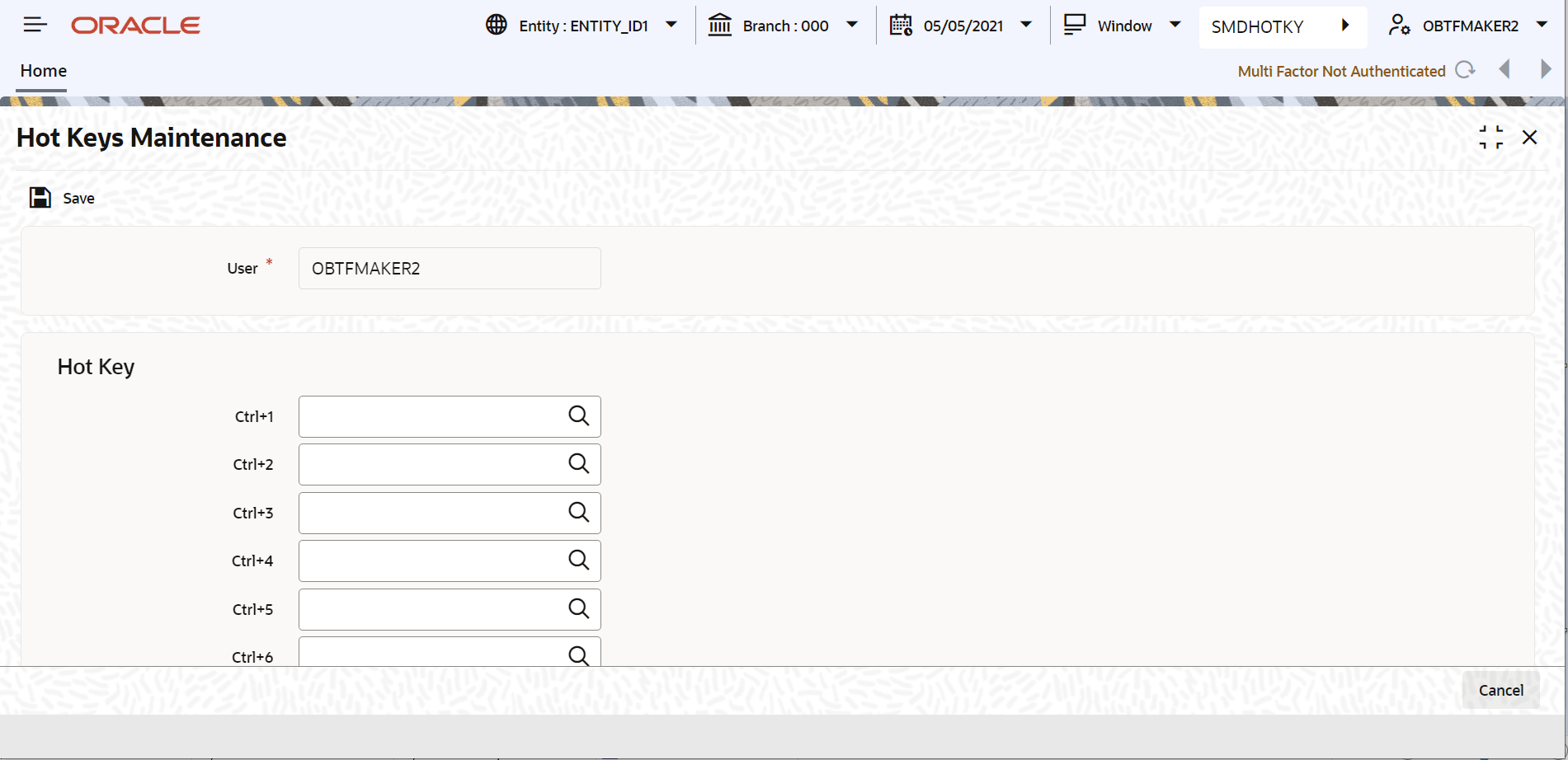
Map each required function ID to a hotkey using the Hot Key Maintenance screen.
Specify the User ID and Password, and login to Homepage.
- Under User Action, click User
Hotkey. Or on the Homepage, type SMDHOTKY
in the text box, and click the next arrow.The Hot Keys Maintenance screen is displayed.
Parent topic: Executing User Actions