1.6 Preferences
Click the Preferences tab on the Application Browser to view
the user details and dashboards. 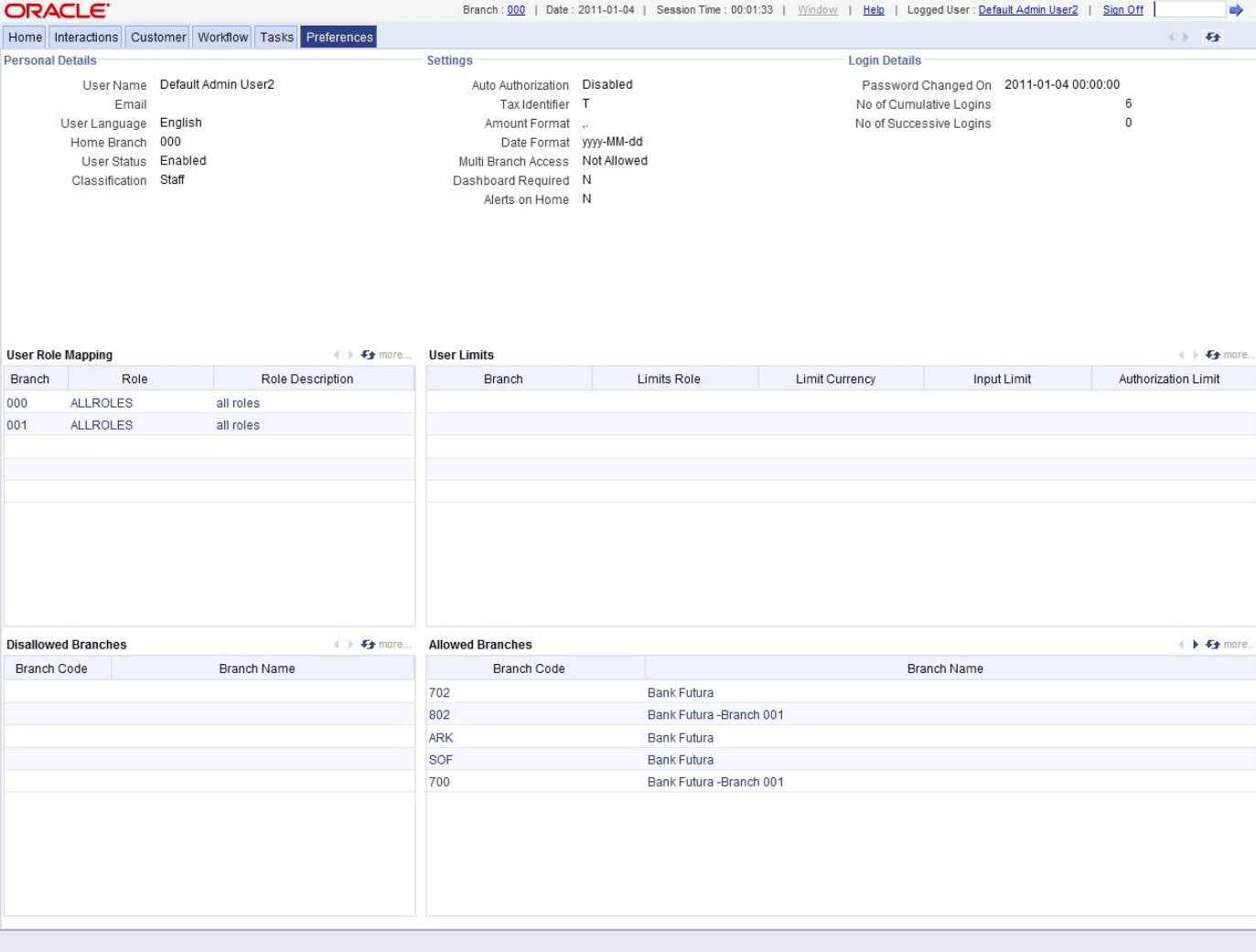
Description of the illustration 2.6_preferences.png
The Preferences tab has two panes. The left pane displays
the user details and user actions. The right pane displays the user dashboard and other
relevant information based on the selections made on the left pane.
This section contains the following topics:
- Viewing User Details
- View User Dashboard
This topic provides the systematic instructions to view user dashboard.
Parent topic: Getting Started with Oracle Banking Trade Finance