1.5.2 Function Search
Search for Oracle Banking Trade Finance functions and screens using the search option provided in the left pane of the Home tab.
Specify the search phrase in the search box provided above the menu and click the
adjoining arrow button. The system displays the search results in a separate window.
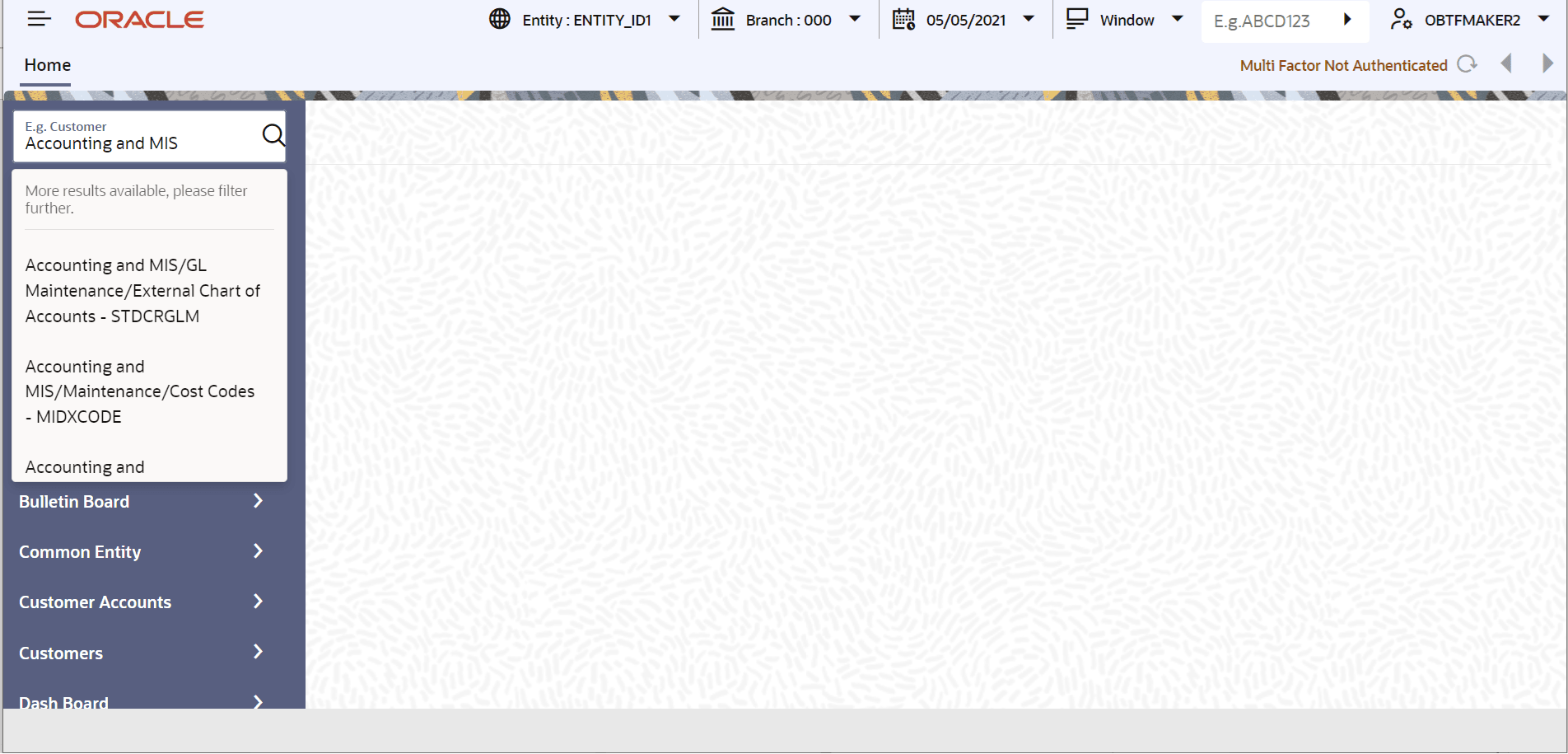
Description of the illustration 2.5.2_function-search.png
The system displays the function IDs with descriptions that match the specified
search term. The results also show the location of each function in the Oracle
Banking Trade Finance menu and the function name as available in the menu.
The total number of search results appears at the top right of the screen. Each page displays ten results. Navigation to other pages is available using the Next button, Previous button, or the page number links at the bottom of the screen.
Click a result to view the corresponding screen. The system opens the screen in a separate window. Regular operations available for the selected function screen can be performed.
Click Exit to exit from the search results screen.
Parent topic: Home