3.2.9 Authorizing a Contract
Any contract operation, including entry, copying, modification, value dated changes, manual liquidation, rollover, and reversal, requires authorization by a user other than the one who performed the operation. All contracts require authorization before End of Day operations begin. A contract on Hold does not require authorization.
- Clicking Authorize icon in the Toolbar
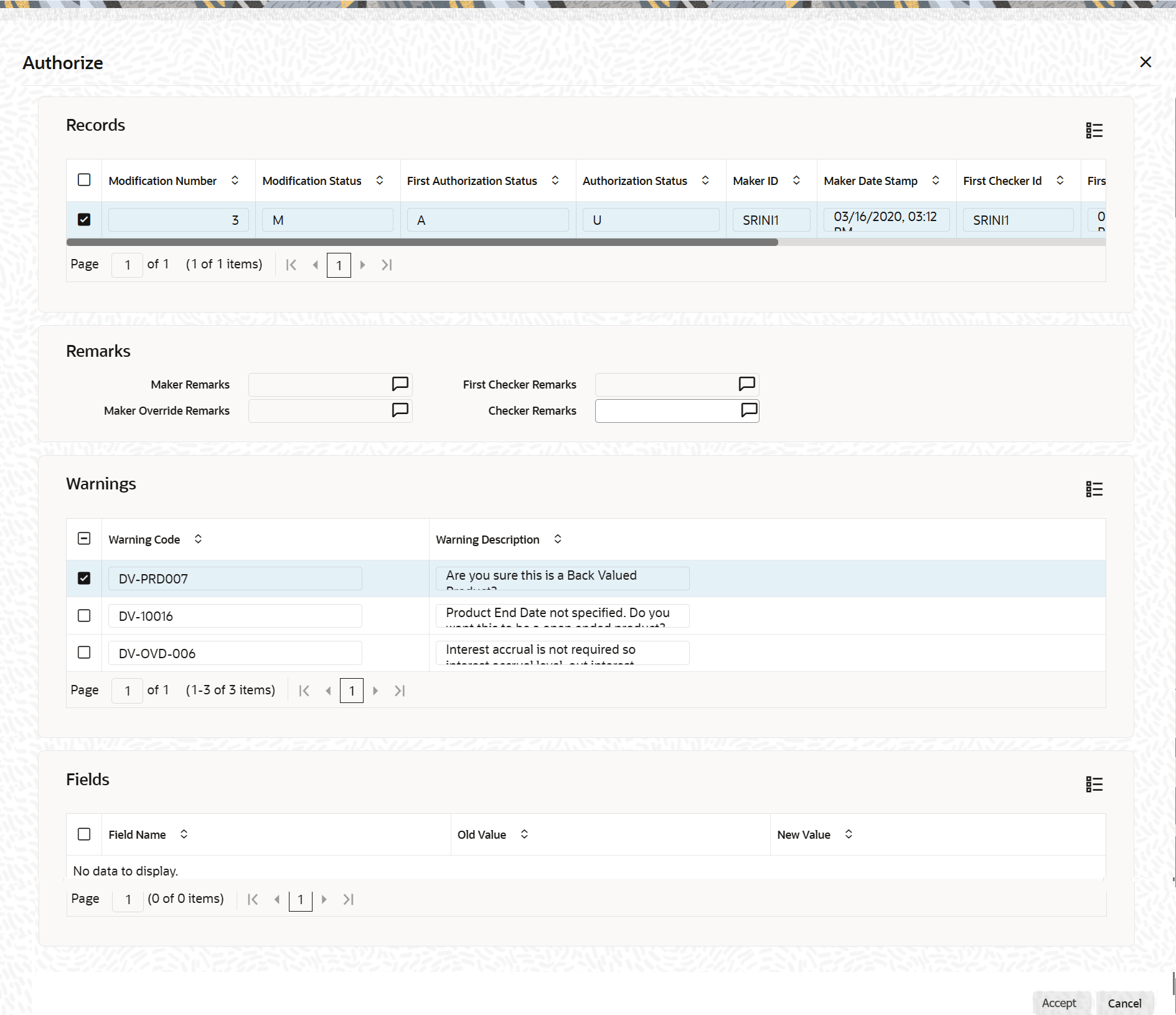
If the contract involves a product with defined Re key fields, the system displays contract details only after the specified values are entered in those fields. If no Re key fields are defined, the system displays the contract details in the Authorization screen.
All the overrides that were given during the operation is displayed when the contract is being authorized.
During amendment authorization, the system replaces the old values with the amended values. The amended values are available for subsequent processing.
The old values remain available in an earlier version of the contract. Click OK to authorize the contract. Click Exit to cancel authorization.
After contract authorization, the system marks the accounting entries posted at this stage as authorized and generates advises, if any are specified for the operation.
The system returns to the screen from the Contract Authorization screen was opened, either the Contract Summary View or the Contract Detailed View.
- User ID of the person who input/modified contract details - Input By field
- Date and time of data input - Date Time field
- User ID of the person who authorized contract details - Authorized By field
- Date and time of authorization - Date Time field
- Contract Status (Open or Closed)
- Authorization status - Authorized or not
Note:
If the record has changed after the data was fetched for authorization, click Authorize, the system displays an alert message ‘Snapshot ID too old. Retry the operation after a re-query'.This override is shown when user tries to amend, delete, close or authorize a record created. With this alert, ensure that the latest modified record is available to view before any of these actions are performed.
Parent topic: Entering a New Contract