3.9.1 Change the Branch of Operation
This topic provides the systematic instructions to change the branch of operation.
Use this function to change the branch of operation to a branch other than the signed on branch. Available branches are defined in the user profile. The branch of operation can be changed only after completion of any function initiated in the current branch.
Specify the User ID and Password, and login to Homepage.
- In the Application tool bar, hover over Branch Online
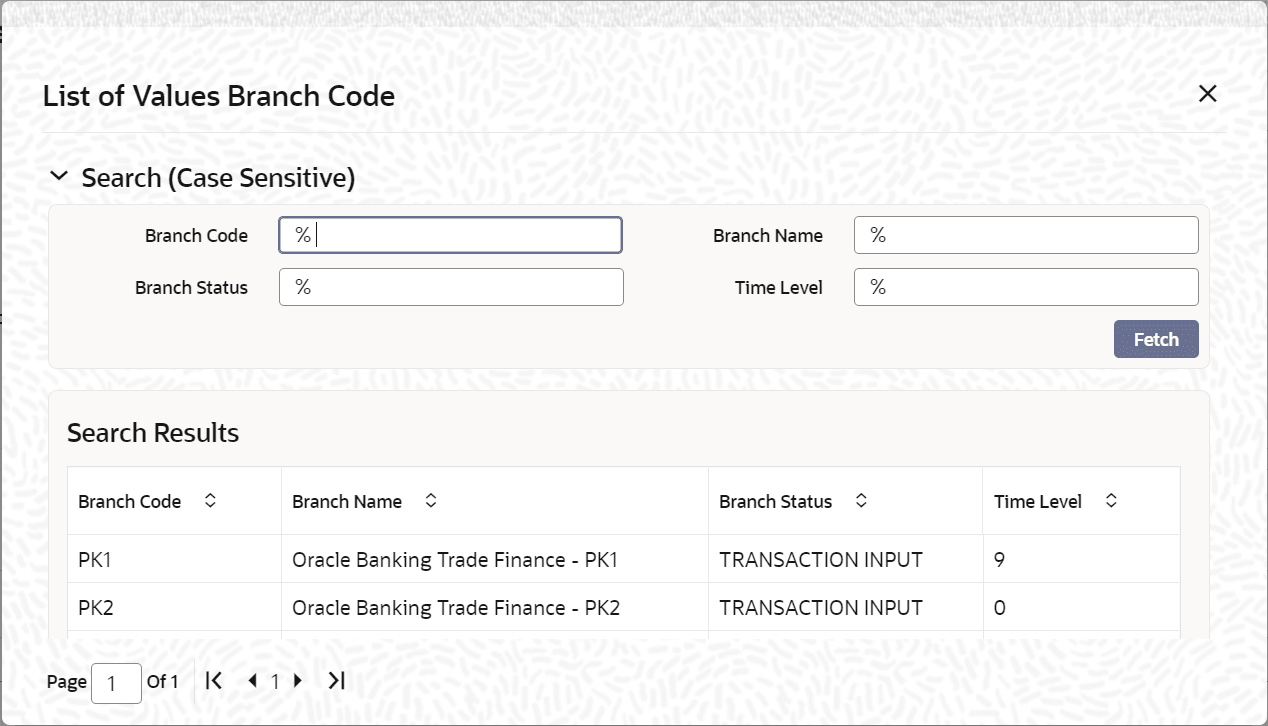
icon and then select Select Branch. The List
of Values Branch Code screen is displayed, to query and select
branches maintained in the system.
- To change the current branch, click Branch Code to
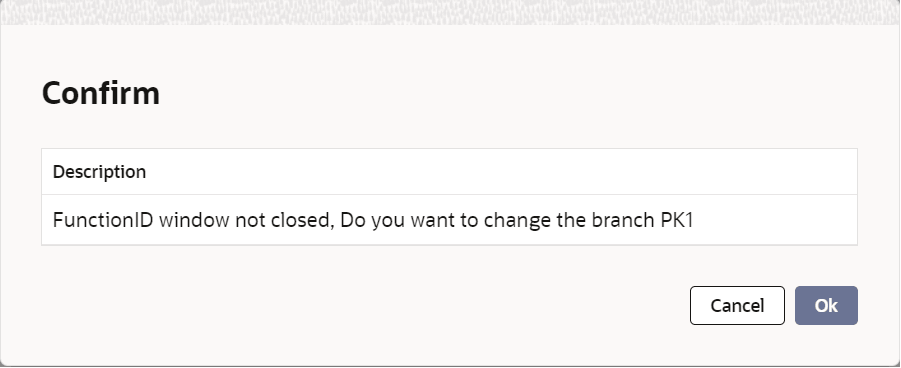
change from the list of displayed records.System displays a Confirmation Message window in which the following confirmation message is displayed:
Parent topic: Other Operations