3.9.2 Making a Query
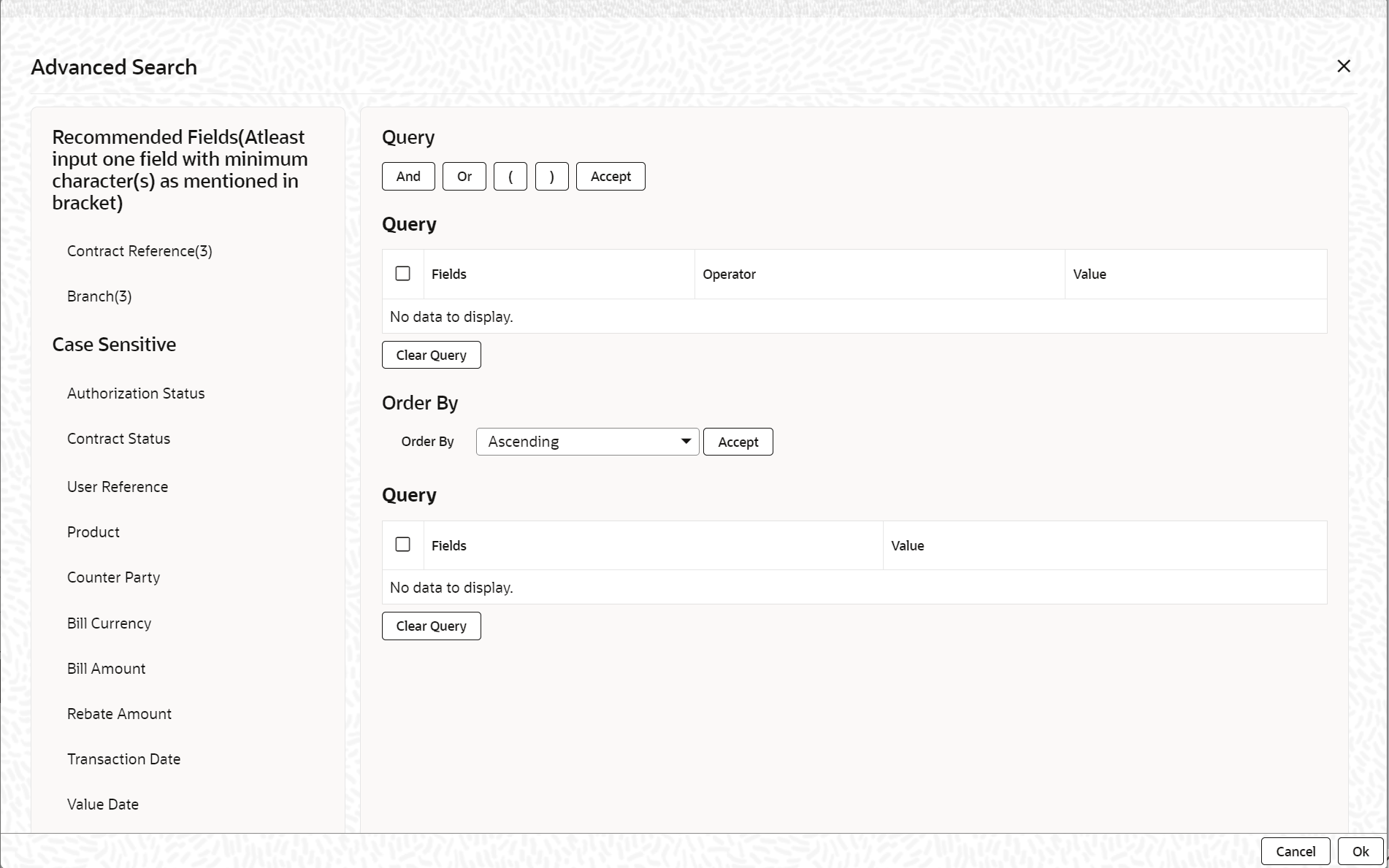
In the Contract Online Summary View, all contracts involving the products defined for the module are displayed, which may include hundreds of contracts. To avoid sorting through this data, create a query to display only the contracts relevant at a particular time.
For example, contracts for three specific customers maturing on a particular
date, or all contracts across products defined with a specific interest rate, can be
viewed. The Query screen enables this functionality.
Note:
If recommended fields search is enabled for a summary screen, then it is mandatory to specify the minimum required search parameters in the advanced search. Recommended fields are displayed separately at the top foe easy input.Refer to Open Development Tools user guides for details.
Parent topic: Other Operations